Your Collection
Your collection items will appear here.

Ye Stickers

Find Ye custom stickers to use
on Discord, Telegram & Whatsapp

.png 31.3K OHMYGAH Sticker
.png 8.5K SIDE EYE Sticker
.png 5.0K Goodbye Chat Sticker
.png 1.5K Kanye_Stare Sticker
.gif 1.4K LowIQorBait Sticker
.png 1.2K frog nod yes Sticker
.png 1.0K yes Sticker
.png 961 Itsover Sticker
.png 850 gayhorse Sticker
.png 771 BrimEyebrowRaise Sticker
.png 758 neuershh Sticker
.png 739 Nerd_Radar Sticker
.png 678 Youregay Sticker
.png 637 skull_shit Sticker
.gif 632 guess_its_time Sticker
.png 620 Ping Yell Sticker
.png 618 SackboyEnojao Sticker
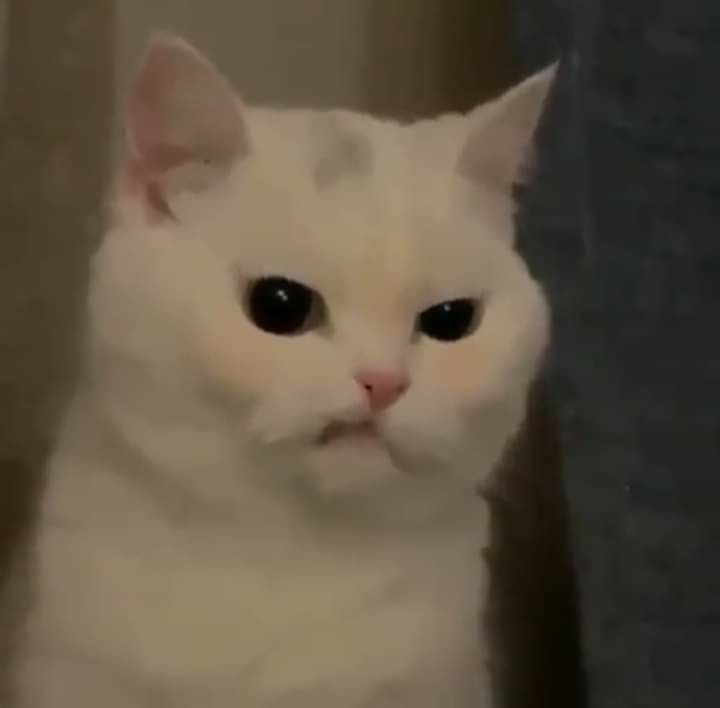
.png 572 annoyedcat Sticker
.png 567 Yep! Yep! Yep! Sticker
.png 507 tohru yes Sticker
.png 481 notfunny Sticker
.png 463 David_laid Sticker
.png 393 Toast deployed Sticker
.png 382 Miku Sticker
.png 324 Yes Sticker

Ye Discord stickers

Browse Ye stickers shared by the emoji.gg community. Open a favourite to preview it, check its details and download the image.

Building a set for your server? Save your favourites to a collection as you browse so you can find them again.

Add stickers to your Discord server

  1. Choose your favourites. Open a sticker and download its image.
  2. Open Server Settings. In Discord, select your server and go to the Stickers section.
  3. Upload and name it. Select the downloaded image, give it a name and save it for your community to use.

Get the Android app

Emoji.gg is better on the app. Download it from the Google Play store.

Get Emoji.gg on Google Play