Your Collection
Your collection items will appear here.

Pepe Stickers

Find Pepe custom stickers to use
on Discord, Telegram & Whatsapp

.png 1.0K pepedoaks Sticker
.gif 492 RavePepe Sticker
.png 645 Pepe Sticker
.png 210 pepe_penguin Sticker
.png 167 pepe_train Sticker
.png 87 pepe_dnd_statue Sticker
.png 391 Cringe_pepe Sticker
.png 253 PepeSilvia Sticker
.png 294 PepeDV Sticker
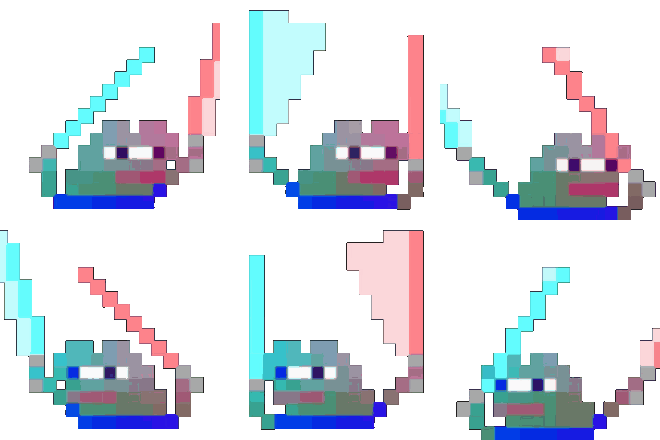
.png 274 PepeKnight Sticker
.png 1.9K PepeEggplant Sticker
.png 211 PepeBlank Sticker
.png 462 PepeHobo Sticker
.png 759 PepeMuscle Sticker
.png 146 PepeBrave Sticker
.png 337 PepeCool Sticker
.png 147 Pepephus Sticker
.png 383 excellent_doordash_route_pepe Sticker
.png 255 fuck_UE_pepe_middle_finger Sticker
.png 571 wicked_pikachu_hoodie_pepe Sticker
.png 1.4K pepe_fuck_you_middle_finger_hand Sticker
.png 83 doordash_earn_by_time_happy_pepe Sticker
.png 111 go_vegan_happy_pepe Sticker
.png 25 AFTV_happy_pepe Sticker
.png 6 watch_dominion Sticker

Pepe Discord stickers

Browse Pepe stickers shared by the emoji.gg community. Open a favourite to preview it, check its details and download the image.

Building a set for your server? Save your favourites to a collection as you browse so you can find them again.

Add stickers to your Discord server

  1. Choose your favourites. Open a sticker and download its image.
  2. Open Server Settings. In Discord, select your server and go to the Stickers section.
  3. Upload and name it. Select the downloaded image, give it a name and save it for your community to use.

Get the Android app

Emoji.gg is better on the app. Download it from the Google Play store.

Get Emoji.gg on Google Play