Your Collection
Your collection items will appear here.

Swimming Stickers

Find Swimming custom stickers to use
on Discord, Telegram & Whatsapp

.gif 7 IDX_dribbling_002 Sticker
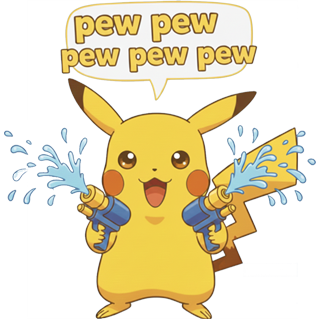
.png 36 pikapewpew Sticker
.png 1.1K skillissue Sticker
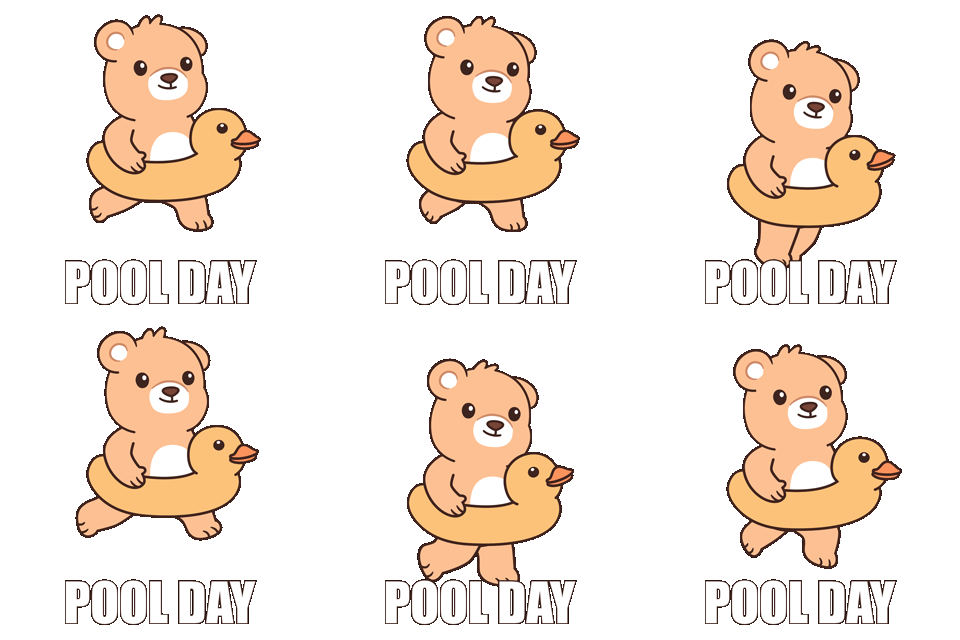
.gif 1 Duck_Buoy_PoolDay_Bearish Sticker
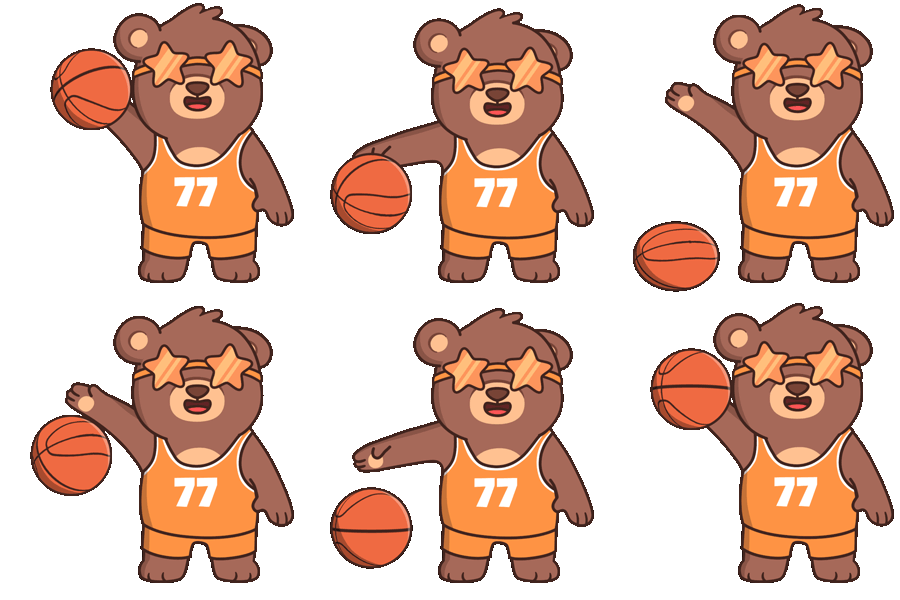
.gif 4 dribble_basketball_bearish Sticker
.gif 10 jumpswimbearish Sticker
.png 50 stellewatermelon Sticker
.png 8 WatermelonPengu Sticker
.png 1 ParadisePools Sticker
.png 65 YoungRonaldo Sticker
.png 262 Cristiano_Ronaldo_CR7 Sticker
.png 32 watermelon Sticker
.png 463 David_laid Sticker
.png 240 DeadpoolSnapshot Sticker
.png 309 EpicFail Sticker
.png 88 DeadpoolGhostbusters Sticker
.png 132 DeadpoolPeek Sticker
.png 222 DeadpoolOwO Sticker
.png 345 Fuckoffee Sticker
.png 148 Did I Offend You? Sticker
.png 101 DeadpoolSelfie Sticker
.png 71 Homerpool Sticker
.png 377 Bartpool Sticker
.png 138 Catpool2 Sticker

Swimming Discord stickers

Browse Swimming stickers shared by the emoji.gg community. Open a favourite to preview it, check its details and download the image.

Building a set for your server? Save your favourites to a collection as you browse so you can find them again.

Add stickers to your Discord server

  1. Choose your favourites. Open a sticker and download its image.
  2. Open Server Settings. In Discord, select your server and go to the Stickers section.
  3. Upload and name it. Select the downloaded image, give it a name and save it for your community to use.

Get the Android app

Emoji.gg is better on the app. Download it from the Google Play store.

Get Emoji.gg on Google Play