Your Collection
Your collection items will appear here.

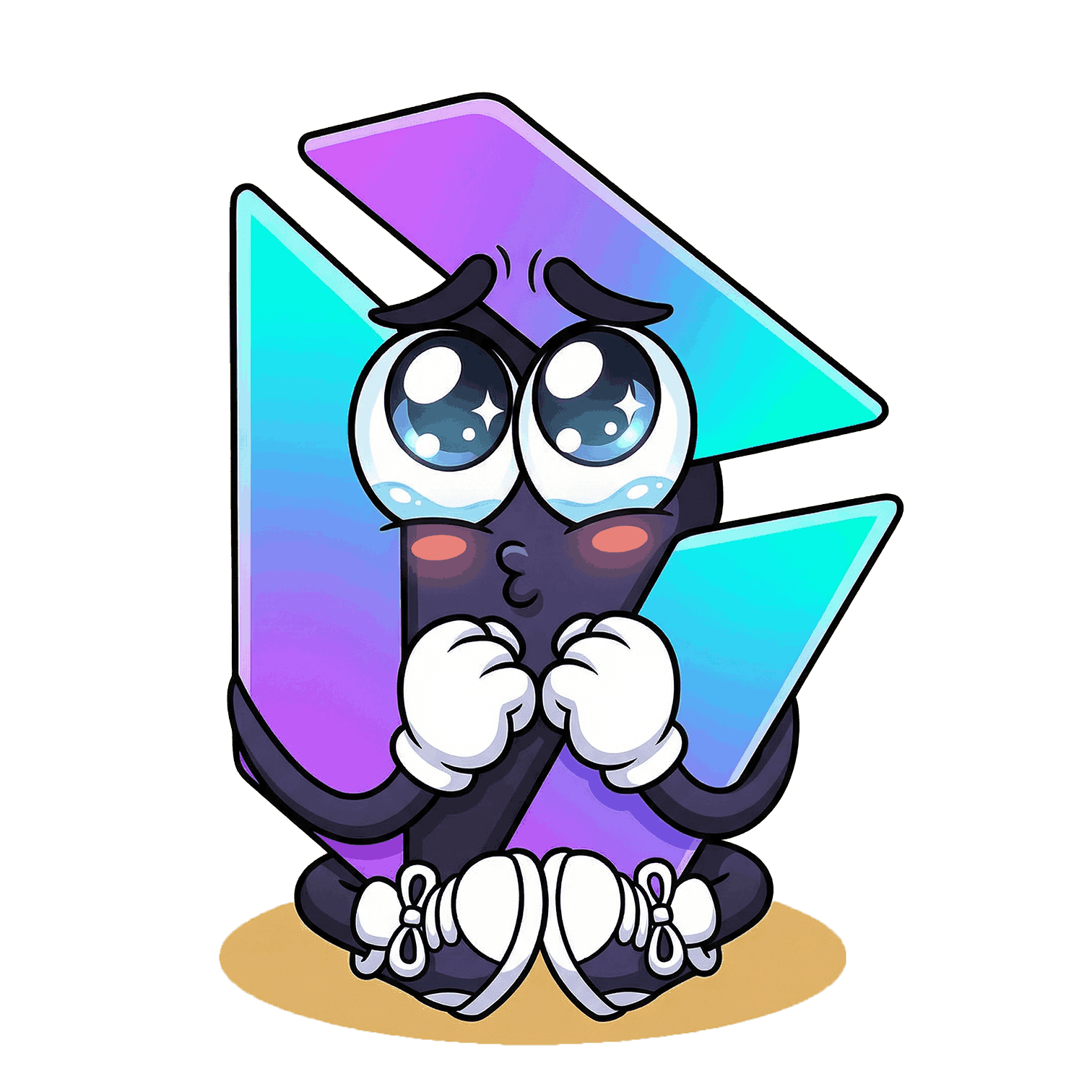
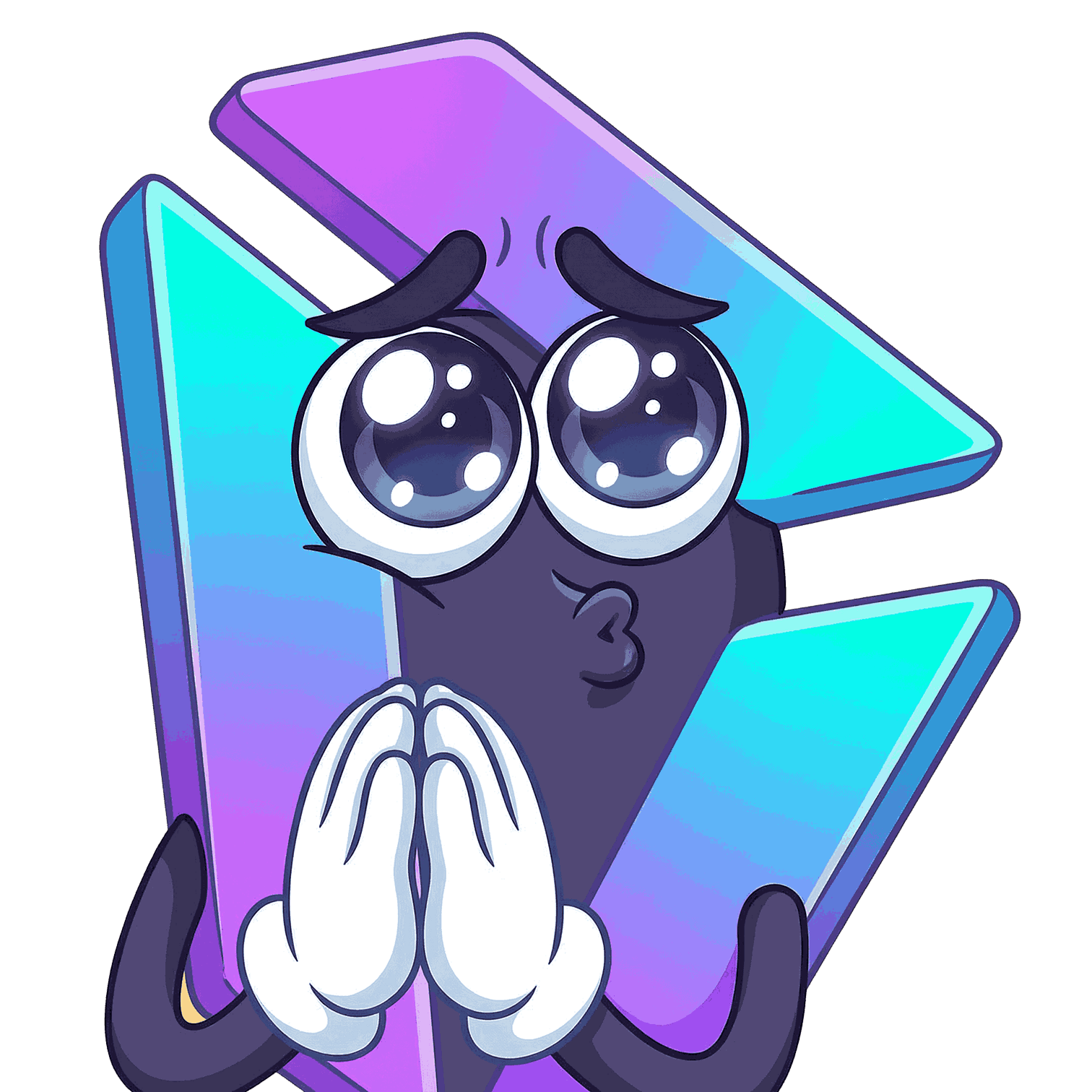
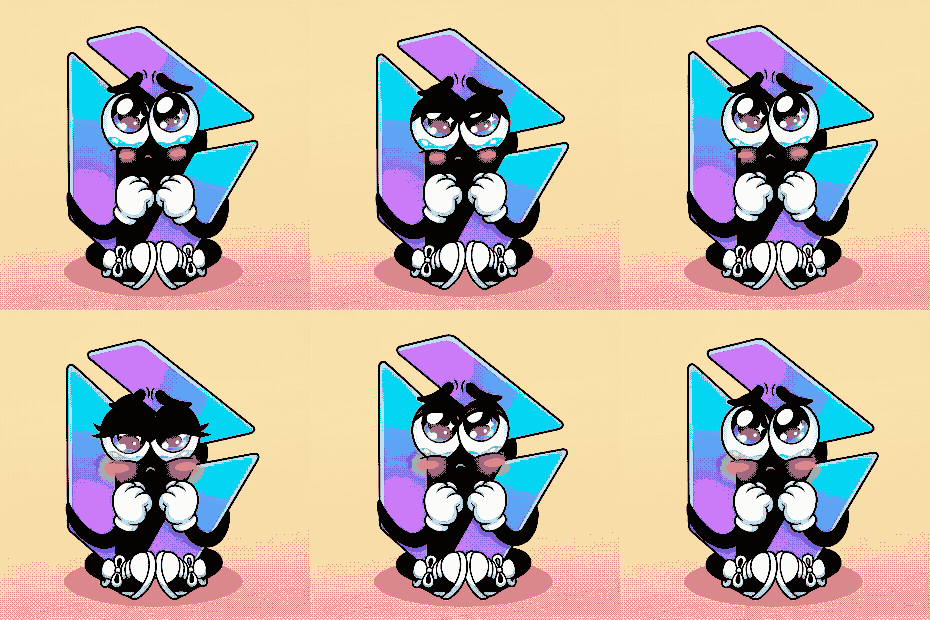
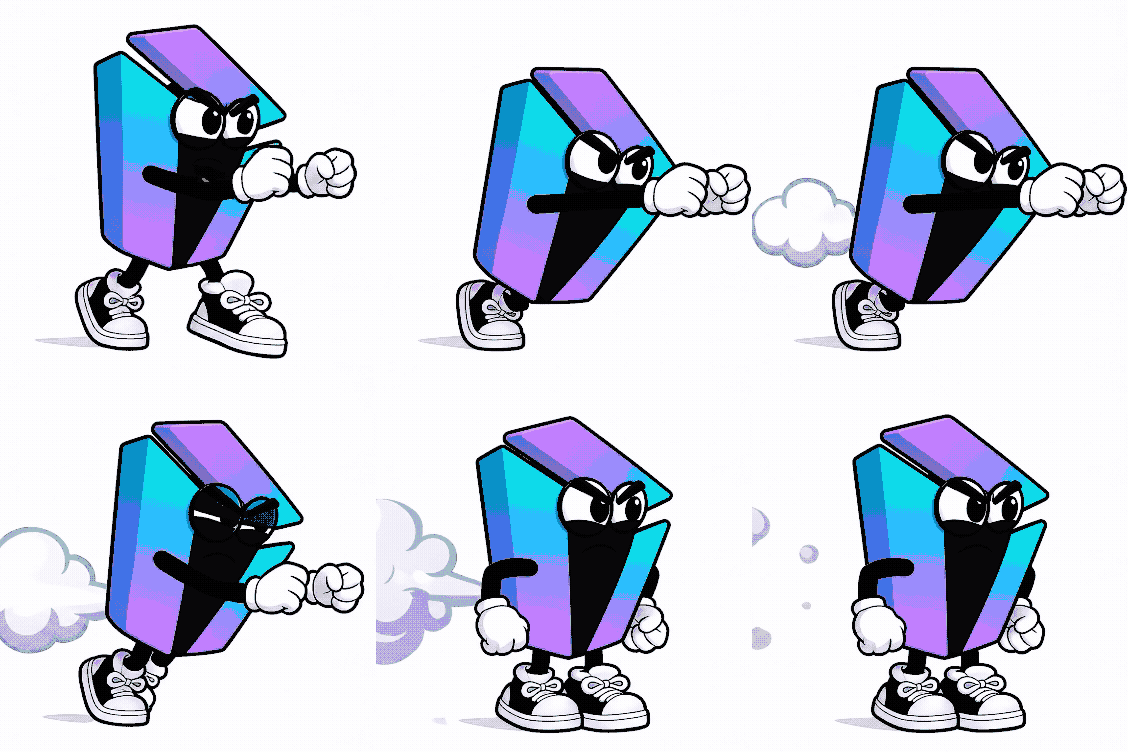
Momo Stickers

Find Momo custom stickers to use
on Discord, Telegram & Whatsapp

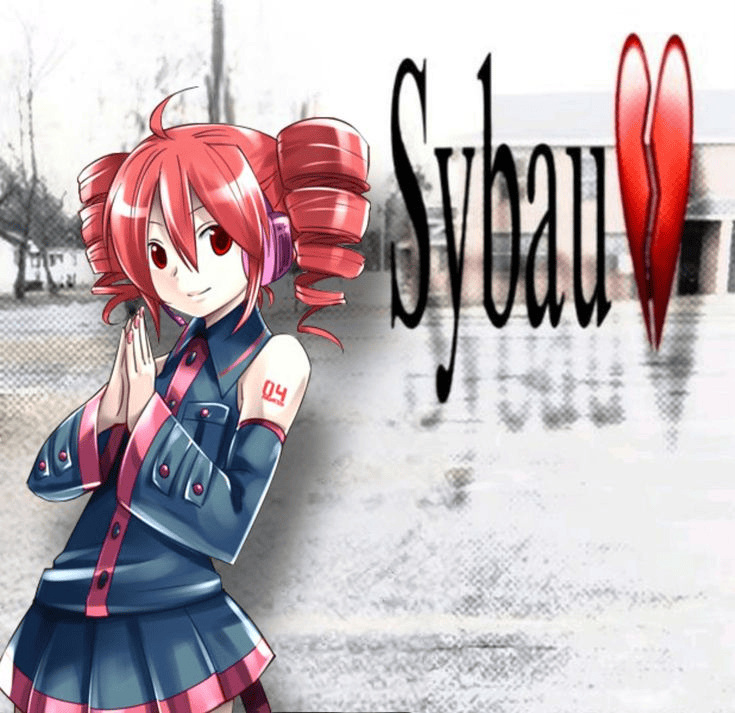
.png 709 KasaneTeto_Sybau Sticker
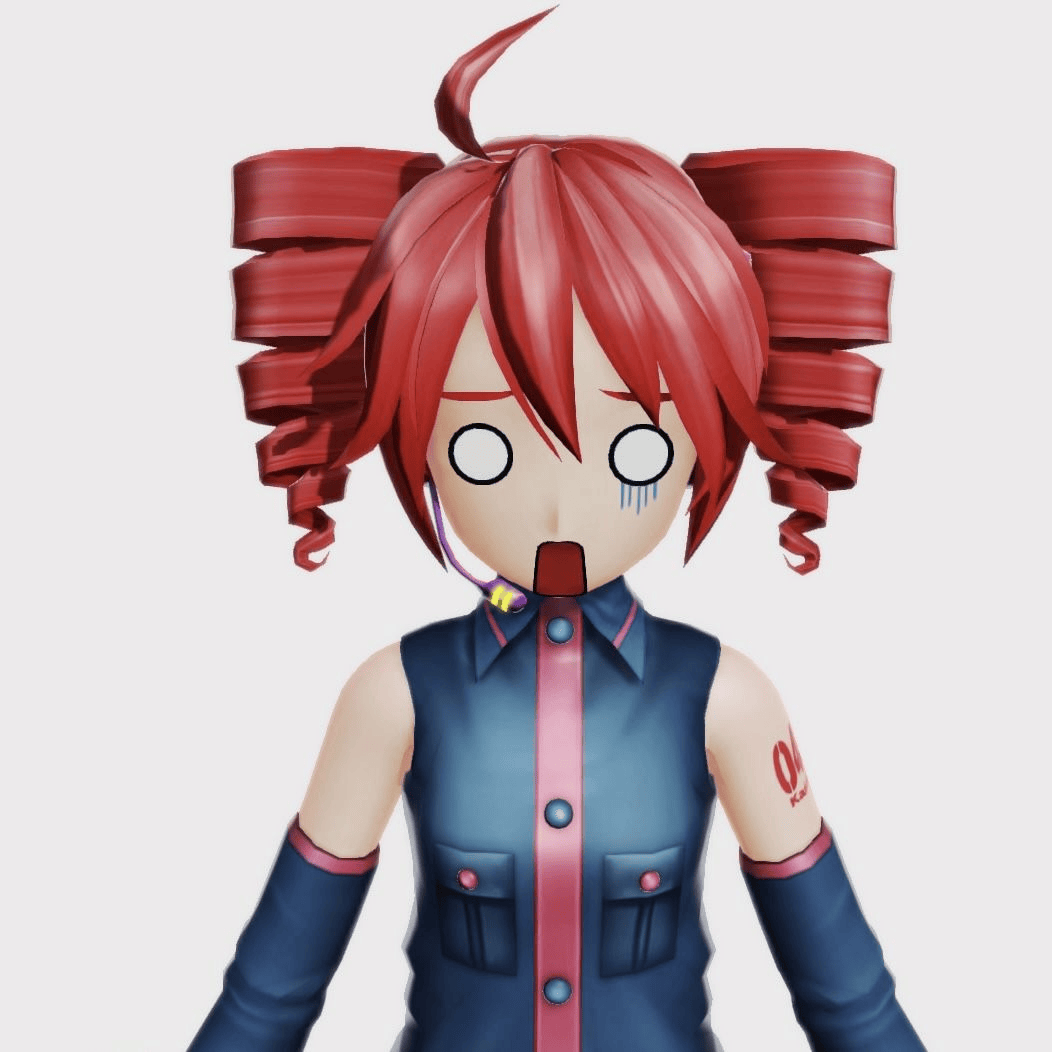
.png 207 KasaneTeto_ShockedScared Sticker
.gif 187 Sokka Sticker
.png 343 Frieren Sticker
.png 229 what Sticker
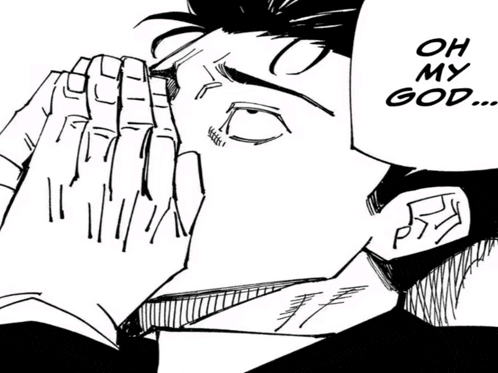
.gif 687 jjkomg Sticker
.png 1 IDX_cute_2004 Sticker
.png 2 IDX_cute_1003 Sticker
.gif 0 IDX_cute_emoji_001 Sticker
.gif 7 IDX_dribbling_002 Sticker
.gif 30 IDX_fart_1022 Sticker
.gif 102 IDX_Happy_Birthday_1002 Sticker
.gif 20 Jack_Torrance Sticker
.png 382 Miku Sticker
.png 369 Down Sticker
.png 329 Golshiscream Sticker
.png 130 Dazai_internalsuffering Sticker
.png 75 WaguriDomain Sticker
.png 103 WaguriDerp Sticker
.png 166 RintaroBye Sticker
.png 69 RintaroBruh Sticker
.png 240 MadokaAraAra Sticker
.png 272 KaorukoSybau Sticker
.png 378 KaorukoSkillIssue Sticker
.png 175 KaorukoPeek Sticker

Momo Discord stickers

Browse Momo stickers shared by the emoji.gg community. Open a favourite to preview it, check its details and download the image.

Building a set for your server? Save your favourites to a collection as you browse so you can find them again.

Add stickers to your Discord server

  1. Choose your favourites. Open a sticker and download its image.
  2. Open Server Settings. In Discord, select your server and go to the Stickers section.
  3. Upload and name it. Select the downloaded image, give it a name and save it for your community to use.

Get the Android app

Emoji.gg is better on the app. Download it from the Google Play store.

Get Emoji.gg on Google Play