Your Collection
Your collection items will appear here.

Fetch Stickers

Find Fetch custom stickers to use
on Discord, Telegram & Whatsapp

.png 298 DogSideEye Sticker
.png 297 Nekorice Sticker
.png 297 Cat Playing with Toy Sticker
.png 283 Crying Cat playing Guitar Sticker
.png 281 Dog stare Sticker
.png 274 Swag Dog  Sticker
.png 243 Bully_an Sticker
.png 238 Trash Sticker
.png 238 Businessdog Sticker
.png 226 WhatInTheGodDamn Sticker
.png 224 Aura_and_Ruby_FN Sticker
.png 215 Pridethrower Sticker
.png 205 Suspicious dog DOGECOIN DOG Sticker
.gif 188 gi_hun_scream Sticker
.png 185 BennyWhatInTheGoddamn Sticker
.gif 172 Jake Sticker
.png 156 Doge Coin Purple Edition Sticker
.png 152 Dog Sticker
.png 151 el_gato_dog_filter Sticker
.png 132 Eggdog  Sticker
.png 130 Dazai_internalsuffering Sticker
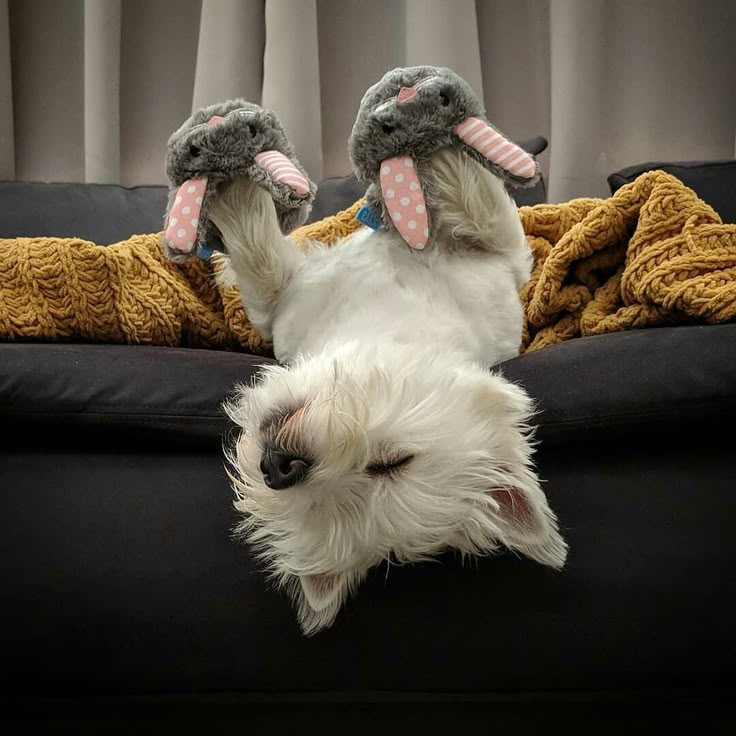
.png 128 sleeping Sticker
.png 127 Huh Sticker
.png 124 SCUM Sticker
.png 123 Puff_games_on_your_phone Sticker

Fetch Discord stickers

Browse Fetch stickers shared by the emoji.gg community. Open a favourite to preview it, check its details and download the image.

Building a set for your server? Save your favourites to a collection as you browse so you can find them again.

Add stickers to your Discord server

  1. Choose your favourites. Open a sticker and download its image.
  2. Open Server Settings. In Discord, select your server and go to the Stickers section.
  3. Upload and name it. Select the downloaded image, give it a name and save it for your community to use.

Get the Android app

Emoji.gg is better on the app. Download it from the Google Play store.

Get Emoji.gg on Google Play