Your Collection
Your collection items will appear here.

Ea Stickers

Find Ea custom stickers to use
on Discord, Telegram & Whatsapp

.png 487 DidntLaugh Sticker
.png 474 Existence Sticker
.png 470 BlitzWhat Sticker
.gif 468 Goma Sticker
.png 467 Soraka Notes Sticker
.png 463 David_laid Sticker
.png 456 DeadpoolGuns Sticker
.png 455 SkullKing Sticker
.png 455 Estaaa Sticker
.png 442 LoveMeCat Sticker
.png 441 Blinded Sticker
.png 439 milkbear Sticker
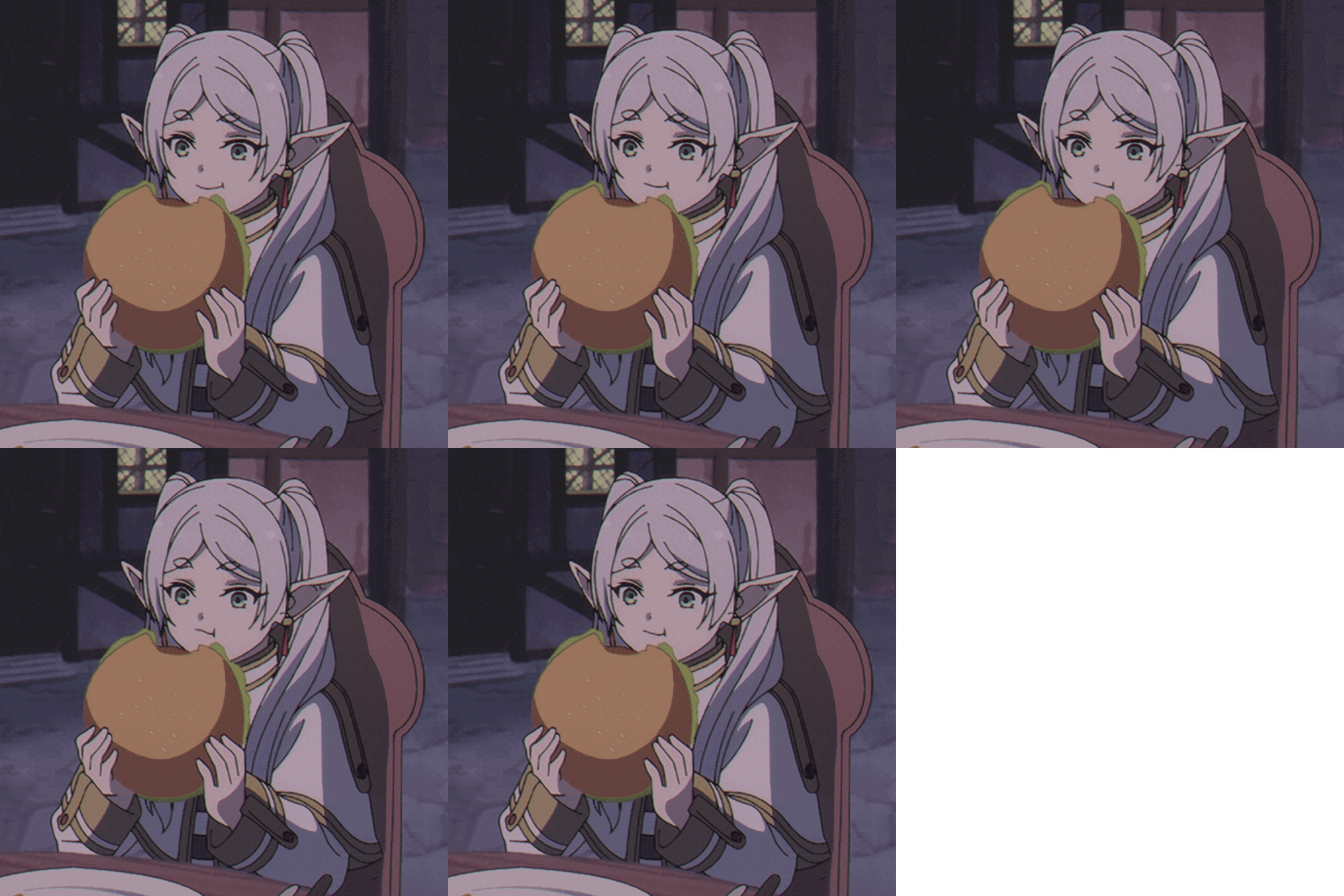
.gif 434 Burger Sticker
.png 434 It_was_so_peak Sticker
.png 433 oh_god Sticker
.png 428 DriveThruBob Sticker
.png 427 beautifulparisdinner Sticker
.png 425 DeadpoolHeart Sticker
.png 425 Mash_Puff Sticker
.png 424 catwarmth Sticker
.png 423 myhonestreaction Sticker
.png 421 Catreally Sticker
.png 418 AhriLove Sticker
.png 416 Hatcat Sticker

Ea Discord stickers

Browse Ea stickers shared by the emoji.gg community. Open a favourite to preview it, check its details and download the image.

Building a set for your server? Save your favourites to a collection as you browse so you can find them again.

Add stickers to your Discord server

  1. Choose your favourites. Open a sticker and download its image.
  2. Open Server Settings. In Discord, select your server and go to the Stickers section.
  3. Upload and name it. Select the downloaded image, give it a name and save it for your community to use.

Get the Android app

Emoji.gg is better on the app. Download it from the Google Play store.

Get Emoji.gg on Google Play