Your Collection
Your collection items will appear here.

0 Stickers

Find 0 custom stickers to use
on Discord, Telegram & Whatsapp

.png 5.3K Bro Sticker
.png 4.2K 04aizen Sticker
.png 3.5K Stinky_90 Sticker
.png 2.5K 10 Sticker
.png 1.8K GYATT Sticker
.png 1.6K DogDetective248 Sticker
.png 1.3K IMG_3071 Sticker
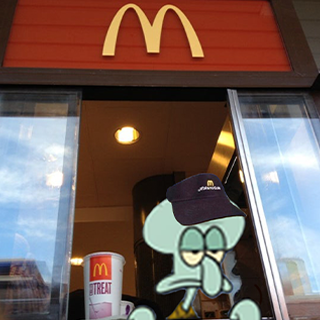
.png 1.2K SquidwardDriveThru Sticker
.png 1.2K 02padoru Sticker
.png 1.1K 02thinking Sticker
.png 1.0K Rock20 Sticker
.gif 993 Waiting_Room_10 Sticker
.gif 959 LiveJermaReaction Sticker
.png 865 02heh Sticker
.png 851 001_jennie_loading Sticker
.png 776 royal_vibes Sticker
.png 773 neuershh Sticker
.png 755 02gun Sticker
.png 745 JotaroBMX Sticker
.png 727 Invisible Sticker
.gif 723 Peach Sticker
.png 717 02 Borgar Sticker
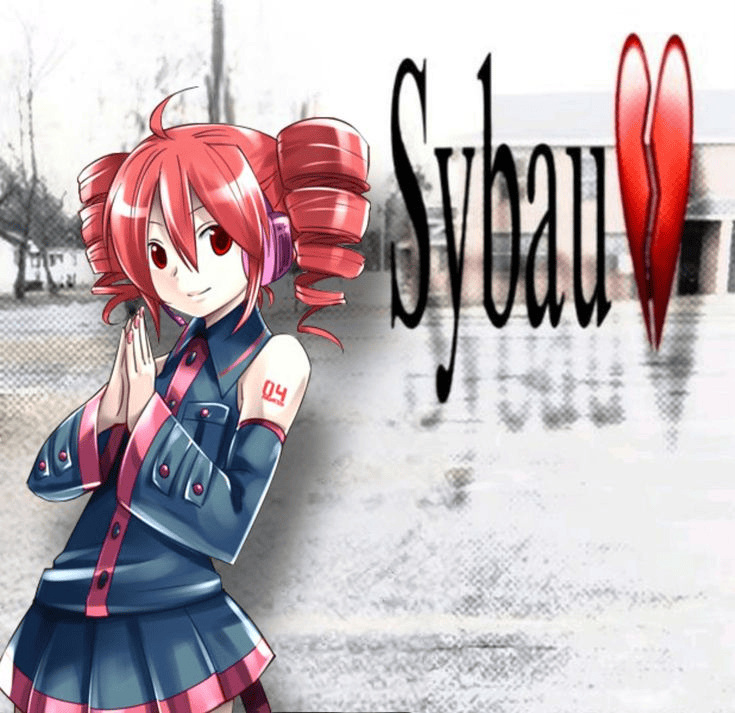
.png 709 KasaneTeto_Sybau Sticker
.png 670 ShutUp Sticker
.png 663 magik_01 Sticker

0 Discord stickers

Browse 0 stickers shared by the emoji.gg community. Open a favourite to preview it, check its details and download the image.

Building a set for your server? Save your favourites to a collection as you browse so you can find them again.

Add stickers to your Discord server

  1. Choose your favourites. Open a sticker and download its image.
  2. Open Server Settings. In Discord, select your server and go to the Stickers section.
  3. Upload and name it. Select the downloaded image, give it a name and save it for your community to use.

Get the Android app

Emoji.gg is better on the app. Download it from the Google Play store.

Get Emoji.gg on Google Play