Your Collection
Your collection items will appear here.
.png 2.3K bet_green Emoji
.png 900 bet_blue Emoji
.png 4.5K Chill Emoji
.png 2.7K fr Emoji
.png 442 gtfo_blue Emoji
.png 923 gtfo_pinkblue Emoji
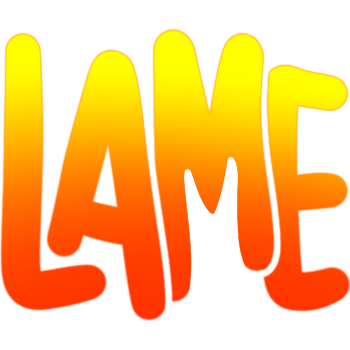
.png 1.0K Lame Emoji
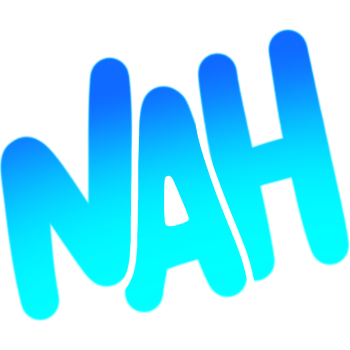
.png 3.8K nah Emoji
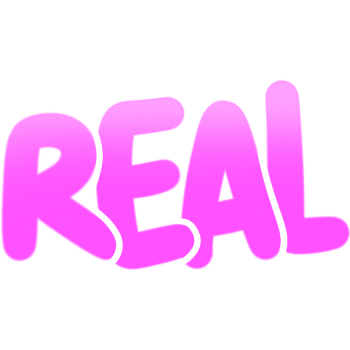
.png 2.7K real_pink Emoji
.png 807 ye Emoji
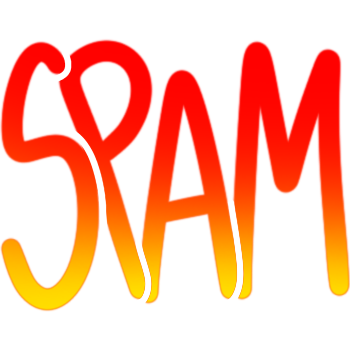
.png 15.9K spam Emoji
.png 1.9K wrapitup Emoji
.png 7.9K whatever Emoji
.png 2.6K umok Emoji
.png 281 whatevs Emoji
.png 824 ye_pink Emoji
.png 1.7K neon_lol Emoji
.png 5.7K neon_lol_blue Emoji
.png 2.3K neon_lol_green Emoji
.png 4.2K neon_lol_pink Emoji
.png 3.1K neon_lol_white Emoji
.png 1.7K CrashOut Emoji
.png 25.6K CrashOut_Bubble Emoji
.png 15.1K under18 Emoji
.png 15.9K ThisIsAutism Emoji

Reactions Discord emojis

Browse Reactions emojis shared by the emoji.gg community. Open a favourite to preview it, check its details and download the image.

Building a set for your server? Save your favourites to a collection as you browse so you can find them again.

Add emojis to your Discord server

  1. Choose your favourites. Open a emoji and download its image.
  2. Open Server Settings. In Discord, select your server and go to the Emoji section.
  3. Upload and name it. Select the downloaded image, give it a name and save it for your community to use.

Get the Android app

Emoji.gg is better on the app. Download it from the Google Play store.

Get Emoji.gg on Google Play