Your Collection
Your collection items will appear here.
.png 276.3K cat_laughing_at_you Emoji
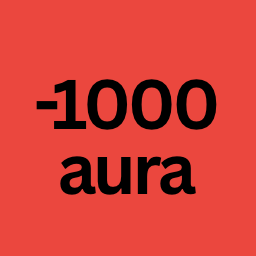
.png 188.8K aura Emoji
.png 126.3K Gay_IDS Emoji
.png 103.7K MakeMe Emoji
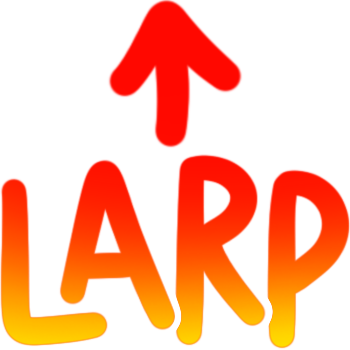
.png 101.1K Larp Emoji
.png 92.6K UR_GAY Emoji
.png 91.7K PikaGiggle Emoji
.png 84.2K chud Emoji
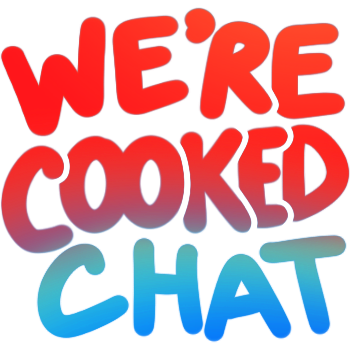
.png 79.0K CookedChat Emoji
.png 78.8K BanHim Emoji
.png 77.5K Pointer_IDS Emoji
.gif 74.2K RainbowWEmoji Emoji
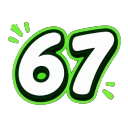
.png 71.8K 67 Emoji
.png 69.8K UR_GAY_RAINBOW Emoji
.png 67.7K TheGOAT Emoji
.png 66.6K Delulu Emoji
.png 66.5K LockIn Emoji
.png 64.8K mywifey Emoji
.png 64.5K joinvc_bubblegum Emoji
.gif 62.9K CatFlipTable Emoji
.png 61.5K Awesomeface13 Emoji
.png 61.3K bluemoji_85 Emoji
.png 60.1K this Emoji
.png 59.8K BanHer Emoji
.png 59.7K yrugay Emoji

Reactions Discord emojis

Browse Reactions emojis shared by the emoji.gg community. Open a favourite to preview it, check its details and download the image.

Building a set for your server? Save your favourites to a collection as you browse so you can find them again.

Add emojis to your Discord server

  1. Choose your favourites. Open a emoji and download its image.
  2. Open Server Settings. In Discord, select your server and go to the Emoji section.
  3. Upload and name it. Select the downloaded image, give it a name and save it for your community to use.

Get the Android app

Emoji.gg is better on the app. Download it from the Google Play store.

Get Emoji.gg on Google Play