Your Collection
Your collection items will appear here.
.png 26 Hawkeyes Emoji
.png 94 flagsaudiarabia Emoji
.png 24 linboy Emoji
.png 0 OldSouthAfrica Emoji
.png 182 transnistria Emoji

Adult Content

Login
.png 46 Blackamericanflag Emoji
.png 12 Multisoul Emoji
.png 117 catboyflag Emoji

Adult Content

Login
.png 153 somaliland Emoji
.png 13 Andalousie Emoji
.png 56 flag_vx Emoji
.png 122 Yugoslaviaflag Emoji
.png 0 ReinodeLaPlata Emoji
.png 35 TimuridFlag Emoji
.png 8 TimuridFlag Emoji
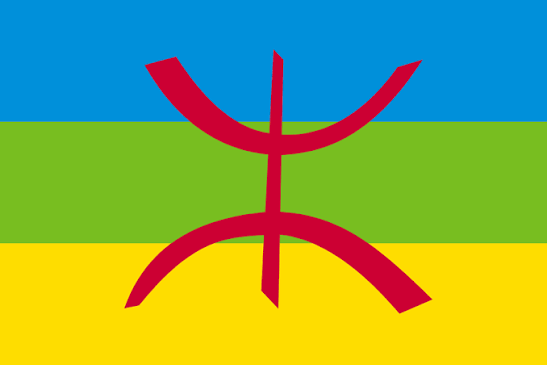
.png 98 Amazigh Emoji
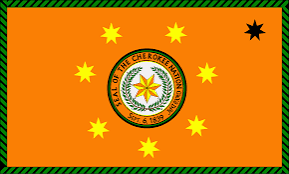
.png 58 CherokeeNation Emoji
.png 10 GalapagosIsland Emoji
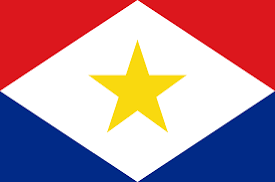
.png 10 Saba Emoji
.png 17 SintEustatius Emoji
.png 8 GreaterMinahasa Emoji
.png 28 Bali Emoji
.png 116 Johor Emoji

Flags Discord emojis

Browse Flags emojis shared by the emoji.gg community. Open a favourite to preview it, check its details and download the image.

Building a set for your server? Save your favourites to a collection as you browse so you can find them again.

Add emojis to your Discord server

  1. Choose your favourites. Open a emoji and download its image.
  2. Open Server Settings. In Discord, select your server and go to the Emoji section.
  3. Upload and name it. Select the downloaded image, give it a name and save it for your community to use.

Get the Android app

Emoji.gg is better on the app. Download it from the Google Play store.

Get Emoji.gg on Google Play