Your Collection
Your collection items will appear here.
.png 22.7K xdd Emoji
.png 22.7K BatKnife Emoji
.png 22.7K CE_DogeLook Emoji
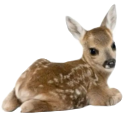
.png 22.7K Deer Emoji
.png 22.7K alphawolf Emoji
.png 22.6K butterfly_8 Emoji
.gif 22.6K cat_alert Emoji
.png 22.6K Dog Emoji
.png 22.6K Raccoon_160_01 Emoji
.png 22.6K catanut Emoji
.gif 22.6K cat_rage Emoji
.png 22.5K Gothic_cat Emoji
.png 22.5K Hamsterado Emoji
.gif 22.5K kitty_lick Emoji
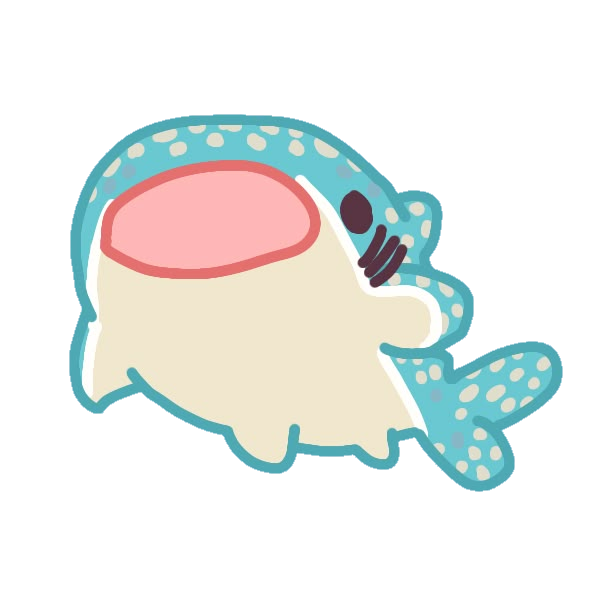
.png 22.5K Whaleshark Emoji
.png 22.5K AxolotlDrink Emoji
.png 22.5K Dolphin Emoji
.png 22.4K Cutey Emoji
.png 22.4K blurcat Emoji
.png 22.4K ChunkyCatScreaming Emoji
.png 22.4K Thumb Emoji
.png 22.4K SadCat Emoji
.png 22.4K catWhat_questionMark Emoji
.png 22.4K catgrr Emoji
.gif 22.4K PinkBunny Emoji

Animals Discord emojis

Browse Animals emojis shared by the emoji.gg community. Open a favourite to preview it, check its details and download the image.

Building a set for your server? Save your favourites to a collection as you browse so you can find them again.

Add emojis to your Discord server

  1. Choose your favourites. Open a emoji and download its image.
  2. Open Server Settings. In Discord, select your server and go to the Emoji section.
  3. Upload and name it. Select the downloaded image, give it a name and save it for your community to use.

Get the Android app

Emoji.gg is better on the app. Download it from the Google Play store.

Get Emoji.gg on Google Play