Your Collection
Your collection items will appear here.
.gif 22.3K aaa Emoji
.png 22.3K catangy Emoji
.png 22.3K xmas_bear1 Emoji
.png 22.3K RatPlead Emoji
.png 22.3K DogTeefSmile Emoji
.png 22.3K fbcgenshintext Emoji
.png 22.2K pizzaduck Emoji
.png 22.2K christmas_floppa Emoji
.png 22.2K im_ok Emoji
.png 22.2K yellow_paw_prints Emoji
.png 22.1K reix Emoji
.png 22.1K lost_in_sauce_cat Emoji
.png 22.0K whiningdogmemehmmhmhmmm Emoji
.png 22.0K Spiffo Emoji
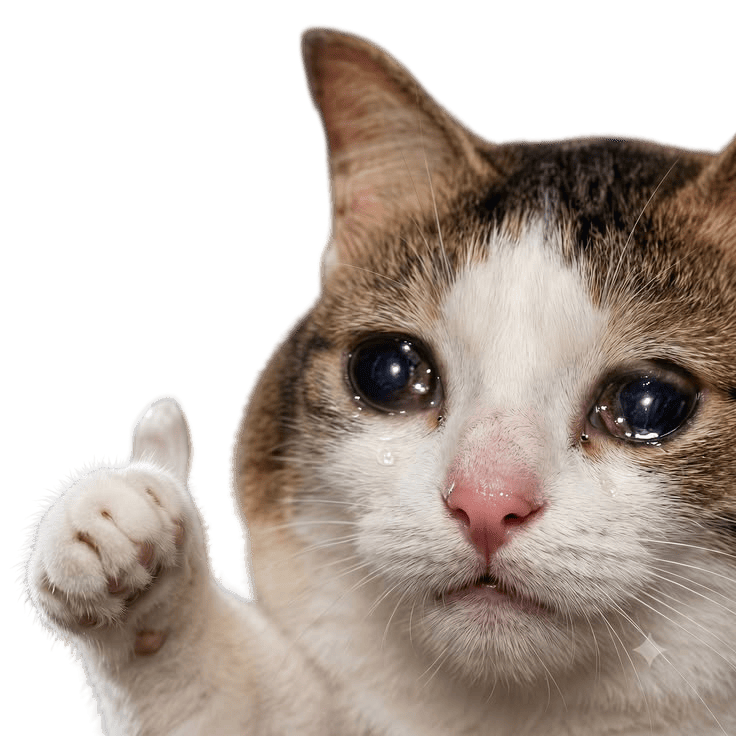
.png 22.0K catcried Emoji
.gif 22.0K SheepWave Emoji
.png 22.0K Doge_Laughing Emoji
.png 21.9K guncat Emoji
.gif 21.9K RoombaCat Emoji
.gif 21.9K cat_ome Emoji
.png 21.9K SmirkCat Emoji
.png 21.9K kiisu_cowboy Emoji
.png 21.8K cat_scammer Emoji
.png 21.8K larry_evil Emoji
.png 21.8K CatJam Emoji

Animals Discord emojis

Browse Animals emojis shared by the emoji.gg community. Open a favourite to preview it, check its details and download the image.

Building a set for your server? Save your favourites to a collection as you browse so you can find them again.

Add emojis to your Discord server

  1. Choose your favourites. Open a emoji and download its image.
  2. Open Server Settings. In Discord, select your server and go to the Emoji section.
  3. Upload and name it. Select the downloaded image, give it a name and save it for your community to use.

Get the Android app

Emoji.gg is better on the app. Download it from the Google Play store.

Get Emoji.gg on Google Play