Your Collection
Your collection items will appear here.

York Stickers

Find York custom stickers to use
on Discord, Telegram & Whatsapp

.png 1.9K cuking Sticker
.png 1.1K pepedoaks Sticker
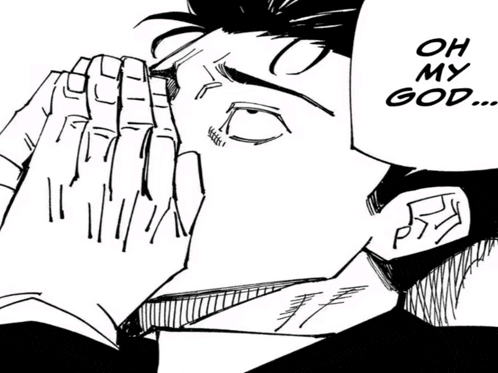
.gif 687 jjkomg Sticker
.gif 525 Yukio Sticker
.gif 523 Sukuna Sticker
.gif 451 pusheen Sticker
.gif 442 YUKIO Sticker
.png 391 Shikanoko_Dance Sticker
.png 378 KaorukoSkillIssue Sticker
.png 378 Akutagawa_sybau Sticker
.gif 286 pusheen Sticker
.png 272 KaorukoSybau Sticker
.png 269 hesskullyouknow Sticker
.gif 268 pusheen Sticker
.png 244 emspeed Sticker
.png 227 Akutagawa_nopartner Sticker
.png 215 FubukiYabe Sticker
.png 175 KaorukoPeek Sticker
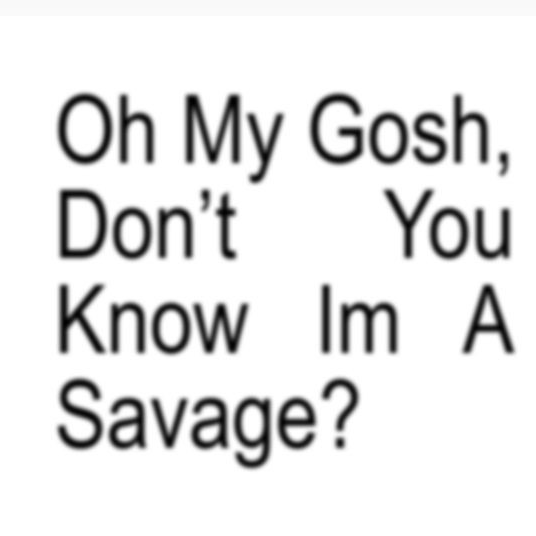
.png 160 Dontyouknowimasavage Sticker
.png 158 KaorukoFries Sticker
.png 158 WaguriAbsoluteCinema Sticker
.png 158 fuka_u_lololololololol Sticker
.png 145 FubukiWhenGlasses Sticker
.png 118 emslowdown Sticker
.png 115 Aggretsuko Sticker

York Discord stickers

Browse York stickers shared by the emoji.gg community. Open a favourite to preview it, check its details and download the image.

Building a set for your server? Save your favourites to a collection as you browse so you can find them again.

Add stickers to your Discord server

  1. Choose your favourites. Open a sticker and download its image.
  2. Open Server Settings. In Discord, select your server and go to the Stickers section.
  3. Upload and name it. Select the downloaded image, give it a name and save it for your community to use.

Get the Android app

Emoji.gg is better on the app. Download it from the Google Play store.

Get Emoji.gg on Google Play