Your Collection
Your collection items will appear here.

Vocal Synthesis Stickers

Find Vocal Synthesis custom stickers to use
on Discord, Telegram & Whatsapp
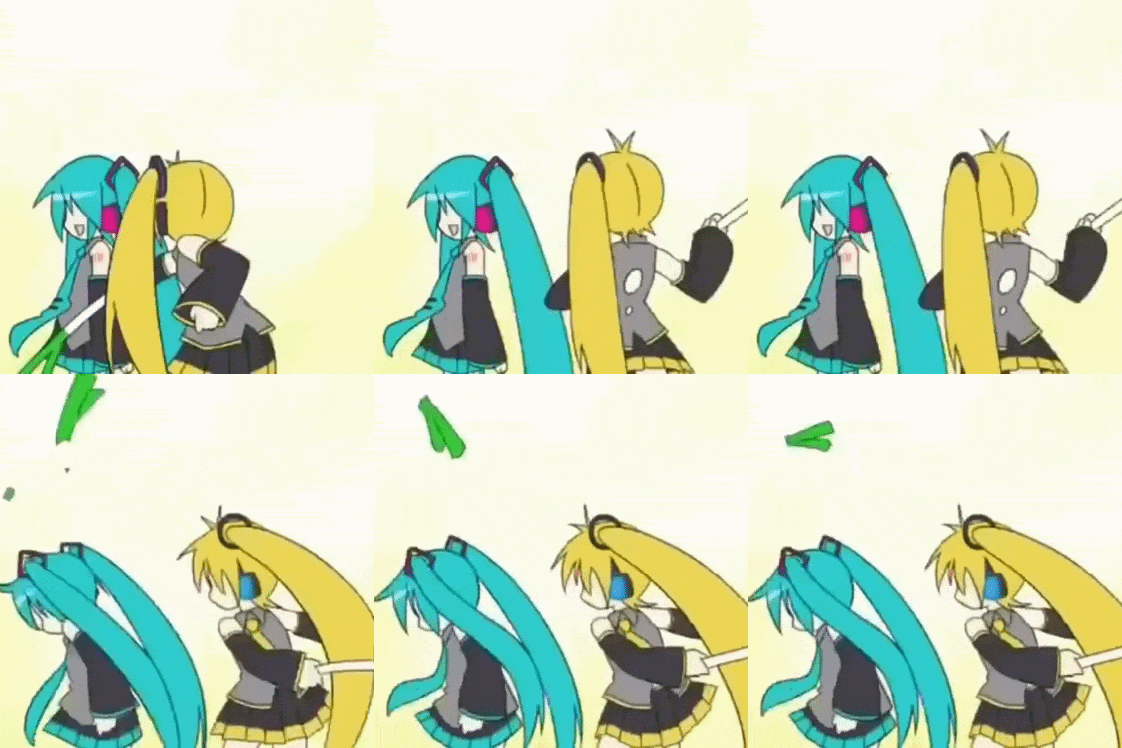
.gif 611 Neru_Hits_Punches_HatsuneMiku Sticker
.png 549 KAITO_wave Sticker
.png 378 Love Sticker
.png 366 Sleep Sticker
.png 355 sad Sticker
.png 349 Miku Approves Sticker
.png 333 cheer Sticker
.png 324 Smug Sticker
.png 289 Peek Sticker
.png 286 Excited Sticker
.png 285 AmeliaBeeJam Sticker
.png 283 AquaHeadpat Sticker
.png 275 LaplusBurn Sticker
.png 274 Clap Sticker
.png 271 Good Morning Sticker
.png 268 Good Night Sticker
.png 264 AquaEhh Sticker
.png 262 Understood Sticker
.png 257 teto Sticker
.png 252 Party Sticker
.png 252 Miku Embarrassed Sticker
.png 251 Thank you Sticker
.png 250 KAITO_distress Sticker
.png 247 Disappointed Sticker
.png 246 Headbonk Sticker

Vocal Synthesis Discord stickers

Browse Vocal Synthesis stickers shared by the emoji.gg community. Open a favourite to preview it, check its details and download the image.

Building a set for your server? Save your favourites to a collection as you browse so you can find them again.

Add stickers to your Discord server

  1. Choose your favourites. Open a sticker and download its image.
  2. Open Server Settings. In Discord, select your server and go to the Stickers section.
  3. Upload and name it. Select the downloaded image, give it a name and save it for your community to use.

Get the Android app

Emoji.gg is better on the app. Download it from the Google Play store.

Get Emoji.gg on Google Play