Your Collection
Your collection items will appear here.

Termination Stickers

Find Termination custom stickers to use
on Discord, Telegram & Whatsapp

.gif 12 IDX_hey_hottie_compliment Sticker
.gif 36 IDX_look_at_u Sticker
.png 14 wendigo3 Sticker
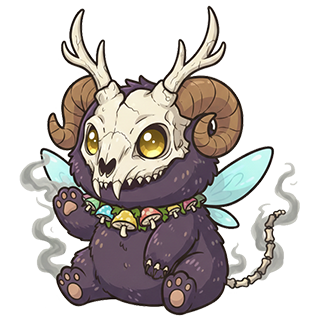
.png 16 wendigo2 Sticker
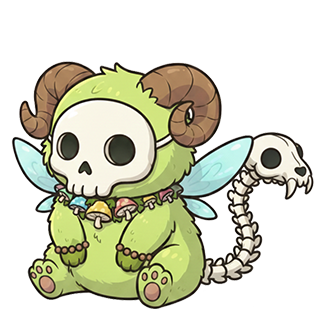
.png 8 wendigo1 Sticker
.png 47 SelenaKiss Sticker
.png 31 KaguraHeartEyes Sticker
.png 34 NanaWhat Sticker
.png 31 KaguraReverse Sticker
.png 265 Riendose Sticker
.gif 15 frogfriends Sticker
.gif 17 megan_smile Sticker
.gif 70 megan_oh Sticker
.gif 34 megan_uhm Sticker
.png 33 WhenSheTouchYoGoldenDingaling Sticker
.png 50 heehee Sticker
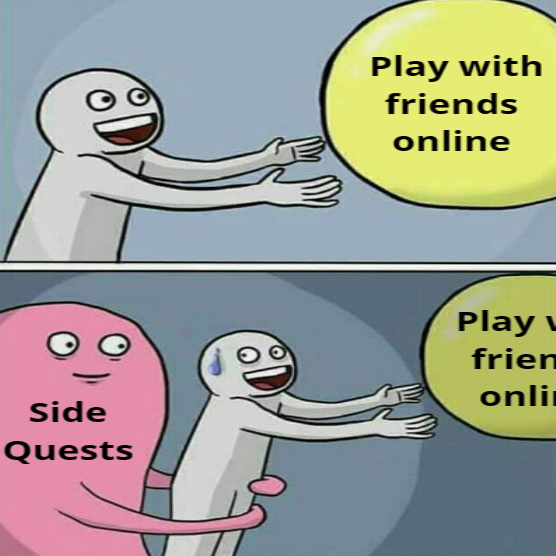
.png 22 SideQuests Sticker
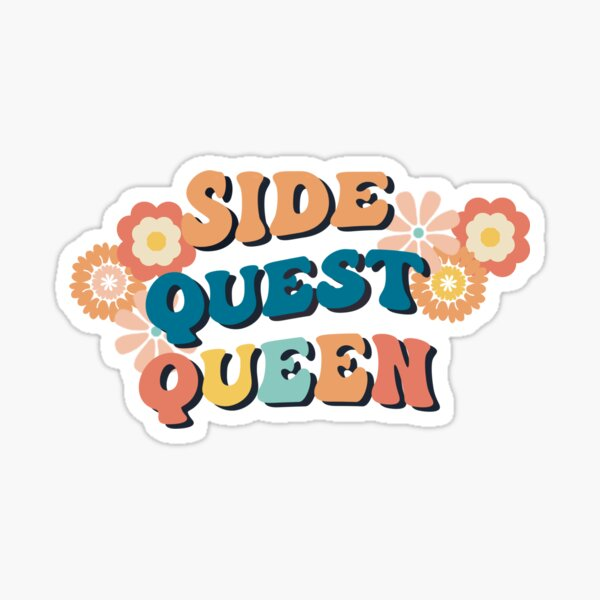
.png 4 SideQuestQueen Sticker
.png 0 abitexcited Sticker
.gif 95 IsabelleWelcome Sticker
.gif 11 bearish_x_fugz Sticker
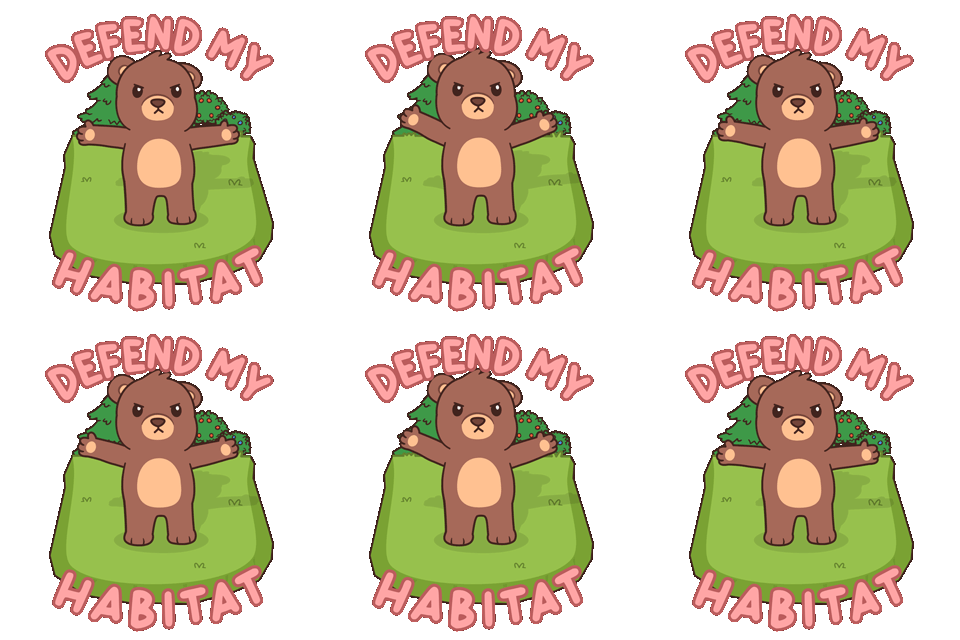
.gif 7 defend_my_habitat_bearish Sticker
.gif 5 defend_my_habitat_TBearish Sticker
.png 38 Oh_yeah Sticker
.png 484 TEEHEE Sticker

Termination Discord stickers

Browse Termination stickers shared by the emoji.gg community. Open a favourite to preview it, check its details and download the image.

Building a set for your server? Save your favourites to a collection as you browse so you can find them again.

Add stickers to your Discord server

  1. Choose your favourites. Open a sticker and download its image.
  2. Open Server Settings. In Discord, select your server and go to the Stickers section.
  3. Upload and name it. Select the downloaded image, give it a name and save it for your community to use.

Get the Android app

Emoji.gg is better on the app. Download it from the Google Play store.

Get Emoji.gg on Google Play