Your Collection
Your collection items will appear here.

Stain Stickers

Find Stain custom stickers to use
on Discord, Telegram & Whatsapp

.png 11 discord_wordmark_white Sticker
.png 9 discord_wordmark_black Sticker
.png 3 discord_wordmark Sticker
.png 49 discord_logo_white Sticker
.png 10 discord_logo_black Sticker
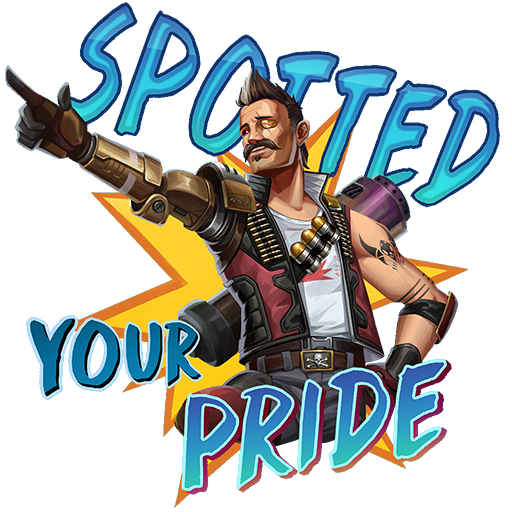
.png 0 SpottedYourPride Sticker
.gif 35 pew_pew_bullish_bearish Sticker
.gif 21 pew_pew_bear_market_bearish Sticker
.png 618 LickleThePickle Sticker
.png 336 verified Sticker
.png 46 suspicious Sticker
.png 169 confusedcat Sticker
.png 76 LycoThinking Sticker
.png 21 Epic_Bad_Luck Sticker
.png 190 Oney_wtf Sticker
.png 38 sunspot_mad3 Sticker
.png 86 sunspot_stare2 Sticker
.png 67 sunspot_yikes Sticker
.png 78 sunspot_stare Sticker
.png 20 sunspot_smile2 Sticker
.png 22 sunspot_smile Sticker
.png 37 sunspot_ooo Sticker
.png 32 sunspot_mad4 Sticker
.png 45 sunspot_smile3 Sticker
.png 93 sunspot_shocked Sticker

Stain Discord stickers

Browse Stain stickers shared by the emoji.gg community. Open a favourite to preview it, check its details and download the image.

Building a set for your server? Save your favourites to a collection as you browse so you can find them again.

Add stickers to your Discord server

  1. Choose your favourites. Open a sticker and download its image.
  2. Open Server Settings. In Discord, select your server and go to the Stickers section.
  3. Upload and name it. Select the downloaded image, give it a name and save it for your community to use.

Get the Android app

Emoji.gg is better on the app. Download it from the Google Play store.

Get Emoji.gg on Google Play