Your Collection
Your collection items will appear here.

See Stickers

Find See custom stickers to use
on Discord, Telegram & Whatsapp

.png 176 MONSTERGRUL Sticker
.png 79 TIREDGRUL Sticker
.png 177 TIREDGRUL Sticker
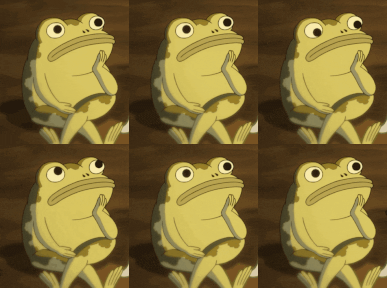
.png 136 HUHGRUL Sticker
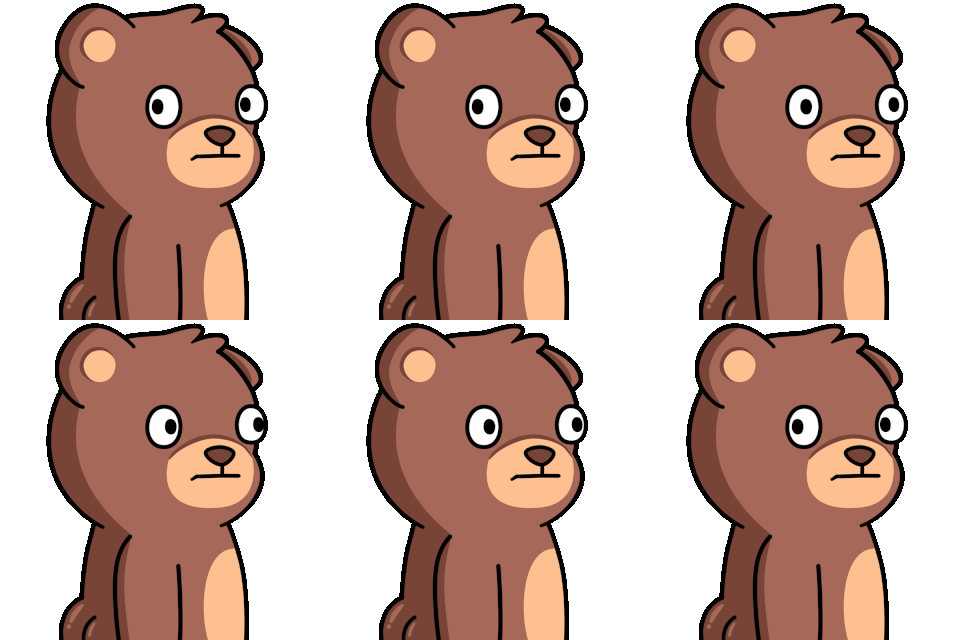
.gif 216 glancedbearbearish Sticker
.gif 38 look_around_bearish Sticker
.png 5 eve_imagination Sticker
.png 48 FERALGRUL Sticker
.gif 43 Breakingnews Sticker
.gif 87 naraku_looking_up Sticker
.gif 240 WelcomeNewMember Sticker
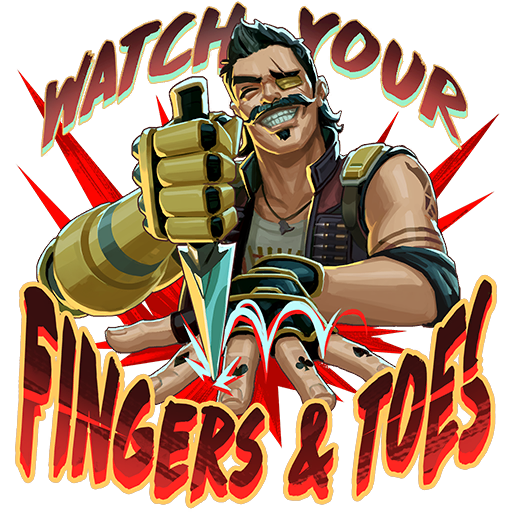
.png 0 WatchYourFingersAndToes Sticker
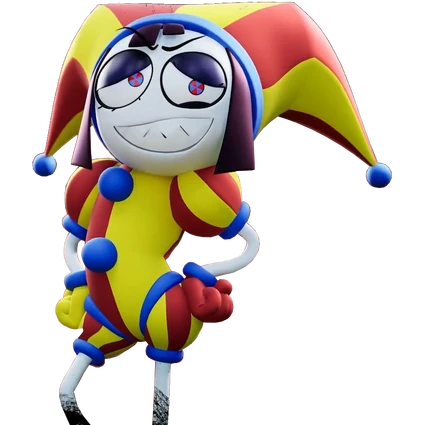
.png 18 evil_pomni Sticker
.png 31 Dazai_demeaning Sticker
.gif 140 Frog Sticker
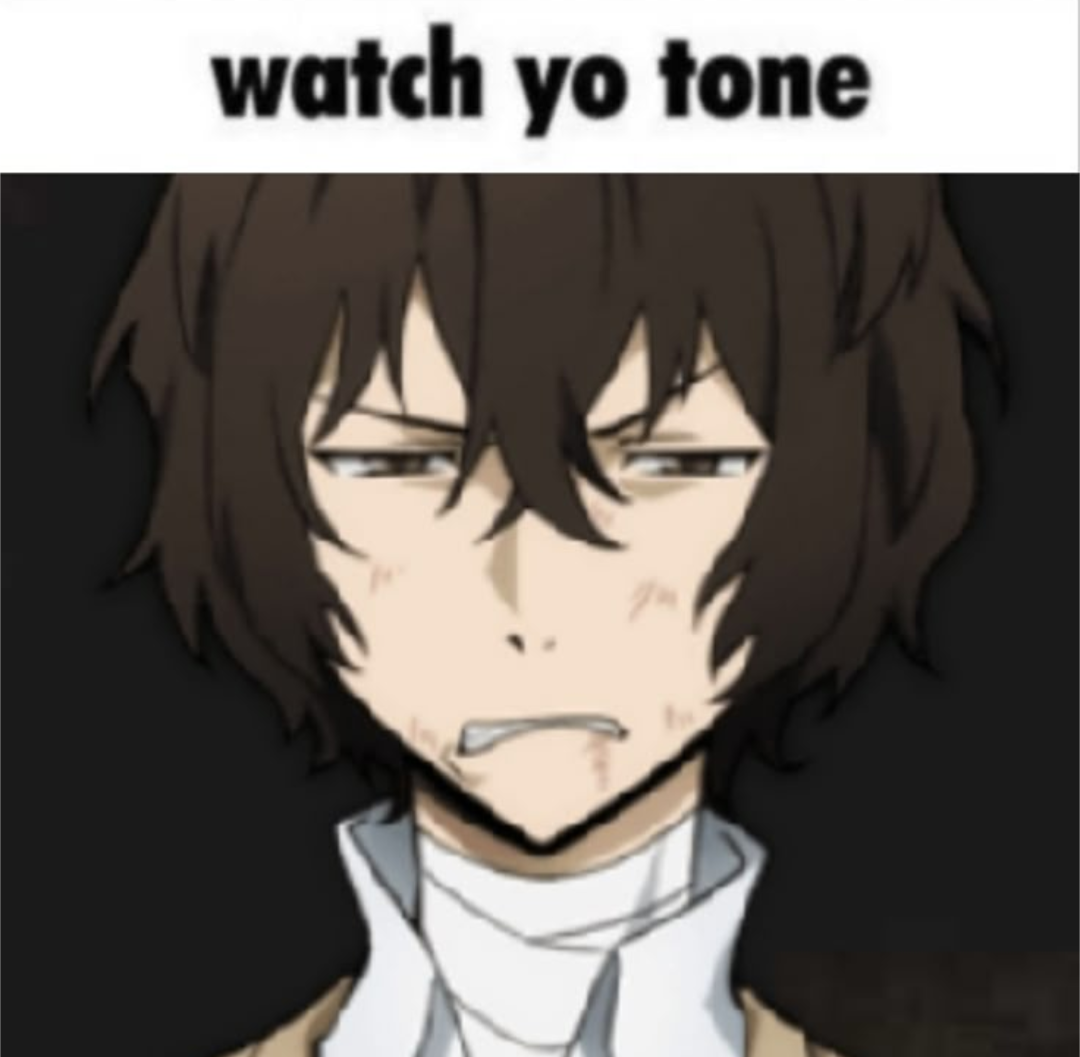
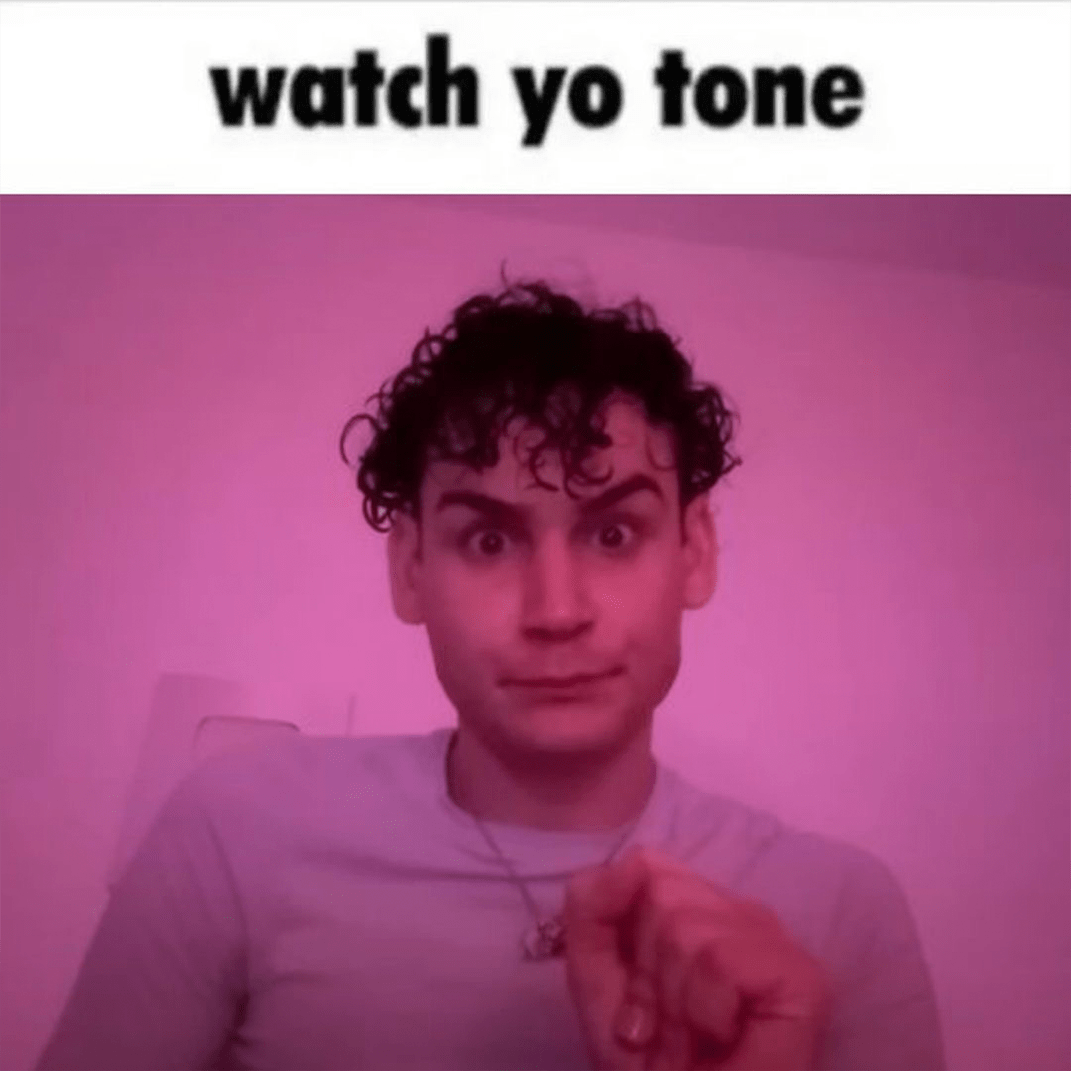
.png 33 Watchyotone Sticker
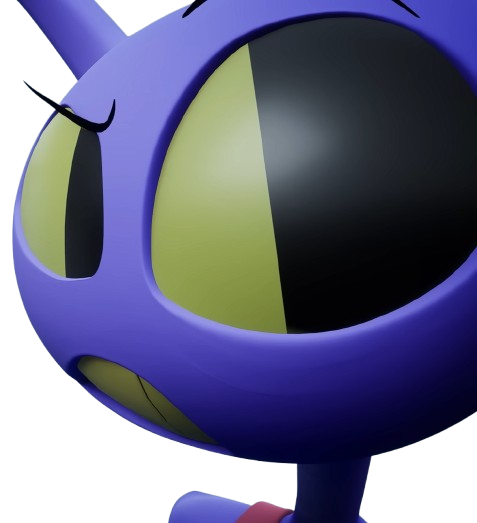
.png 243 Jax_Looking_Sus Sticker
.png 54 Jax_Femboy Sticker
.png 27 marathi Sticker
.png 10 discord_logo_black Sticker
.png 49 discord_logo_white Sticker
.png 3 discord_wordmark Sticker
.png 9 discord_wordmark_black Sticker
.png 11 discord_wordmark_white Sticker
.gif 292 Catglance Sticker

See Discord stickers

Browse See stickers shared by the emoji.gg community. Open a favourite to preview it, check its details and download the image.

Building a set for your server? Save your favourites to a collection as you browse so you can find them again.

Add stickers to your Discord server

  1. Choose your favourites. Open a sticker and download its image.
  2. Open Server Settings. In Discord, select your server and go to the Stickers section.
  3. Upload and name it. Select the downloaded image, give it a name and save it for your community to use.

Get the Android app

Emoji.gg is better on the app. Download it from the Google Play store.

Get Emoji.gg on Google Play