Your Collection
Your collection items will appear here.

Scarlet Stickers

Find Scarlet custom stickers to use
on Discord, Telegram & Whatsapp

.png 24 MorrowindBob Sticker
.gif 16 IDX_you_look_beautiful Sticker
.png 14 SadCharmanderCardClinicAU Sticker
.png 11 pikascared Sticker
.png 80 DepressedFishHd Sticker
.png 27 scared Sticker
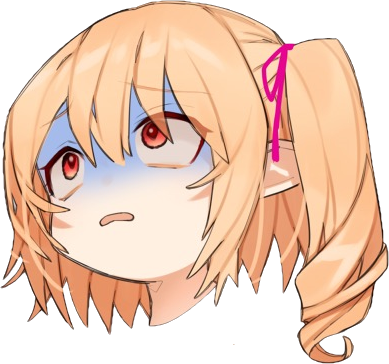
.png 82 Flandre_scared Sticker
.png 1.3K SquidwardDriveThru Sticker
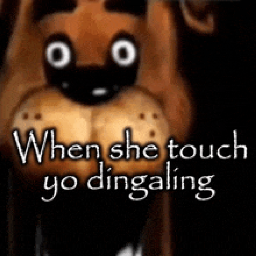
.png 91 WhenSheTouchYoDingaling Sticker
.png 33 WhenSheTouchYoGoldenDingaling Sticker
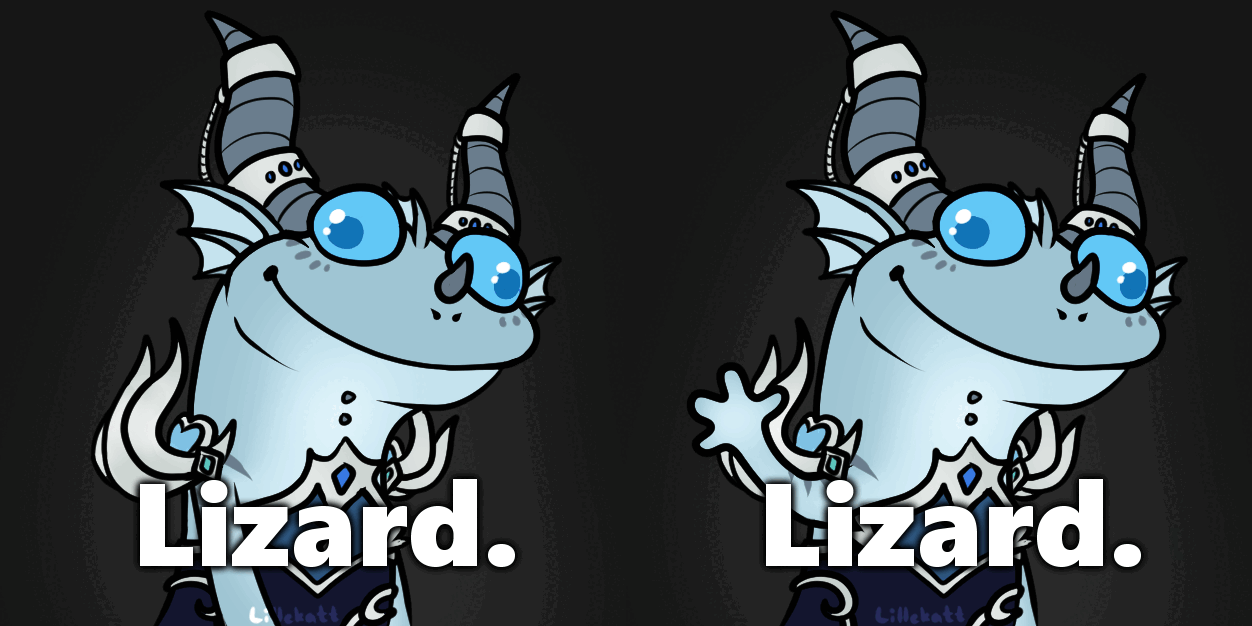
.gif 114 DracthyrLizard Sticker
.png 59 eye Sticker
.gif 46 grim Sticker
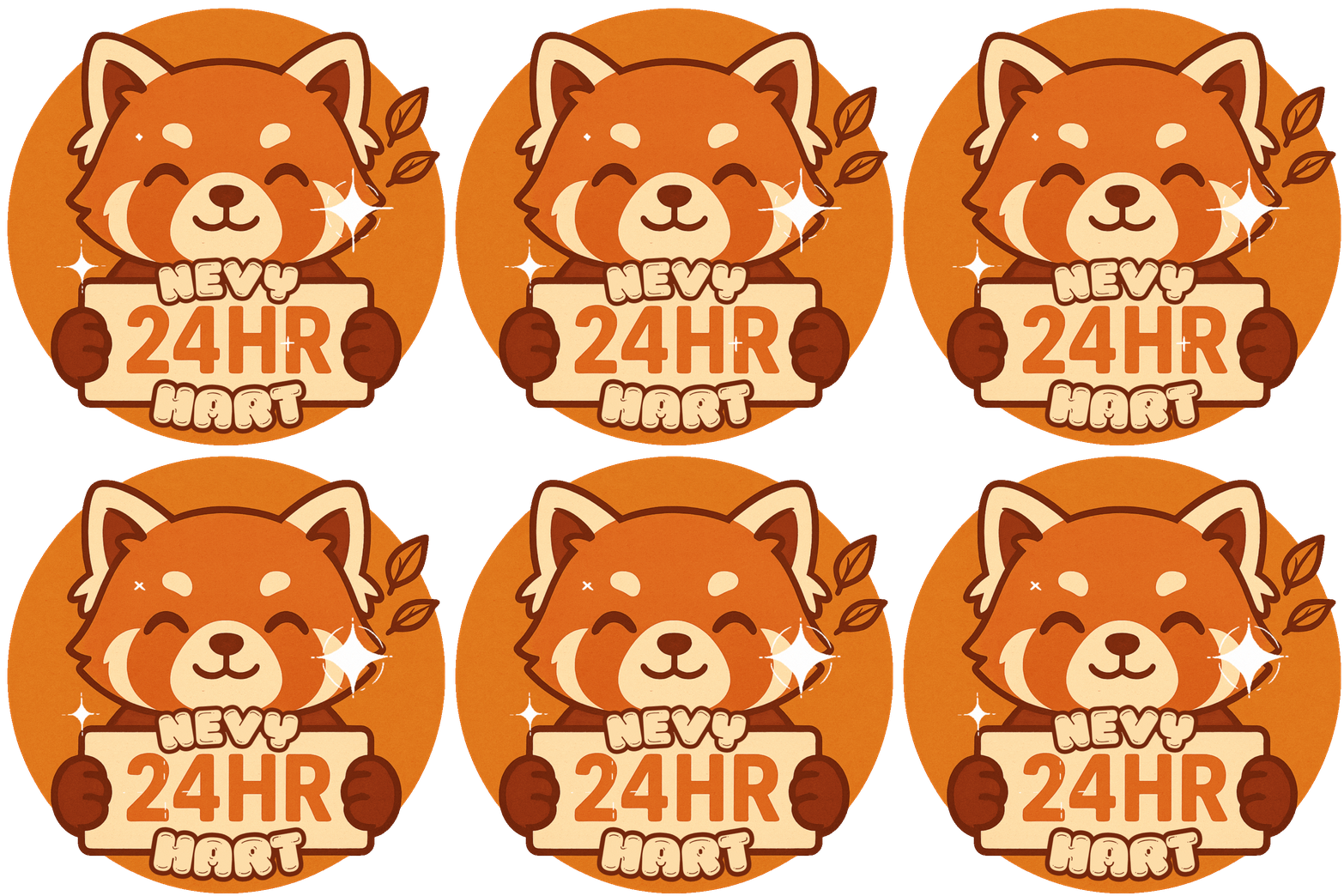
.gif 0 nevy24hr Sticker
.gif 117 Redbull Sticker
.png 82 tired Sticker
.gif 11 bearish_x_fugz Sticker
.gif 721 Travisoverwhelmed Sticker
.gif 179 ignored Sticker
.png 224 unbothered Sticker
.gif 155 take_my_money_blank_Tbearish Sticker
.gif 21 take_my_money_blank_bearish Sticker
.gif 8 panic_red_candle_bearish Sticker
.png 112 welcome_red_handwriting Sticker

Scarlet Discord stickers

Browse Scarlet stickers shared by the emoji.gg community. Open a favourite to preview it, check its details and download the image.

Building a set for your server? Save your favourites to a collection as you browse so you can find them again.

Add stickers to your Discord server

  1. Choose your favourites. Open a sticker and download its image.
  2. Open Server Settings. In Discord, select your server and go to the Stickers section.
  3. Upload and name it. Select the downloaded image, give it a name and save it for your community to use.

Get the Android app

Emoji.gg is better on the app. Download it from the Google Play store.

Get Emoji.gg on Google Play