Your Collection
Your collection items will appear here.

Rob Stickers

Find Rob custom stickers to use
on Discord, Telegram & Whatsapp

.png 103 Love Sticker
.png 93 Slurp Sticker
.png 86 OMS Sticker
.png 86 seriously Sticker
.png 83 RintaroBruh Sticker
.png 82 roblox_studio Sticker
.png 81 Roblox Point Sticker
.png 76 Robert Sticker
.png 73 alex Sticker
.png 70 Yeah Sticker
.png 60 RobocoHuh Sticker
.gif 59 Noli Sticker
.png 59 doIhavegyat Sticker
.png 53 Roblox Shrug Sticker
.png 42 waaa Sticker
.png 42 Roblox Cheer Sticker
.png 40 PetSimulatorFinalBoss Sticker
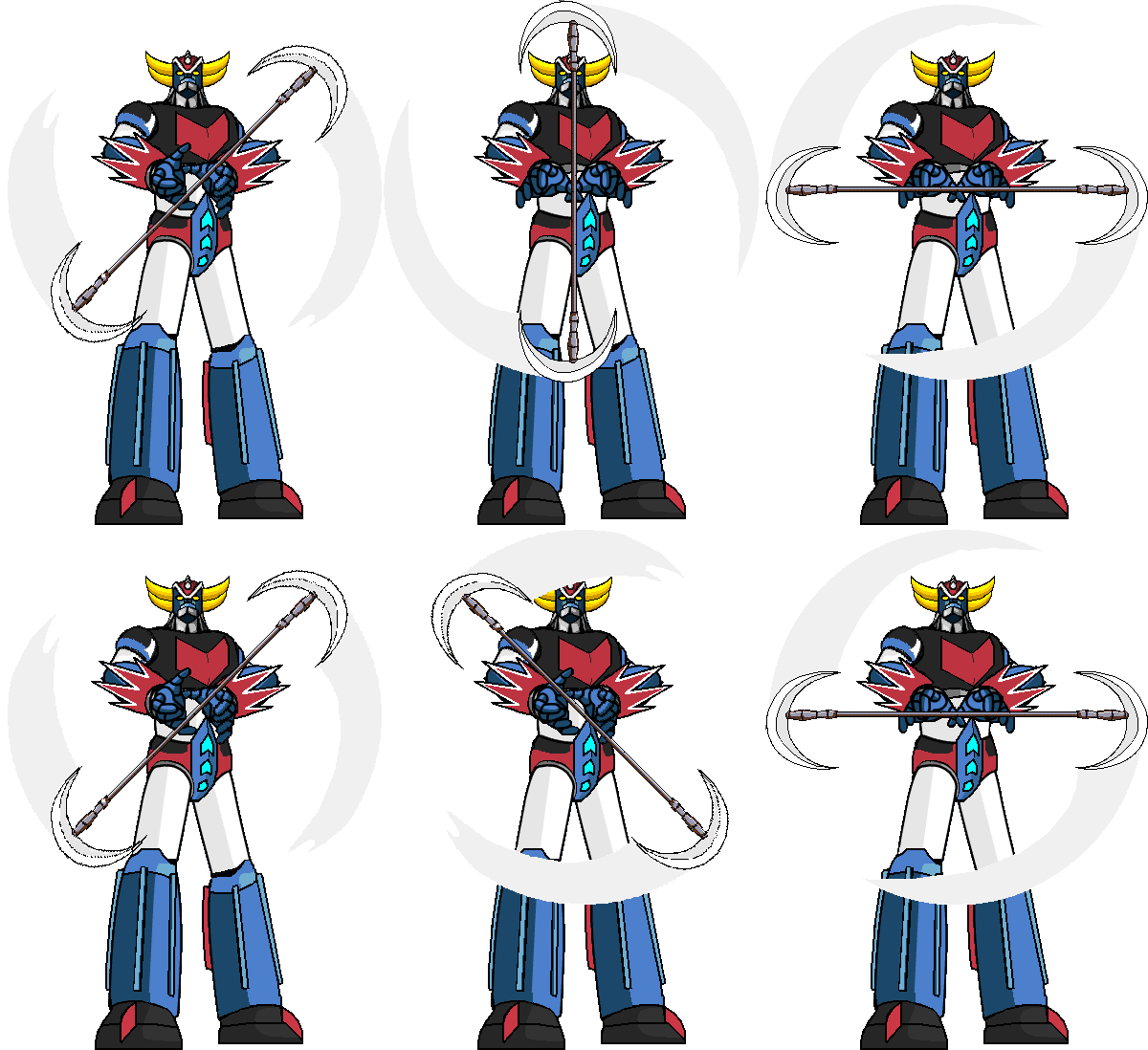
.gif 37 Grendizer Sticker
.png 37 rlafl Sticker
.png 33 Eagle_fruit Sticker
.png 29 Obama Sticker
.png 26 storytime3 Sticker
.png 22 Play_Roblox Sticker
.png 21 Masqueee Sticker
.png 21 TBC Sticker

Rob Discord stickers

Browse Rob stickers shared by the emoji.gg community. Open a favourite to preview it, check its details and download the image.

Building a set for your server? Save your favourites to a collection as you browse so you can find them again.

Add stickers to your Discord server

  1. Choose your favourites. Open a sticker and download its image.
  2. Open Server Settings. In Discord, select your server and go to the Stickers section.
  3. Upload and name it. Select the downloaded image, give it a name and save it for your community to use.

Get the Android app

Emoji.gg is better on the app. Download it from the Google Play store.

Get Emoji.gg on Google Play