Your Collection
Your collection items will appear here.

Revise Stickers

Find Revise custom stickers to use
on Discord, Telegram & Whatsapp

.png 164 MeditatingApu Sticker
.png 156 Doge Coin Purple Edition Sticker
.png 91 lesbiancheese Sticker
.png 1 California_state_rp1 Sticker
.png 42 Welcomee Sticker
.png 39 Laughing Sticker
.png 40 Loading Sticker
.png 61 LMAO Sticker
.png 24 Flirty Sticker
.png 25 Imthebest Sticker
.png 238 Bully_an Sticker
.gif 21 take_my_money_blank_bearish Sticker
.gif 155 take_my_money_blank_Tbearish Sticker
.png 227 Akutagawa_nopartner Sticker
.png 10 Rainbow Sticker
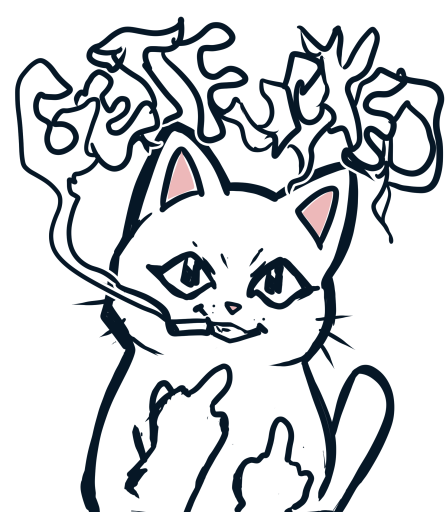
.png 123 GetFkd Sticker
.png 3 EditorEmpireMbappe Sticker
.gif 137 SpeedEdit3 Sticker

Revise Discord stickers

Browse Revise stickers shared by the emoji.gg community. Open a favourite to preview it, check its details and download the image.

Building a set for your server? Save your favourites to a collection as you browse so you can find them again.

Add stickers to your Discord server

  1. Choose your favourites. Open a sticker and download its image.
  2. Open Server Settings. In Discord, select your server and go to the Stickers section.
  3. Upload and name it. Select the downloaded image, give it a name and save it for your community to use.

Get the Android app

Emoji.gg is better on the app. Download it from the Google Play store.

Get Emoji.gg on Google Play