Your Collection
Your collection items will appear here.

Reflect Stickers

Find Reflect custom stickers to use
on Discord, Telegram & Whatsapp
.png 19 THINK Sticker
.png 661 monkey_think Sticker
.png 57 Huh Sticker
.gif 343 Thinkingagain Sticker
.png 48 bibble_thoughts Sticker
.png 353 Dazai_buffer Sticker
.gif 105 ThinkingFish Sticker
.png 44 itsFine Sticker
.png 40 Loading Sticker
.png 466 chrisdidntthinktwice Sticker
.png 87 LoadingPengu Sticker
.png 53 Think Sticker
.png 28 WistfulHomer Sticker
.png 169 confusedcat Sticker
.png 94 brokenbrain Sticker
.png 42 denjithink Sticker
.png 171 kirbyhuh Sticker
.png 76 LycoThinking Sticker
.png 93 Sanhua Thinking Sticker
.png 86 Jiyan Think Sticker
.png 511 kermit_sad Sticker
.png 23 Souldowethink Sticker
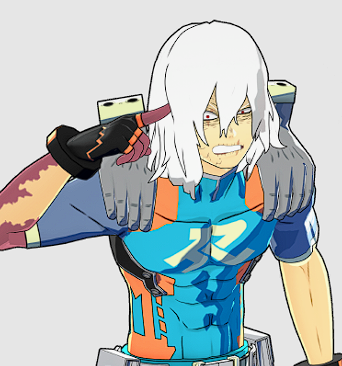
.png 338 todorokit thinking Sticker

Reflect Discord stickers

Browse Reflect stickers shared by the emoji.gg community. Open a favourite to preview it, check its details and download the image.

Building a set for your server? Save your favourites to a collection as you browse so you can find them again.

Add stickers to your Discord server

  1. Choose your favourites. Open a sticker and download its image.
  2. Open Server Settings. In Discord, select your server and go to the Stickers section.
  3. Upload and name it. Select the downloaded image, give it a name and save it for your community to use.

Get the Android app

Emoji.gg is better on the app. Download it from the Google Play store.

Get Emoji.gg on Google Play