Your Collection
Your collection items will appear here.

Rat Stickers

Find Rat custom stickers to use
on Discord, Telegram & Whatsapp

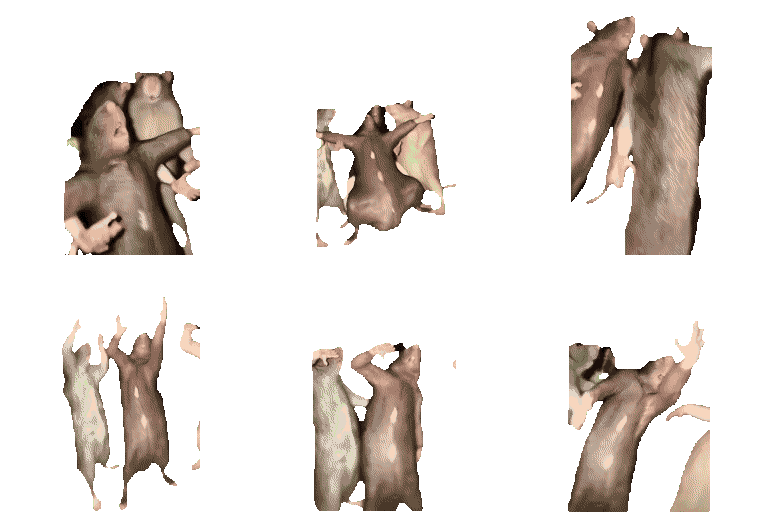
.gif 9 Rats_Dancing Sticker
.gif 21 Hood_rats Sticker
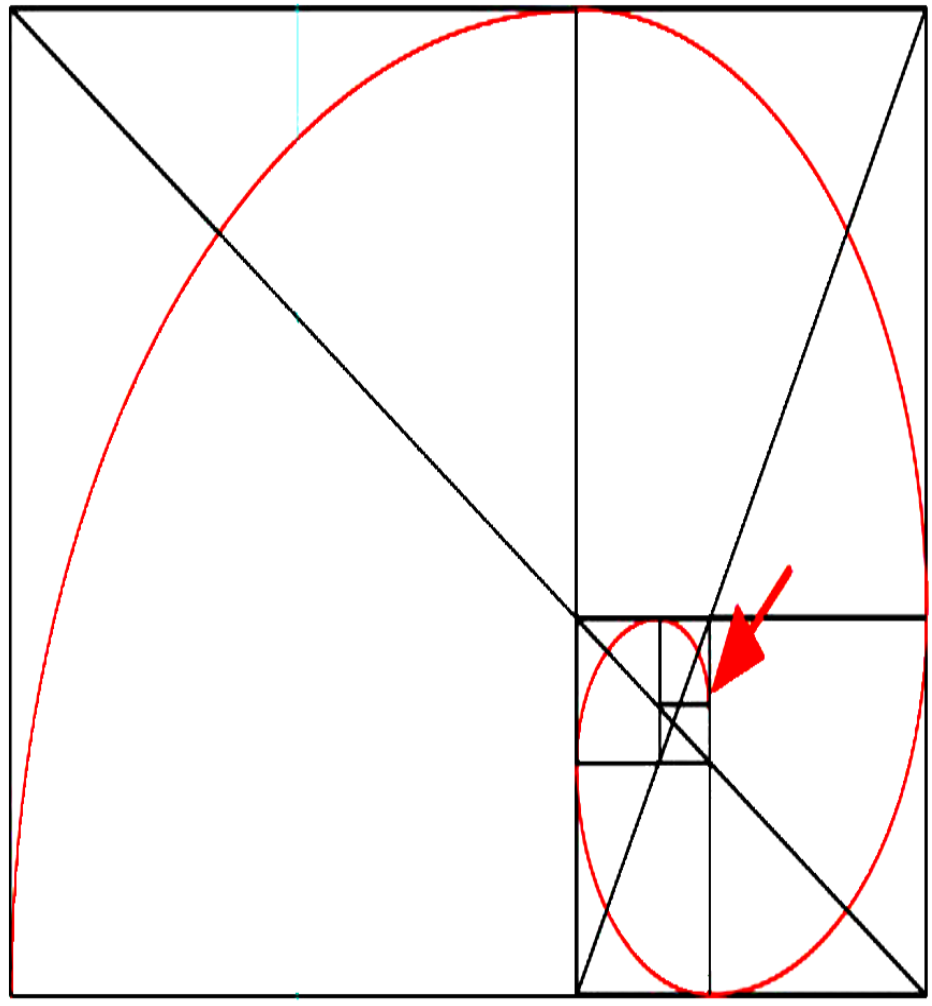
.png 0 divineratio Sticker
.png 101 congrats Sticker
.png 0 Haratin Sticker
.png 223 exhausted_ciggy Sticker
.png 218 choking_self Sticker
.png 1 Ibr Sticker
.gif 1 IDX_April_fools_day_02 Sticker
.gif 32 IDX_April_fools_day_01 Sticker
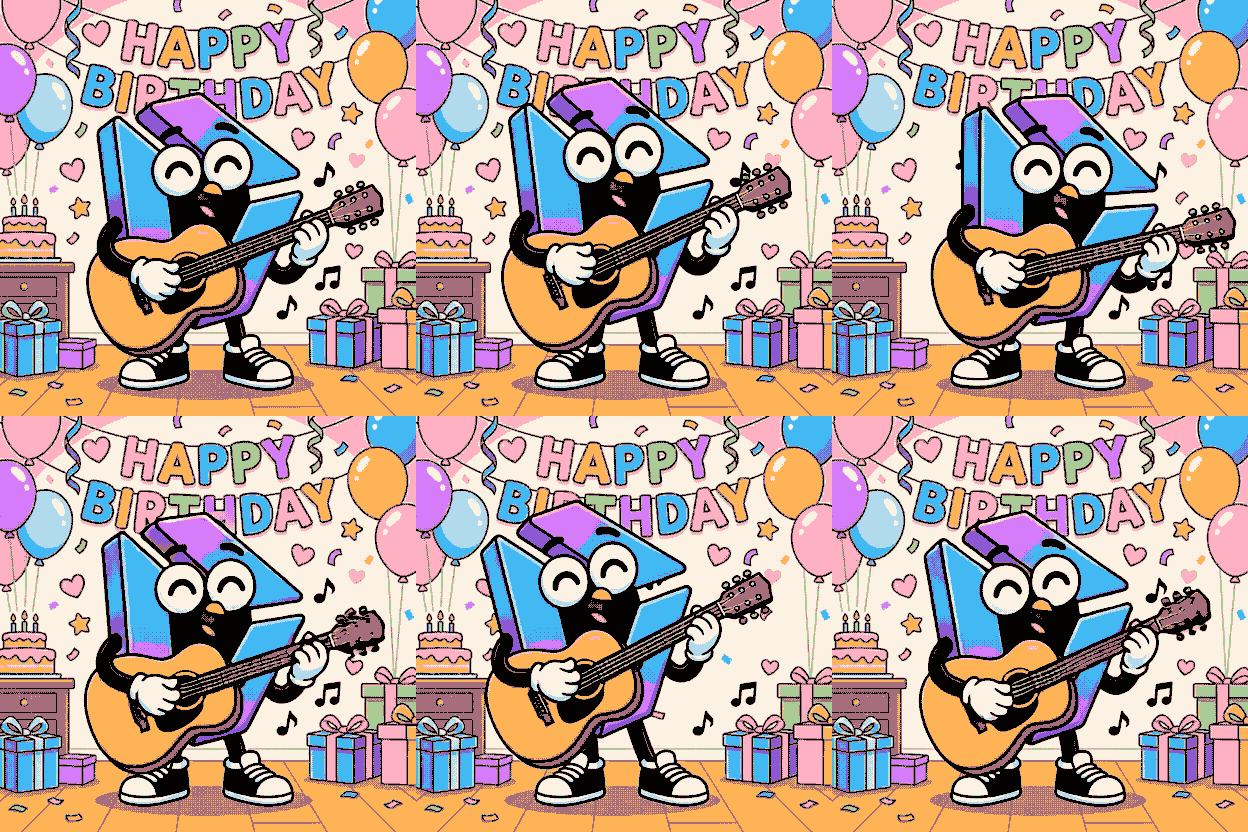
.gif 102 IDX_Happy_Birthday_1002 Sticker
.png 0 IDX_valentine_day_1102 Sticker
.png 2 IDX_valentine_day_1101 Sticker
.gif 16 IDX_propose_day_3010 Sticker
.gif 1 IDX_propose_day_3009 Sticker
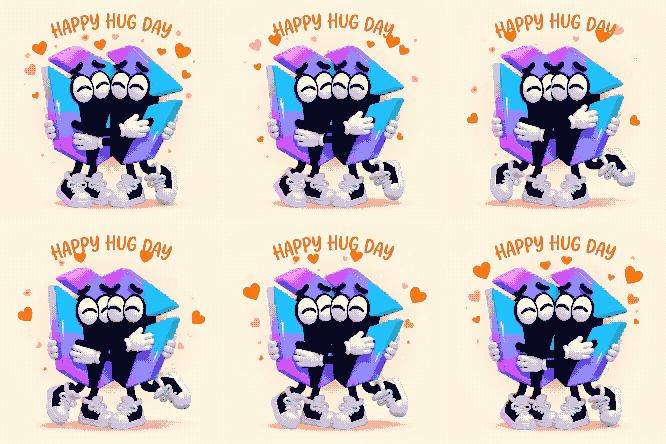
.gif 13 IDX_hug_day_3006 Sticker
.gif 3 IDX_hug_day_3003 Sticker
.gif 11 IDX_propose_day_3008 Sticker
.gif 1 IDX_propose_day_3006 Sticker
.png 56 Festive Sticker
.png 67 Pinkcherrysakuratree Sticker
.png 27 marathi Sticker
.png 94 Cute_Ellen Sticker
.gif 176 Tessia Sticker
.gif 130 Congrats_Blank_Bearish Sticker

Rat Discord stickers

Browse Rat stickers shared by the emoji.gg community. Open a favourite to preview it, check its details and download the image.

Building a set for your server? Save your favourites to a collection as you browse so you can find them again.

Add stickers to your Discord server

  1. Choose your favourites. Open a sticker and download its image.
  2. Open Server Settings. In Discord, select your server and go to the Stickers section.
  3. Upload and name it. Select the downloaded image, give it a name and save it for your community to use.

Get the Android app

Emoji.gg is better on the app. Download it from the Google Play store.

Get Emoji.gg on Google Play