Your Collection
Your collection items will appear here.

Mondo Stickers

Find Mondo custom stickers to use
on Discord, Telegram & Whatsapp

.png 202 SuiseiRockYourWorld Sticker
.png 60 Hyunjin_is_hot Sticker
.png 143 lovanderchibi Sticker
.png 35 YouHearThis Sticker
.png 778 neuershh Sticker
.png 178 Dandy Sticker
.png 53 MSP_Moderator Sticker
.png 35 MSP_Warning Sticker
.png 15 MSP_Background Sticker
.png 2 Sold_world Sticker
.png 7 Rule_the_world Sticker
.png 11 TakeoverPengu Sticker
.png 97 RandyCrap Sticker
.png 622 SackboyEnojao Sticker
.gif 2 earthdayearthdayTBearish Sticker
.png 43 juicyworld Sticker
.gif 15 Minds_Eye Sticker
.gif 101 Green_Drac_Heart Sticker
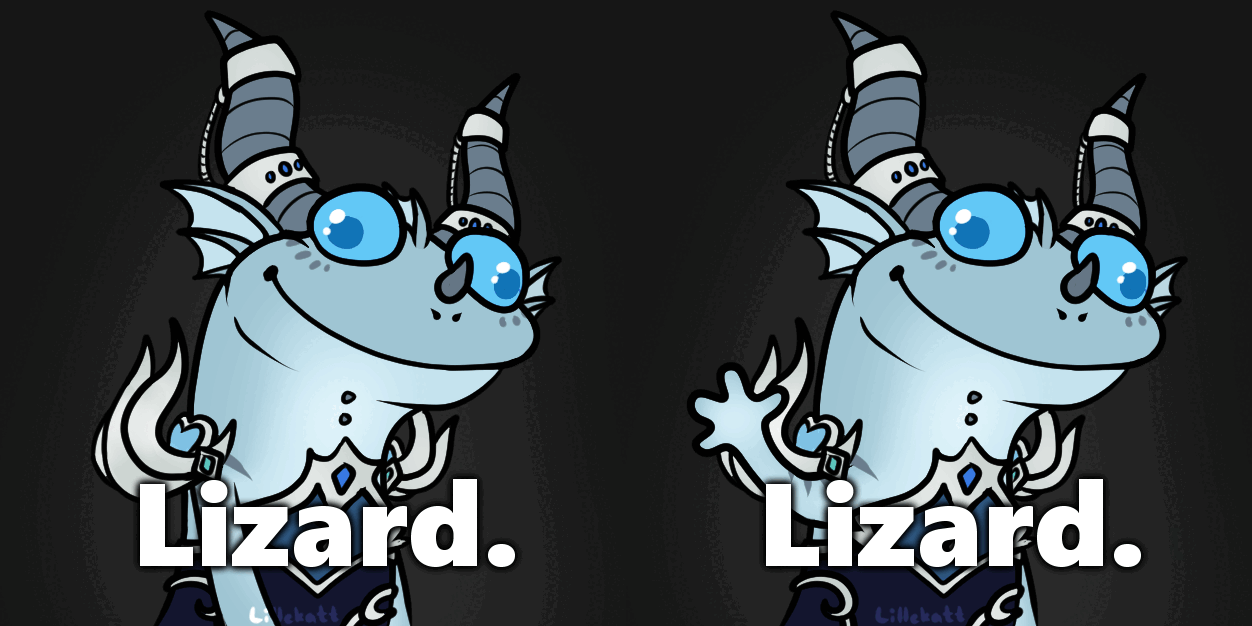
.gif 114 DracthyrLizard Sticker
.png 14 eunavigator Sticker
.png 1 ISRO Sticker
.png 689 moNOpoly Sticker
.gif 47 Dandy Sticker

Mondo Discord stickers

Browse Mondo stickers shared by the emoji.gg community. Open a favourite to preview it, check its details and download the image.

Building a set for your server? Save your favourites to a collection as you browse so you can find them again.

Add stickers to your Discord server

  1. Choose your favourites. Open a sticker and download its image.
  2. Open Server Settings. In Discord, select your server and go to the Stickers section.
  3. Upload and name it. Select the downloaded image, give it a name and save it for your community to use.

Get the Android app

Emoji.gg is better on the app. Download it from the Google Play store.

Get Emoji.gg on Google Play