Your Collection
Your collection items will appear here.

He Stickers

Find He custom stickers to use
on Discord, Telegram & Whatsapp

.gif 34 SpeedEdit3 Sticker
.gif 122 Catstrokingit Sticker
.gif 56 PeterTwitching Sticker
.png 19 MinionsPapoi Sticker
.png 51 ClockRabbit Sticker
.png 0 ineedyou Sticker
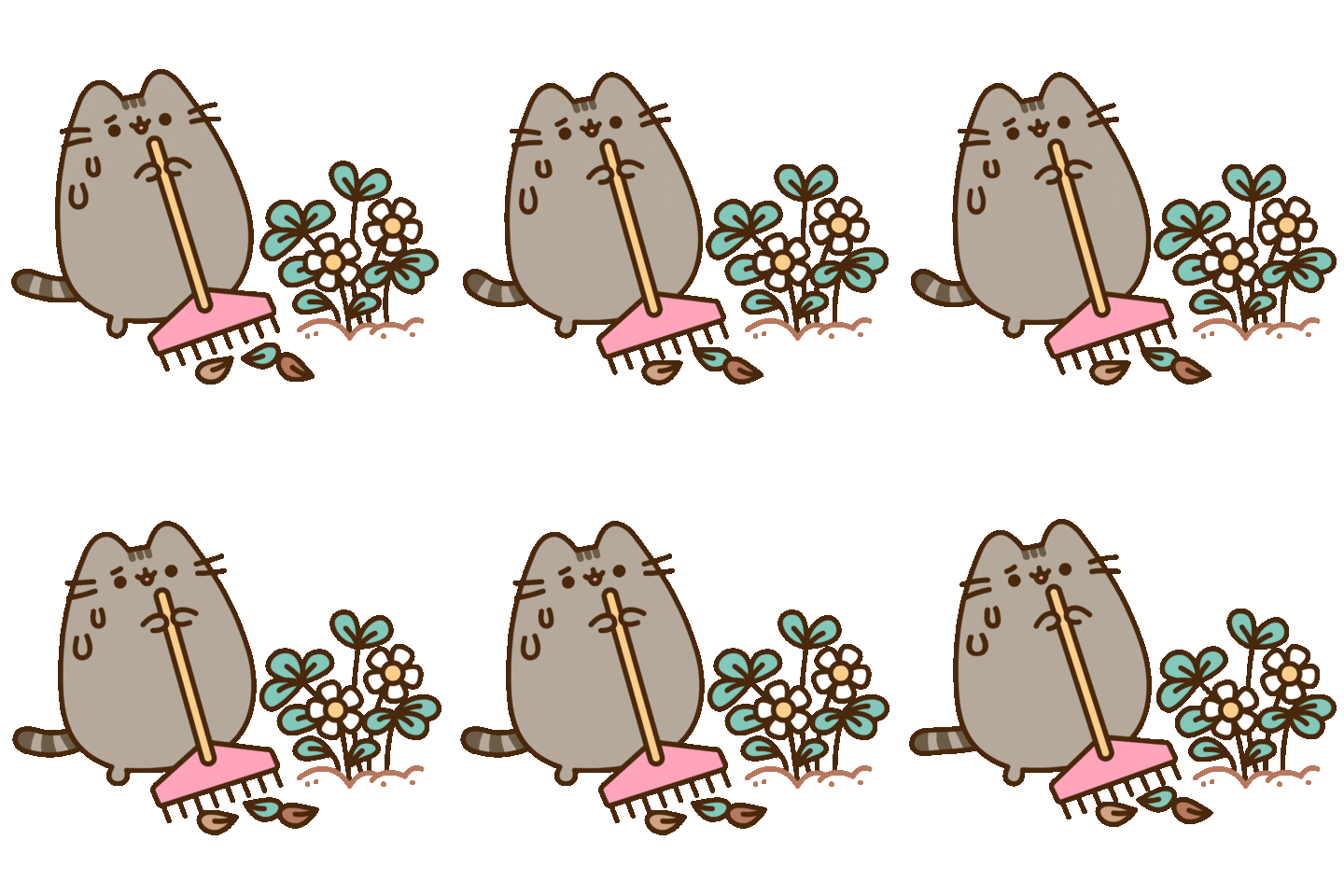
.gif 439 pusheen Sticker
.gif 282 pusheen Sticker
.gif 39 pusheen Sticker
.gif 268 pusheen Sticker
.gif 16 pusheen Sticker
.gif 68 pusheen Sticker
.png 1.8K cuking Sticker
.png 6 hello Sticker
.png 75 AresLove Sticker
.png 0 Tehehe Sticker
.png 101 congrats Sticker
.png 60 toshi_what_the_hell Sticker
.png 105 toshi_hehe Sticker
.png 54 toshi_care Sticker
.png 0 Haratin Sticker
.gif 2.4K hamster_shock Sticker
.png 133 WelcomeDuckie Sticker
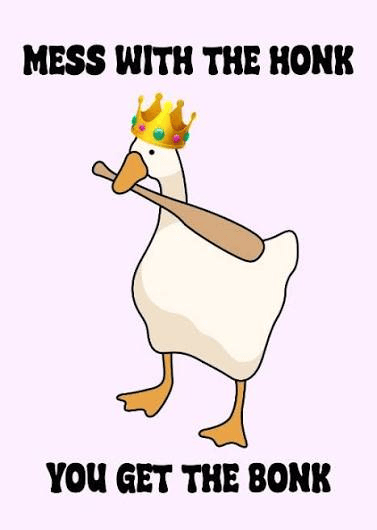
.png 34 Messwithhonk Sticker

He Discord stickers

Browse He stickers shared by the emoji.gg community. Open a favourite to preview it, check its details and download the image.

Building a set for your server? Save your favourites to a collection as you browse so you can find them again.

Add stickers to your Discord server

  1. Choose your favourites. Open a sticker and download its image.
  2. Open Server Settings. In Discord, select your server and go to the Stickers section.
  3. Upload and name it. Select the downloaded image, give it a name and save it for your community to use.

Get the Android app

Emoji.gg is better on the app. Download it from the Google Play store.

Get Emoji.gg on Google Play