Your Collection
Your collection items will appear here.

Glancing Stickers

Find Glancing custom stickers to use
on Discord, Telegram & Whatsapp

.png 248 What am I looking at Sticker
.png 217 Lillia_gasp Sticker
.png 384 Kings_choice_creeping Sticker
.png 253 PepeSilvia Sticker
.png 39 dog_staring Sticker
.png 133 Autistic_Rabbit Sticker
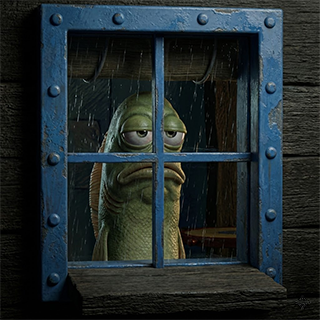
.png 652 depressedfishwindow Sticker
.png 218 LoveEyes Sticker
.png 536 pou_w_a_gun Sticker
.png 79 TIREDGRUL Sticker
.png 177 TIREDGRUL Sticker
.png 136 HUHGRUL Sticker
.gif 216 glancedbearbearish Sticker
.gif 38 look_around_bearish Sticker
.png 48 FERALGRUL Sticker
.gif 87 naraku_looking_up Sticker
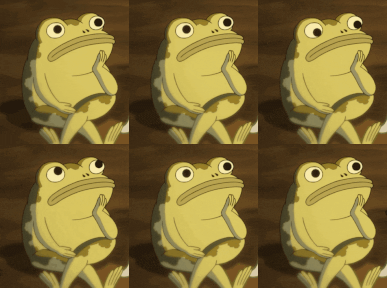
.gif 140 Frog Sticker
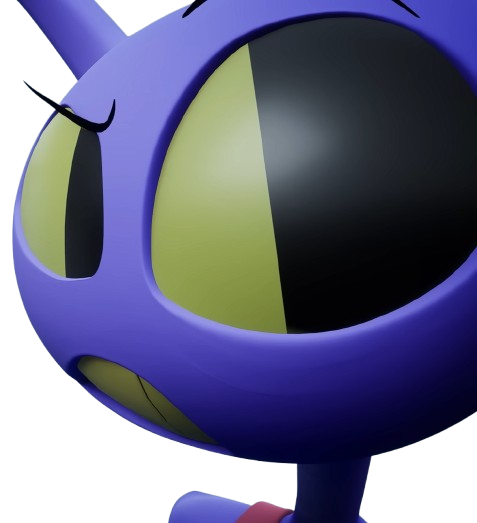
.png 243 Jax_Looking_Sus Sticker
.png 80 DepressedFishHd Sticker
.png 37 WandaUnimpressed Sticker
.gif 333 Looking Sticker
.gif 2.6K Sad Sticker
.gif 555 lookaround Sticker

Glancing Discord stickers

Browse Glancing stickers shared by the emoji.gg community. Open a favourite to preview it, check its details and download the image.

Building a set for your server? Save your favourites to a collection as you browse so you can find them again.

Add stickers to your Discord server

  1. Choose your favourites. Open a sticker and download its image.
  2. Open Server Settings. In Discord, select your server and go to the Stickers section.
  3. Upload and name it. Select the downloaded image, give it a name and save it for your community to use.

Get the Android app

Emoji.gg is better on the app. Download it from the Google Play store.

Get Emoji.gg on Google Play