Your Collection
Your collection items will appear here.

Gif Stickers

Find Gif custom stickers to use
on Discord, Telegram & Whatsapp
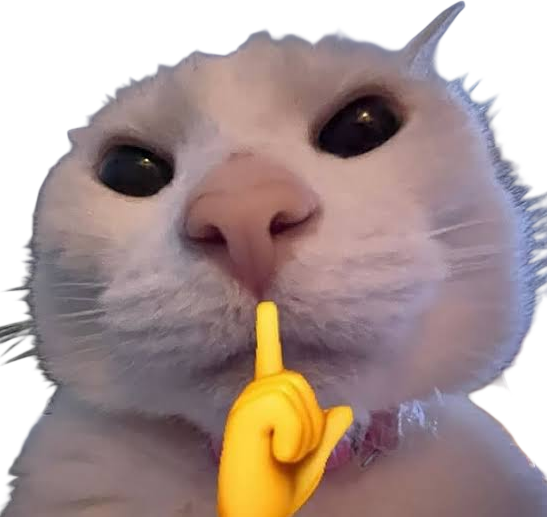
.png 1.8K shhhh Sticker
.gif 373 Paw_boop Sticker
.gif 3.6K crazycat Sticker
.png 27 SeamothPatrick Sticker
.png 99 Littlechefcatmemesticker Sticker
.gif 1.8K sneakycat Sticker
.gif 1.0K VegetaPhone Sticker
.gif 156 SippingAdam Sticker
.gif 1.0K Bohboh Sticker
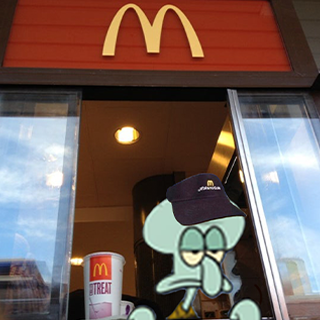
.png 1.3K SquidwardDriveThru Sticker
.png 1.1K skillissue Sticker
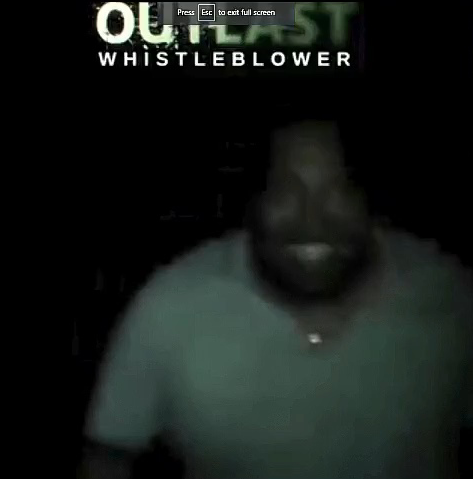
.png 48 OutlastGuy Sticker
.png 202 CuteSmile Sticker
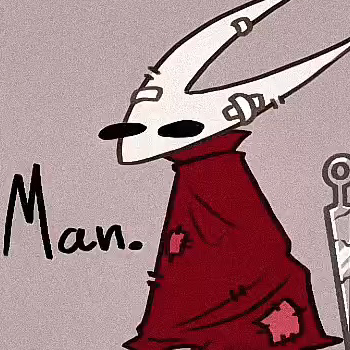
.png 68 HornetSilkSong Sticker
.png 86 Shut Sticker
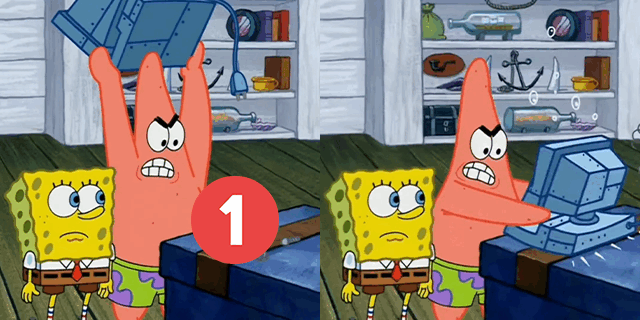
.gif 752 PatPingSmash Sticker
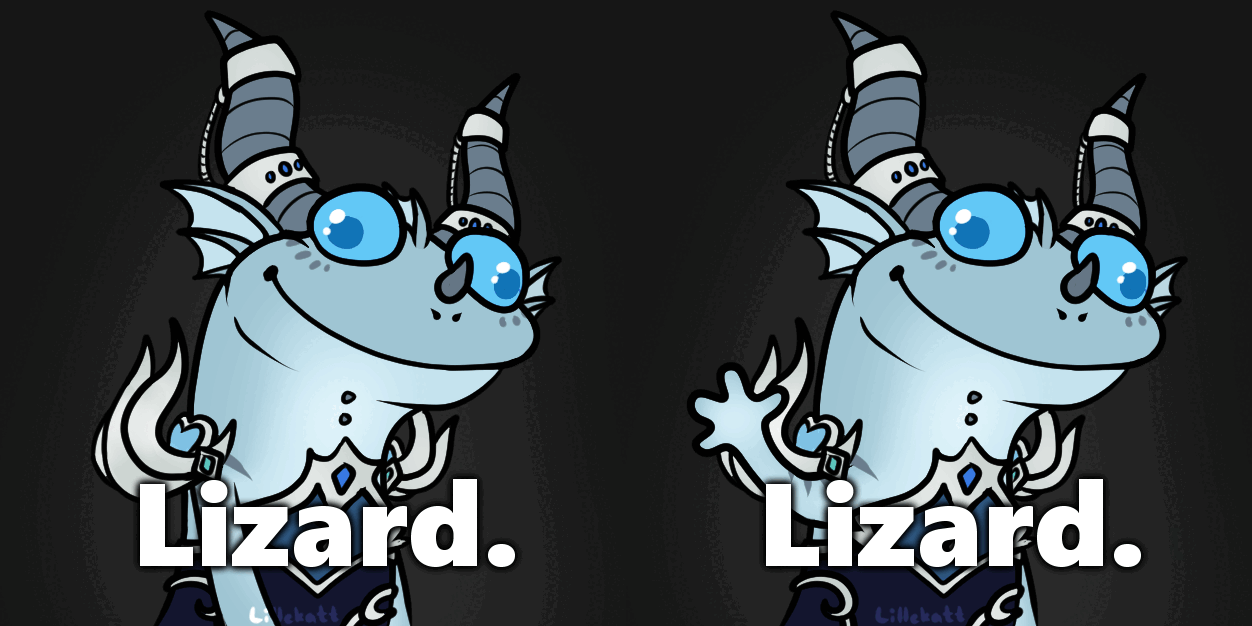
.gif 114 DracthyrLizard Sticker
.gif 710 jugeullae Sticker
.gif 118 Bongocat Sticker
.gif 386 Greystar99 Sticker
.png 107 Ohmaigod Sticker
.gif 502 Y2KSlop Sticker
.png 39 Ohmaigod Sticker
.gif 726 Yay Sticker
.png 67 animate Sticker

Gif Discord stickers

Browse Gif stickers shared by the emoji.gg community. Open a favourite to preview it, check its details and download the image.

Building a set for your server? Save your favourites to a collection as you browse so you can find them again.

Add stickers to your Discord server

  1. Choose your favourites. Open a sticker and download its image.
  2. Open Server Settings. In Discord, select your server and go to the Stickers section.
  3. Upload and name it. Select the downloaded image, give it a name and save it for your community to use.

Get the Android app

Emoji.gg is better on the app. Download it from the Google Play store.

Get Emoji.gg on Google Play