Your Collection
Your collection items will appear here.

Gameover Stickers

Find Gameover custom stickers to use
on Discord, Telegram & Whatsapp

.gif 38 Antique_Roadshow_Baddie Sticker
.gif 81 PeterTwitching Sticker
.png 0 ineedyou Sticker
.png 48 Myers Sticker
.png 16 dead Sticker
.png 91 Dies Sticker
.gif 17 megan_smile Sticker
.gif 70 megan_oh Sticker
.gif 22 megan_uhm Sticker
.png 381 GetALoadOfThisGuy Sticker
.gif 710 jugeullae Sticker
.gif 48 Baddie Sticker
.png 1 OscarMikeLadies Sticker
.gif 115 chichdien Sticker
.gif 11 bearish_x_fugz Sticker
.gif 646 guess_its_time Sticker
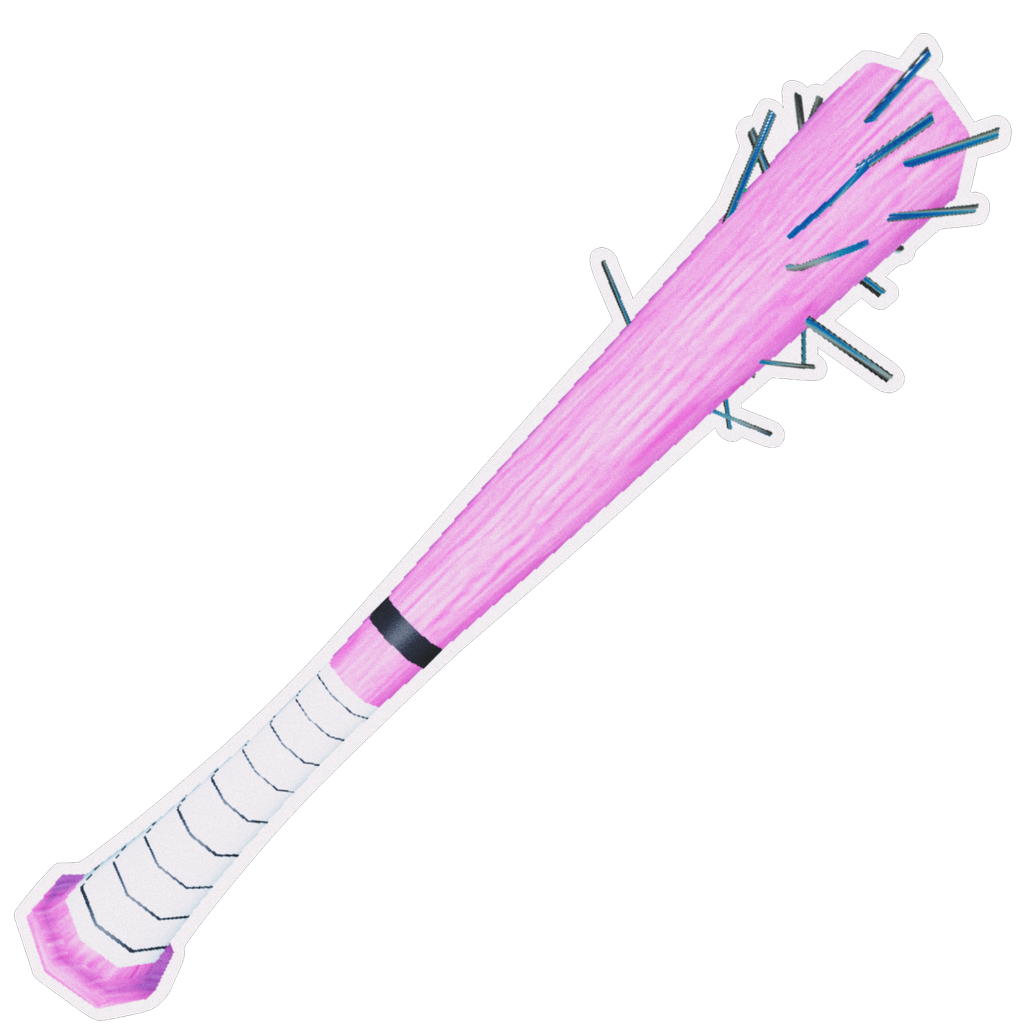
.png 12 Bat Sticker
.png 202 micah_bell_viado Sticker
.png 105 deadass Sticker
.png 4.3K soldjacat Sticker
.png 2 Sold_world Sticker
.png 18 samara Sticker
.png 203 BlitzoKMS Sticker
.png 17 bob Sticker
.png 151 Xiao_DeadInside Sticker

Gameover Discord stickers

Browse Gameover stickers shared by the emoji.gg community. Open a favourite to preview it, check its details and download the image.

Building a set for your server? Save your favourites to a collection as you browse so you can find them again.

Add stickers to your Discord server

  1. Choose your favourites. Open a sticker and download its image.
  2. Open Server Settings. In Discord, select your server and go to the Stickers section.
  3. Upload and name it. Select the downloaded image, give it a name and save it for your community to use.

Get the Android app

Emoji.gg is better on the app. Download it from the Google Play store.

Get Emoji.gg on Google Play