Your Collection
Your collection items will appear here.

Enjoy Stickers

Find Enjoy custom stickers to use
on Discord, Telegram & Whatsapp

.gif 1 IDX_propose_day_3006 Sticker
.gif 11 IDX_propose_day_3008 Sticker
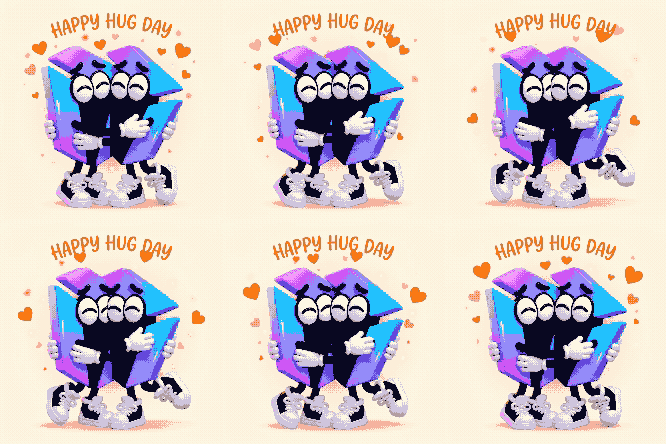
.gif 3 IDX_hug_day_3003 Sticker
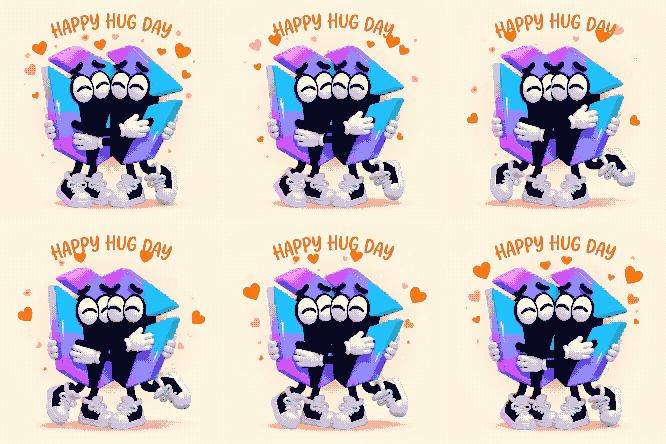
.gif 13 IDX_hug_day_3006 Sticker
.gif 1 IDX_propose_day_3009 Sticker
.gif 16 IDX_propose_day_3010 Sticker
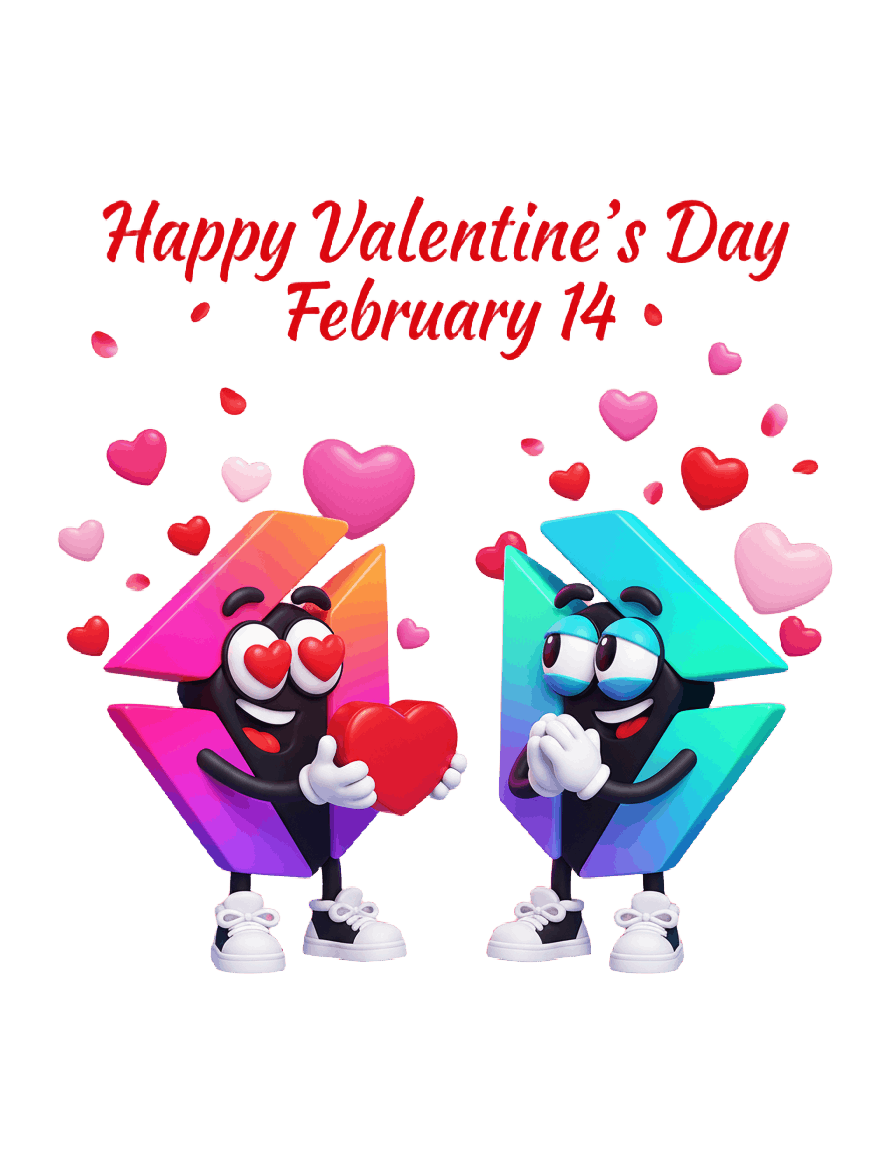
.png 2 IDX_valentine_day_1101 Sticker
.png 0 IDX_valentine_day_1102 Sticker
.gif 2 IDX_valentine_day_2004 Sticker
.png 70 ShrimpMyBeloved Sticker
.gif 7 IDX_dribbling_002 Sticker
.gif 190 Chilling Sticker
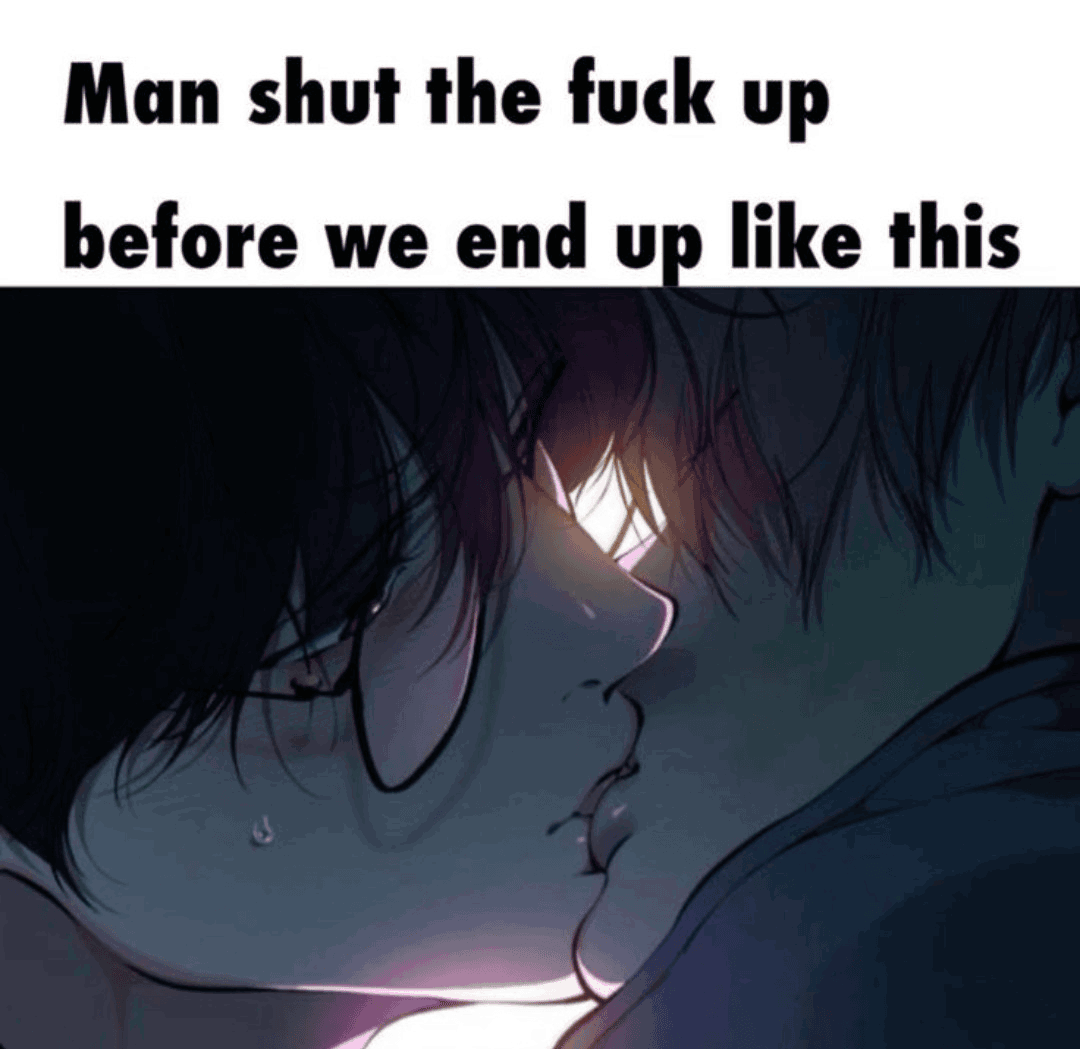
.png 84 litc_stfu Sticker
.png 77 Skylar_no Sticker
.png 103 Skylar_shock Sticker
.png 2 psg Sticker
.gif 3 throwbrick_rikka Sticker
.png 73 gay_heart Sticker
.png 331 couples_cuddle Sticker
.gif 195 cute_love Sticker
.png 7 Gumi_Rose_Flower_Love Sticker
.png 193 jojoisbizzare Sticker
.png 123 GetFkd Sticker
.gif 15 Love Sticker

Enjoy Discord stickers

Browse Enjoy stickers shared by the emoji.gg community. Open a favourite to preview it, check its details and download the image.

Building a set for your server? Save your favourites to a collection as you browse so you can find them again.

Add stickers to your Discord server

  1. Choose your favourites. Open a sticker and download its image.
  2. Open Server Settings. In Discord, select your server and go to the Stickers section.
  3. Upload and name it. Select the downloaded image, give it a name and save it for your community to use.

Get the Android app

Emoji.gg is better on the app. Download it from the Google Play store.

Get Emoji.gg on Google Play