Your Collection
Your collection items will appear here.

Elsa Stickers

Find Elsa custom stickers to use
on Discord, Telegram & Whatsapp

.gif 2.4K Voices Sticker
.png 780 royal_vibes Sticker
.gif 723 Peach Sticker
.png 562 Kings_choice_cute Sticker
.png 517 Kendall_roy Sticker
.png 508 notfunny Sticker
.png 502 Noice Sticker
.png 480 chrisdidntthinktwice Sticker
.png 476 crying_jordan_princess Sticker
.gif 468 Goma Sticker
.png 445 Kings_choice_thumbsup Sticker
.png 436 PGSpray Sticker
.png 430 Kings_choice_laughing_f Sticker
.png 419 bonersponge Sticker
.png 416 Kings_choice_evil Sticker
.png 397 Kings_choice_creeping Sticker
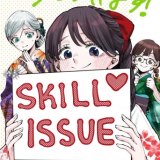
.png 378 KaorukoSkillIssue Sticker
.png 363 Poutorice Sticker
.png 359 Kings_choice_crying_m Sticker
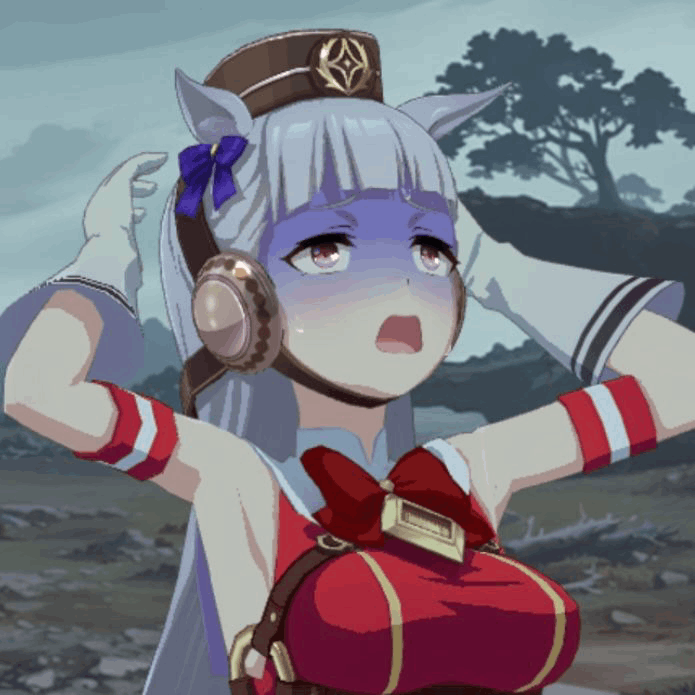
.png 338 Golshiscream Sticker
.png 330 Airi_NiceToMeetYa Sticker
.png 324 Kings_choice_tired Sticker
.png 312 Kings_choice_yay Sticker
.png 310 Kings_chouce_adore Sticker
.png 309 Unamurice Sticker

Elsa Discord stickers

Browse Elsa stickers shared by the emoji.gg community. Open a favourite to preview it, check its details and download the image.

Building a set for your server? Save your favourites to a collection as you browse so you can find them again.

Add stickers to your Discord server

  1. Choose your favourites. Open a sticker and download its image.
  2. Open Server Settings. In Discord, select your server and go to the Stickers section.
  3. Upload and name it. Select the downloaded image, give it a name and save it for your community to use.

Get the Android app

Emoji.gg is better on the app. Download it from the Google Play store.

Get Emoji.gg on Google Play