Your Collection
Your collection items will appear here.

Eighty Stickers

Find Eighty custom stickers to use
on Discord, Telegram & Whatsapp

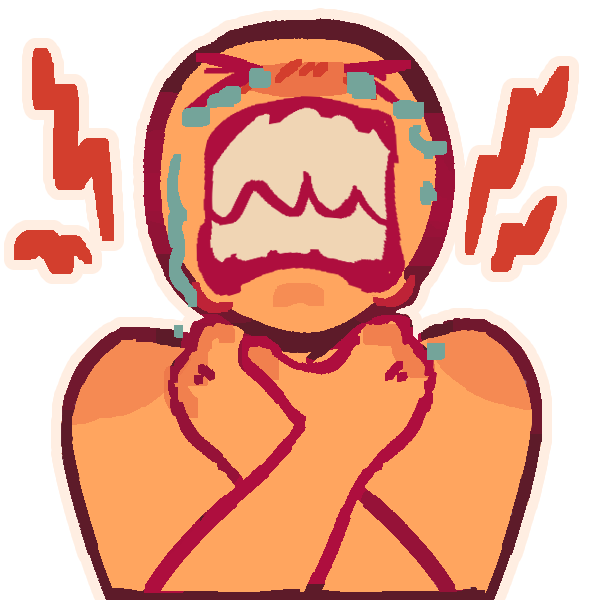
.png 218 choking_self Sticker
.png 216 yes Sticker
.png 216 Big Emoti Stage Hmmm Sticker
.png 215 Big Emoti Stage LOL Sticker
.png 213 KAITO_cry Sticker
.png 207 Sagepeekaboo Sticker
.png 201 KAITO_sparkle Sticker
.png 192 Big Emoti Stage Teehee Sticker
.png 189 Fansage Sticker
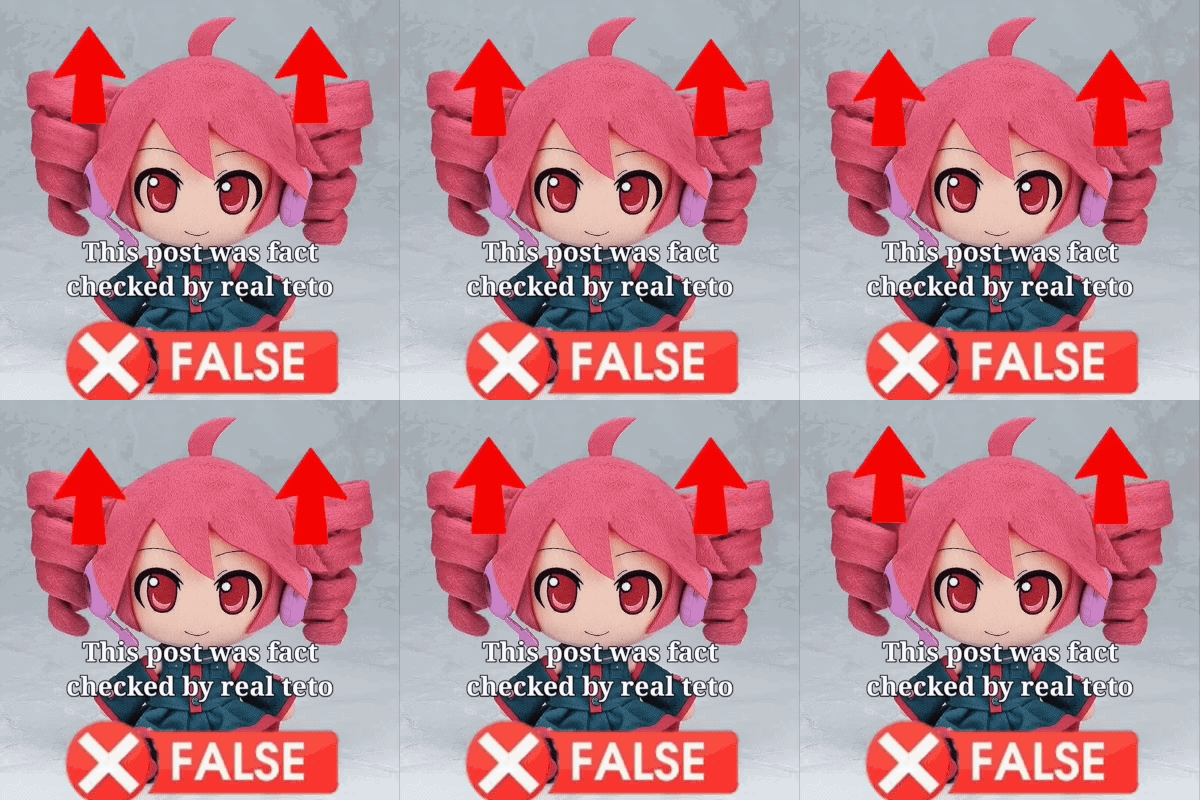
.gif 180 KasaneTeto_false_fake_bs Sticker
.gif 176 gi_hun_scream Sticker
.png 175 NobatterySage Sticker
.png 174 MushroomHug Sticker
.png 172 Rip_shedletsky Sticker
.png 172 pepe_support_agent_call Sticker
.png 167 Big Emoti Stage Shock Sticker
.png 160 Dontyouknowimasavage Sticker
.png 154 KAITO_thumbsup Sticker
.png 147 KAITO_whisper Sticker
.png 147 KAITO_wink Sticker
.png 146 Airi_ntmy Sticker
.png 143 KinichBirthdayAjaw Sticker
.png 136 Cheerful_Nerd_Emoji Sticker
.png 133 Sagewithgun Sticker
.png 132 Sagecupphone Sticker

Eighty Discord stickers

Browse Eighty stickers shared by the emoji.gg community. Open a favourite to preview it, check its details and download the image.

Building a set for your server? Save your favourites to a collection as you browse so you can find them again.

Add stickers to your Discord server

  1. Choose your favourites. Open a sticker and download its image.
  2. Open Server Settings. In Discord, select your server and go to the Stickers section.
  3. Upload and name it. Select the downloaded image, give it a name and save it for your community to use.

Get the Android app

Emoji.gg is better on the app. Download it from the Google Play store.

Get Emoji.gg on Google Play