Your Collection
Your collection items will appear here.

Downtrend Stickers

Find Downtrend custom stickers to use
on Discord, Telegram & Whatsapp

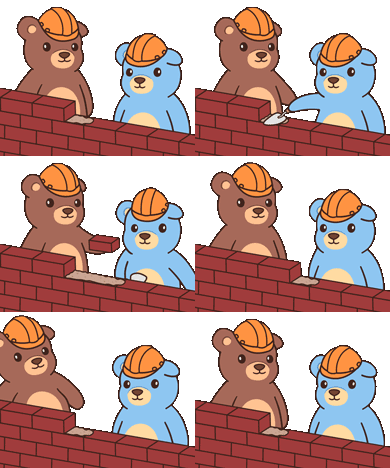
.gif 8 bbq_grill_master_bearish Sticker
.gif 8 bbq_lets_cook_bearish Sticker
.gif 16 bbq_t_bearish Sticker
.gif 90 bye_car_bearish Sticker
.gif 1 both_sad_time_cry_bearish Sticker
.gif 119 birthday_one_bearish Sticker
.gif 34 Ayoo_bearish Sticker
.gif 2 bear_x_bear_bearish Sticker
.gif 10 bearish_x_jarritos_cheers Sticker
.gif 6 bearish_x_jarritos_cheer Sticker
.gif 190 bella_hug_barry_ily_bearish Sticker
.gif 83 bella_hug_barry_bearish Sticker
.gif 12 bruh_bearish Sticker
.gif 9 build_with_peng_bearish Sticker
.gif 9 both_sad_bearish Sticker
.gif 95 bearogan_v2_bearish Sticker
.gif 38 build_with_peng_bearishV2 Sticker
.gif 143 bruh_caption_alpha Sticker
.gif 224 chad_bearish Sticker

Downtrend Discord stickers

Browse Downtrend stickers shared by the emoji.gg community. Open a favourite to preview it, check its details and download the image.

Building a set for your server? Save your favourites to a collection as you browse so you can find them again.

Add stickers to your Discord server

  1. Choose your favourites. Open a sticker and download its image.
  2. Open Server Settings. In Discord, select your server and go to the Stickers section.
  3. Upload and name it. Select the downloaded image, give it a name and save it for your community to use.

Get the Android app

Emoji.gg is better on the app. Download it from the Google Play store.

Get Emoji.gg on Google Play