Your Collection
Your collection items will appear here.

Dice Stickers

Find Dice custom stickers to use
on Discord, Telegram & Whatsapp

.png 2.0K Mod_Abuse Sticker
.png 1.8K Vagabund_give_money Sticker
.gif 1.8K elliememe Sticker
.png 1.5K ussticker Sticker
.png 1.1K skillissue Sticker
.png 812 gamerkitty Sticker
.png 782 trollgun Sticker
.png 705 rick roll Sticker
.png 689 moNOpoly Sticker
.png 625 HeadsetSquidward Sticker
.png 530 trollface Sticker
.png 487 DidntLaugh Sticker
.png 468 Troll Face Sticker
.png 429 Troll Face Sticker
.png 416 Omen Trollface Sticker
.png 403 why_did_you_let_him_cook Sticker
.png 382 Aeri_4 Sticker
.png 372 trollface Sticker
.png 369 tonight Sticker
.png 363 Poutorice Sticker
.png 347 Aeri_KeepAtIt Sticker
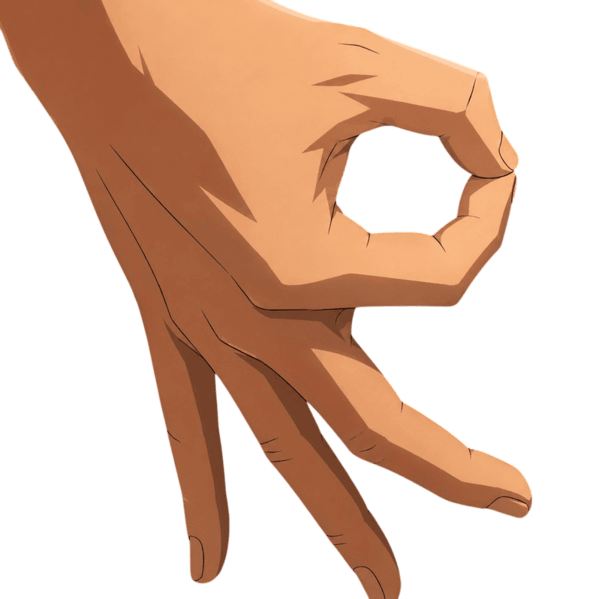
.png 345 Circle_Finger Sticker
.png 341 Dancing Troll Sticker
.png 330 Airi_NiceToMeetYa Sticker
.png 318 troll chad Sticker

Dice Discord stickers

Browse Dice stickers shared by the emoji.gg community. Open a favourite to preview it, check its details and download the image.

Building a set for your server? Save your favourites to a collection as you browse so you can find them again.

Add stickers to your Discord server

  1. Choose your favourites. Open a sticker and download its image.
  2. Open Server Settings. In Discord, select your server and go to the Stickers section.
  3. Upload and name it. Select the downloaded image, give it a name and save it for your community to use.

Get the Android app

Emoji.gg is better on the app. Download it from the Google Play store.

Get Emoji.gg on Google Play