Your Collection
Your collection items will appear here.

Dabbing Stickers

Find Dabbing custom stickers to use
on Discord, Telegram & Whatsapp

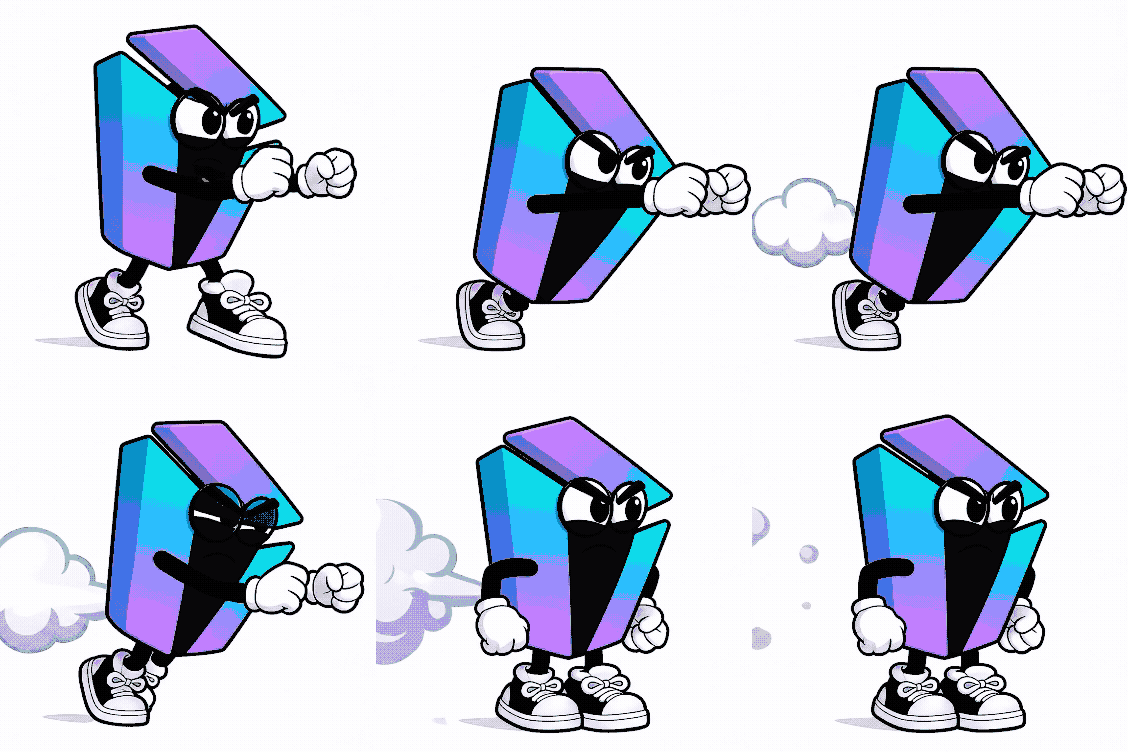
.gif 691 PawOops Sticker
.png 244 emspeed Sticker
.png 118 emslowdown Sticker
.png 1.3K kittenpeace Sticker
.png 812 gamerkitty Sticker
.png 1.8K shhhh Sticker
.gif 30 IDX_fart_1022 Sticker
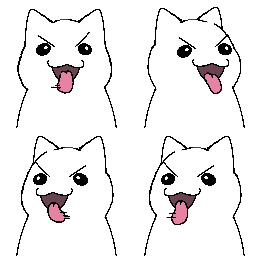
.gif 3.6K crazycat Sticker
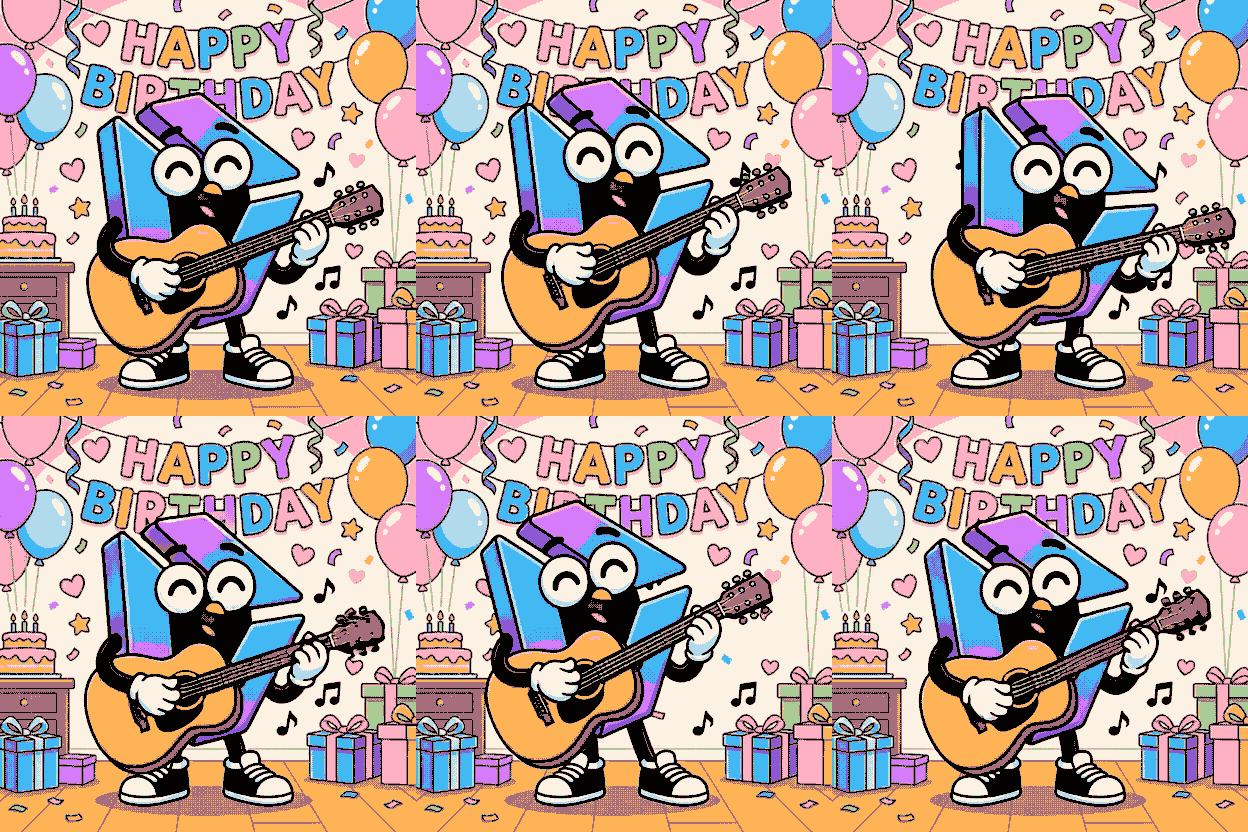
.gif 102 IDX_Happy_Birthday_1002 Sticker
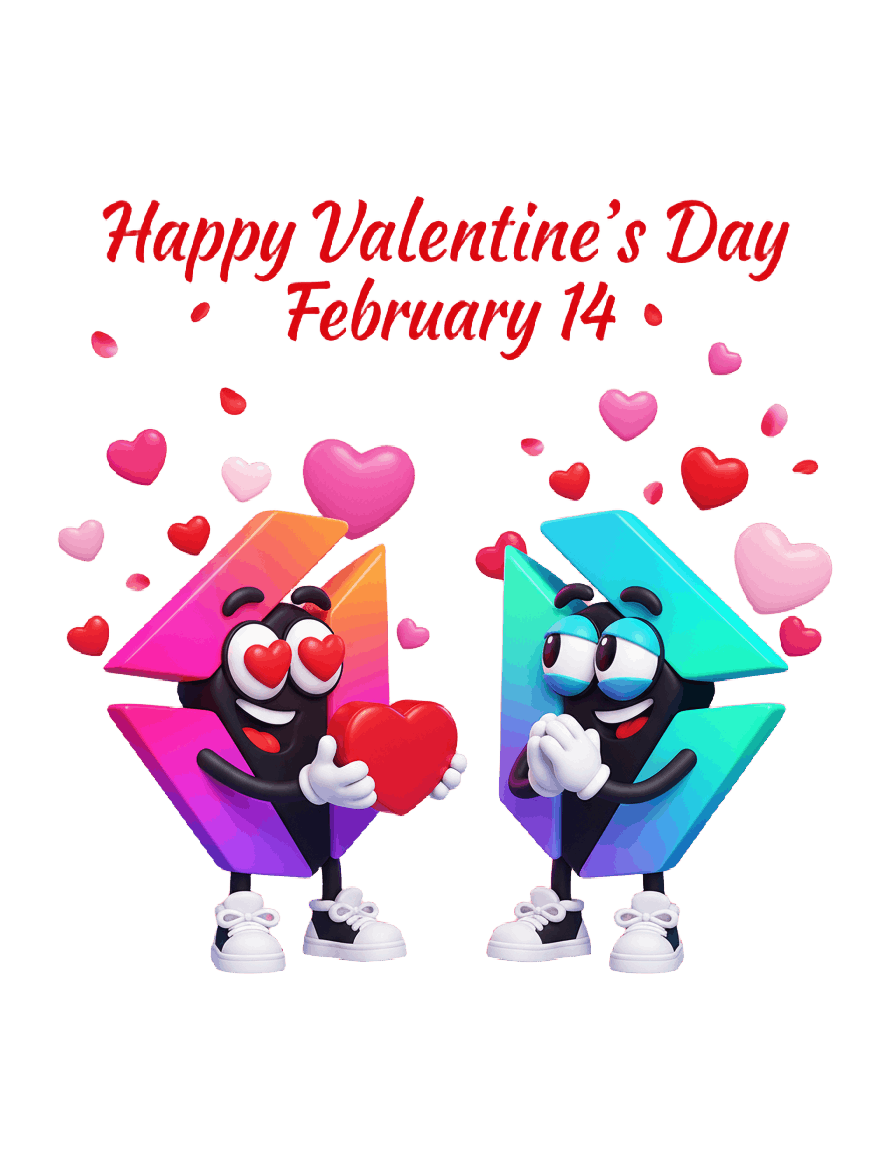
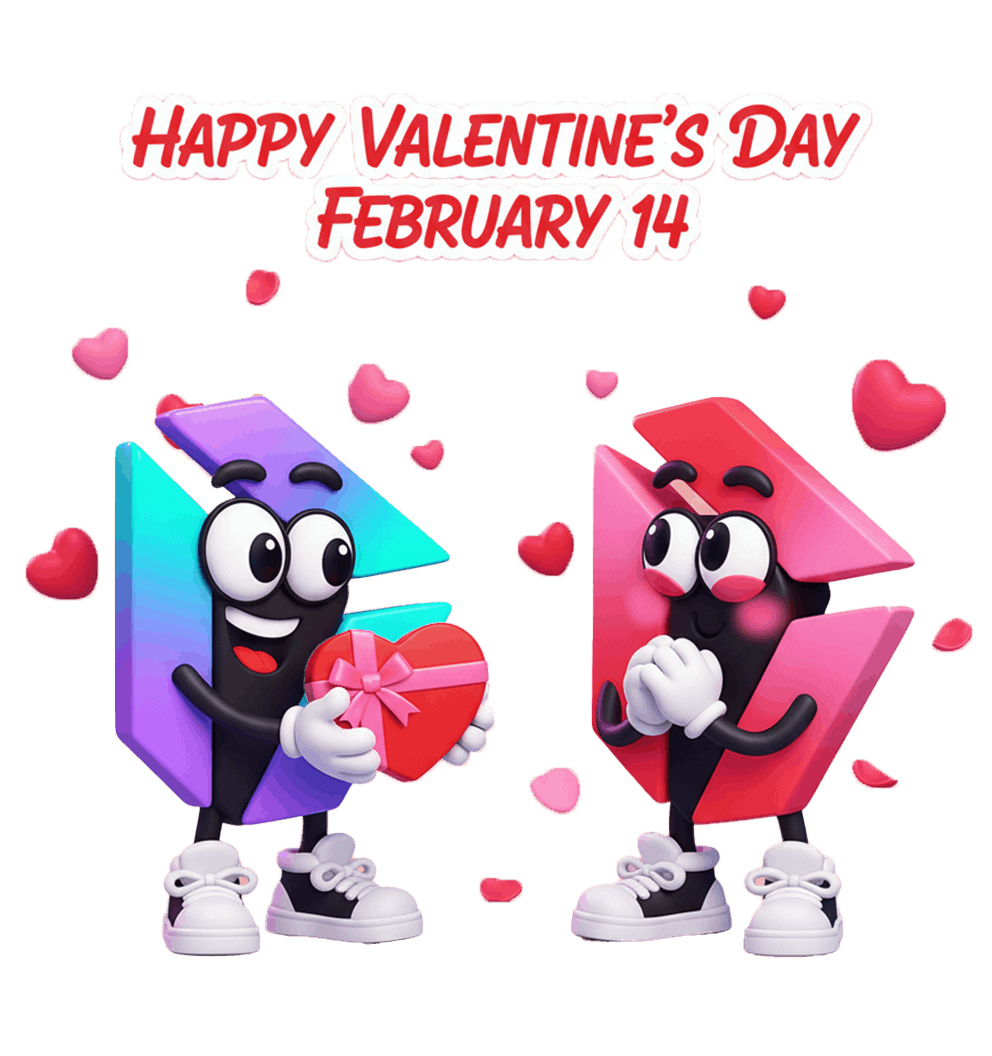
.png 0 IDX_valentine_day_1102 Sticker
.png 2 IDX_valentine_day_1101 Sticker
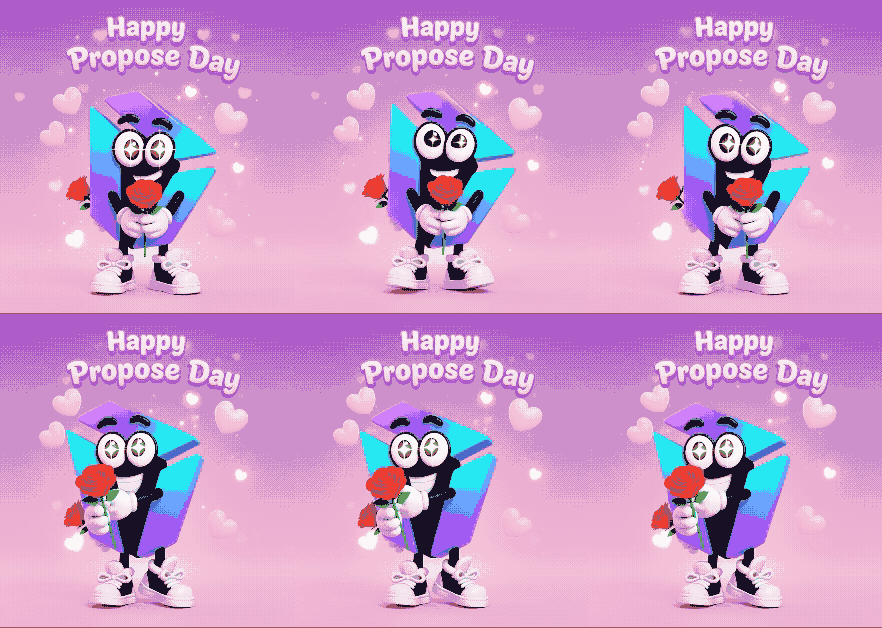
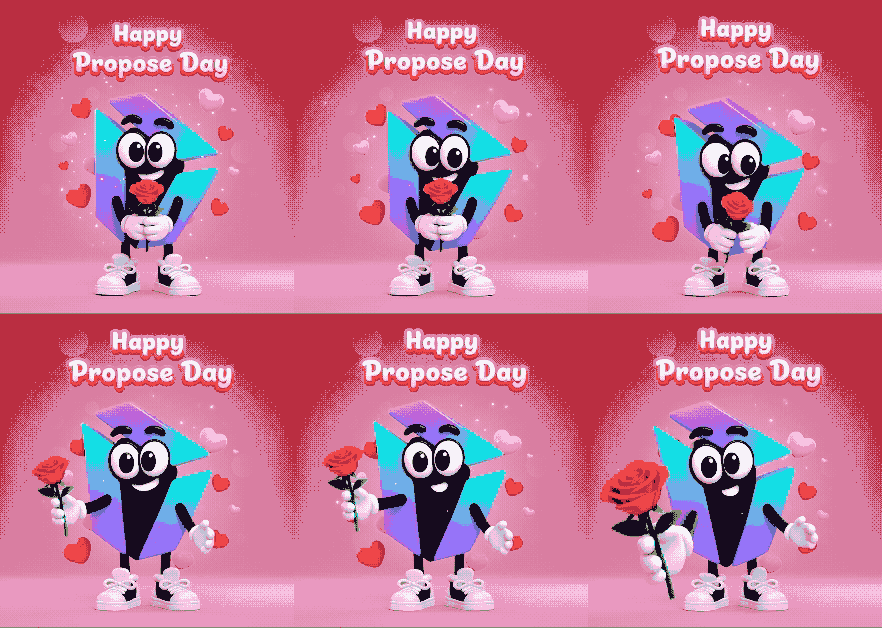
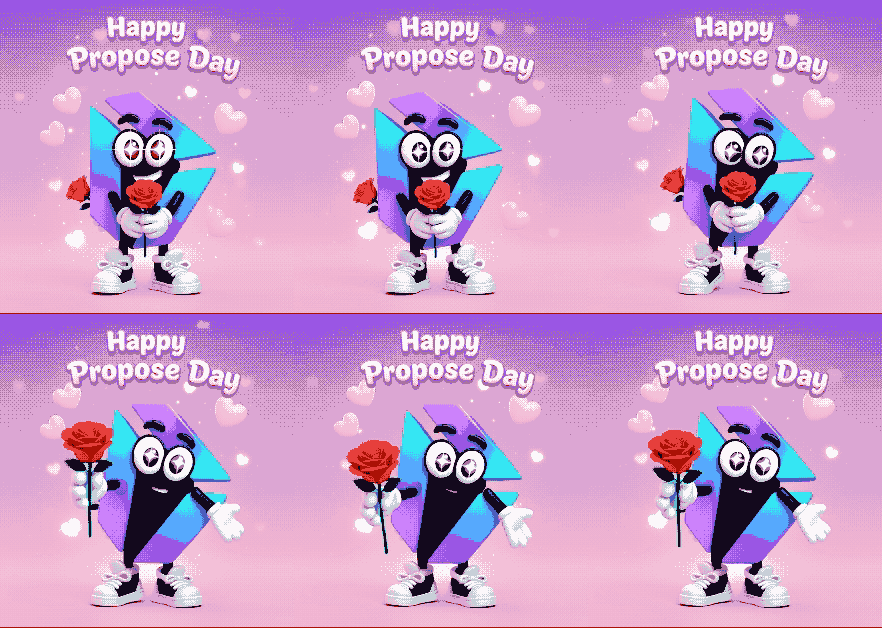
.gif 16 IDX_propose_day_3010 Sticker
.gif 1 IDX_propose_day_3009 Sticker
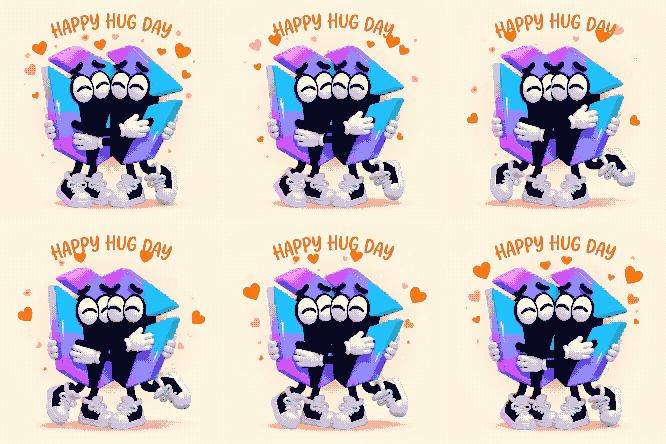
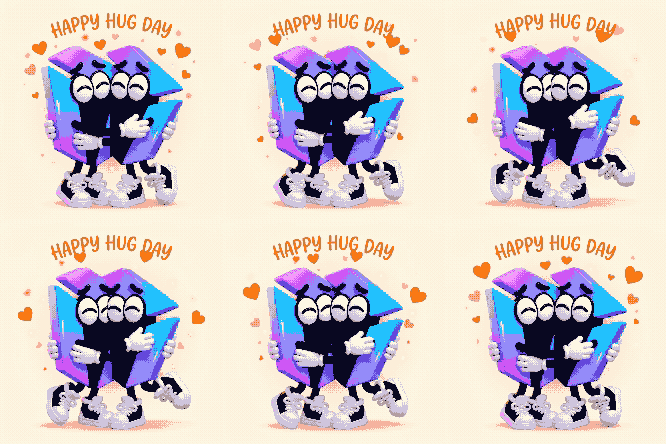
.gif 13 IDX_hug_day_3006 Sticker
.gif 3 IDX_hug_day_3003 Sticker
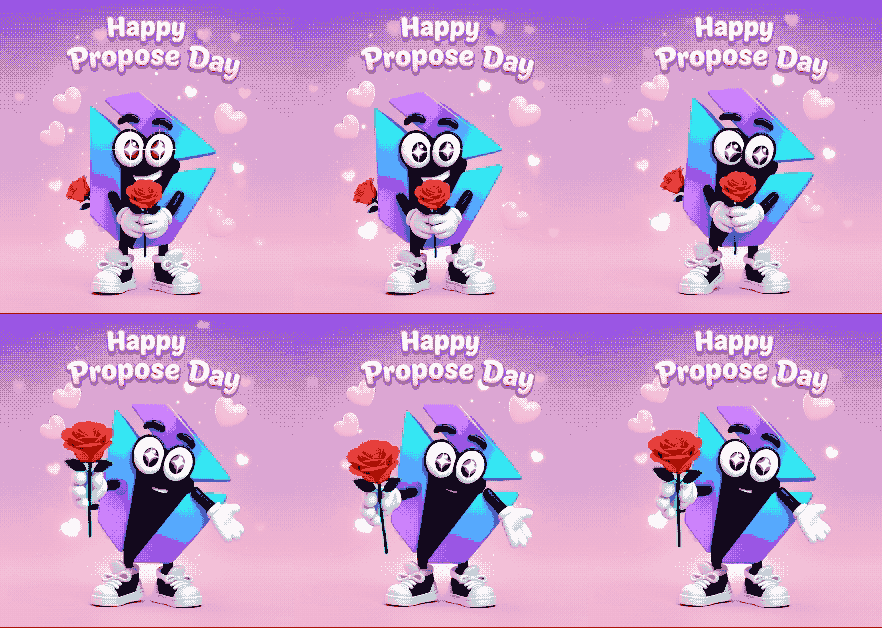
.gif 11 IDX_propose_day_3008 Sticker
.gif 1 IDX_propose_day_3006 Sticker
.png 673 monkey_think Sticker
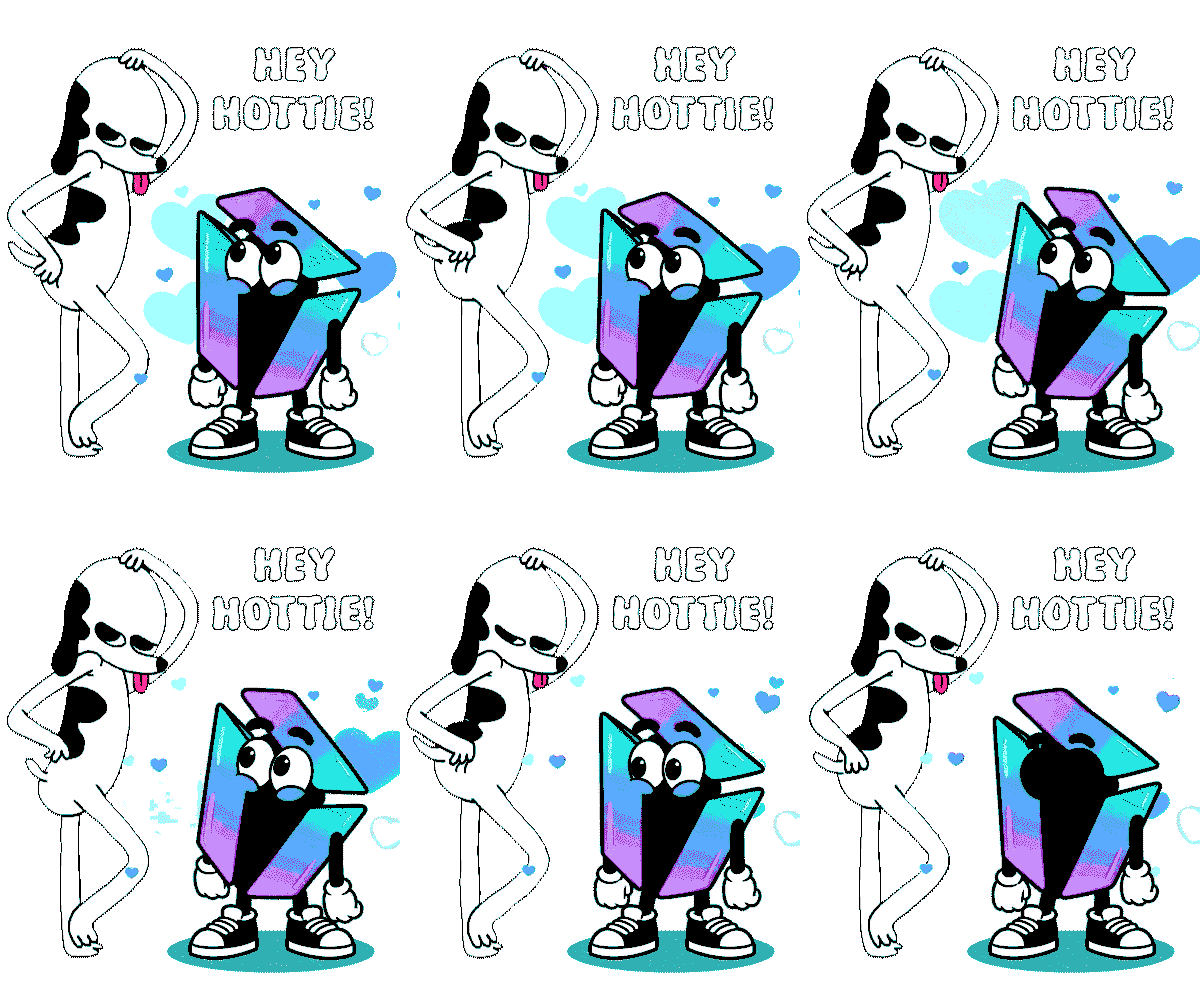
.gif 12 IDX_hey_hottie_compliment Sticker
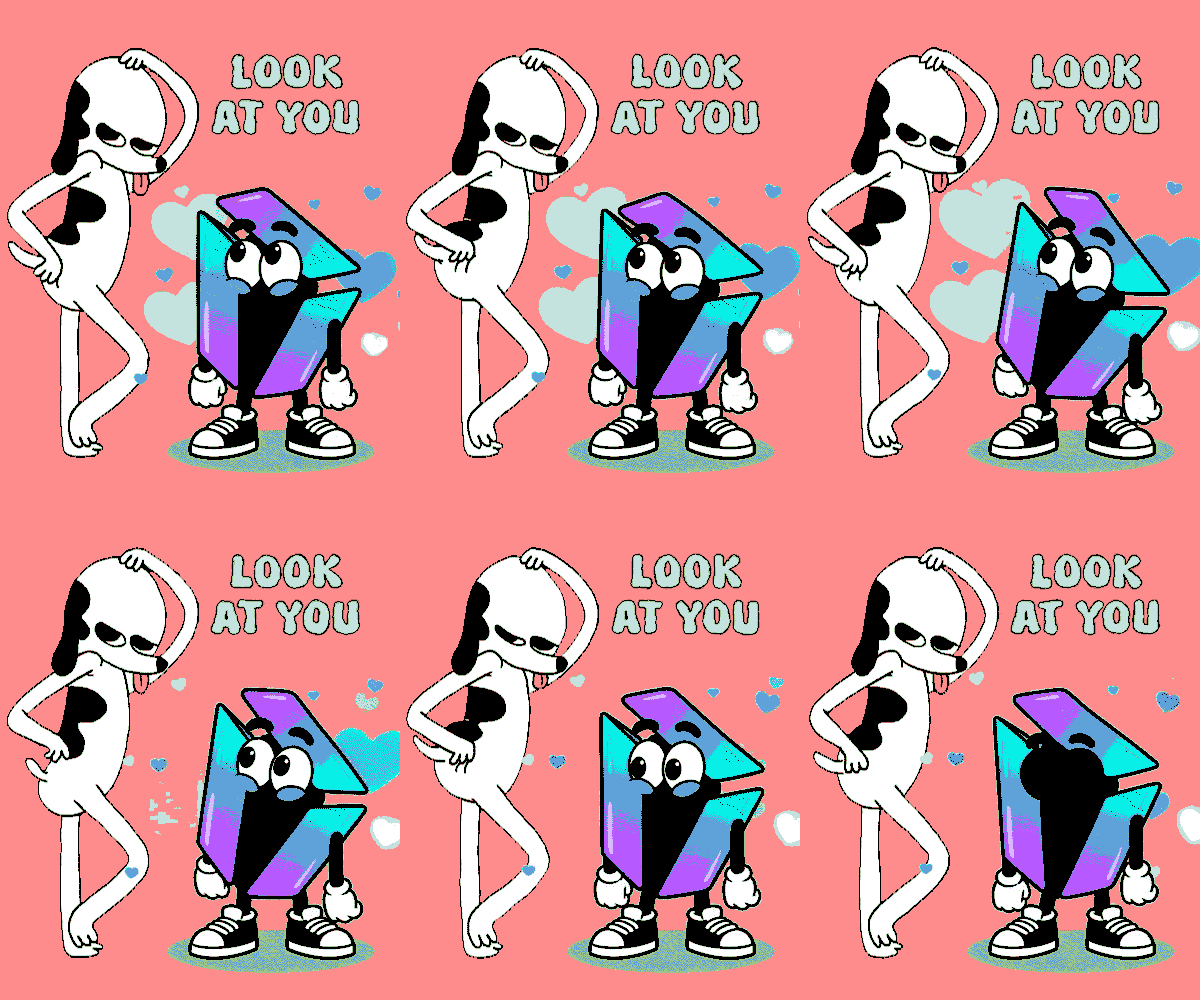
.gif 36 IDX_look_at_u Sticker
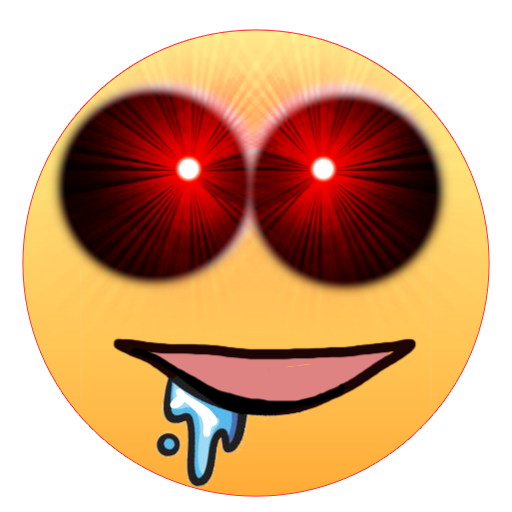
.png 647 Drooling Sticker
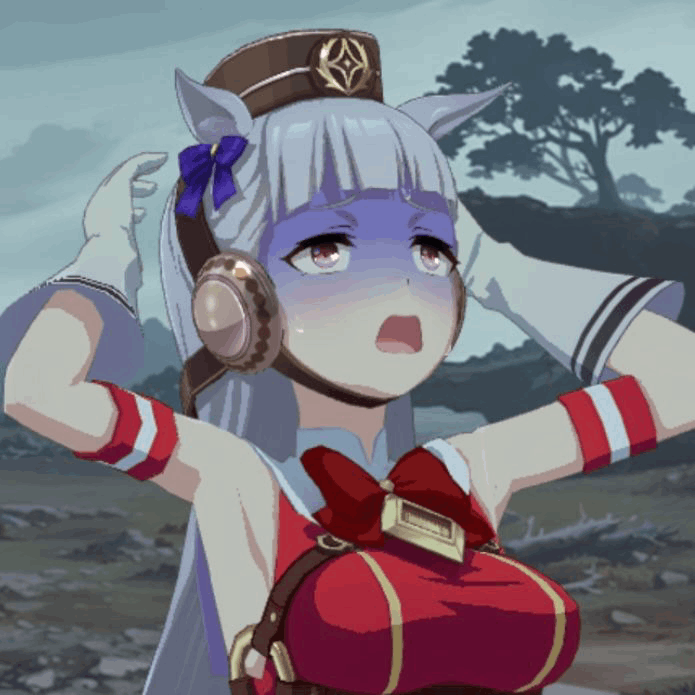
.png 338 Golshiscream Sticker
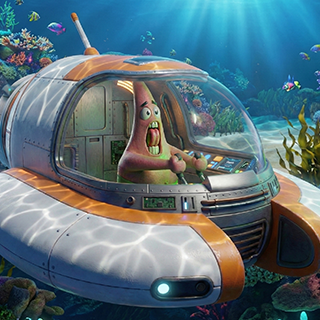
.png 27 SeamothPatrick Sticker
.png 99 Littlechefcatmemesticker Sticker
.gif 1.8K elliememe Sticker

Dabbing Discord stickers

Browse Dabbing stickers shared by the emoji.gg community. Open a favourite to preview it, check its details and download the image.

Building a set for your server? Save your favourites to a collection as you browse so you can find them again.

Add stickers to your Discord server

  1. Choose your favourites. Open a sticker and download its image.
  2. Open Server Settings. In Discord, select your server and go to the Stickers section.
  3. Upload and name it. Select the downloaded image, give it a name and save it for your community to use.

Get the Android app

Emoji.gg is better on the app. Download it from the Google Play store.

Get Emoji.gg on Google Play