Your Collection
Your collection items will appear here.

Core Stickers

Find Core custom stickers to use
on Discord, Telegram & Whatsapp

.gif 59 new_excited_bearish Sticker
.gif 48 new_excited_happy_Tbearish Sticker
.png 0 eve_olivia_heart Sticker
.png 15 eve_love Sticker
.png 2 olivia_kiss Sticker
.png 424 catwarmth Sticker
.gif 36 kotokoheart Sticker
.gif 365 Black_Drip_Heart_2 Sticker
.gif 136 sit_love_Tbearish Sticker
.gif 14 Air_hug_Tbearish Sticker
.gif 73 air_hug_blank_bearish Sticker
.png 48 FERALGRUL Sticker
.png 89 BOOGERGRUL Sticker
.gif 47 coffee_bath_heart_bearish Sticker
.png 67 Ironheart_The_Finger Sticker
.gif 287 Uncaged_Fury Sticker
.gif 37 cupid_bearish Sticker
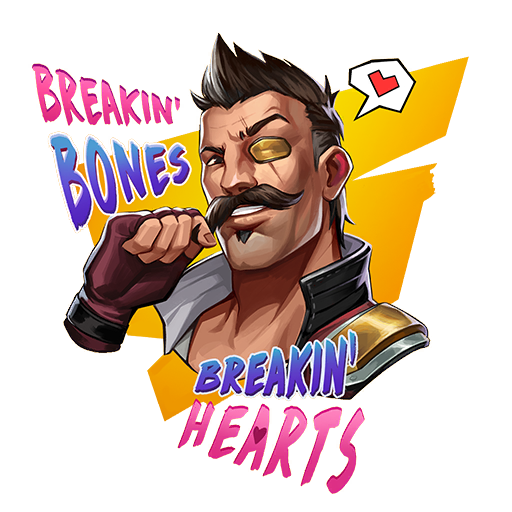
.png 0 BreakinBonesBreakinHearts Sticker
.gif 101 Green_Drac_Heart Sticker
.png 98 angry_middle_finger Sticker
.png 93 petty_bitch Sticker
.png 10 heart Sticker
.png 35 JAANU Sticker
.png 1 heart Sticker

Core Discord stickers

Browse Core stickers shared by the emoji.gg community. Open a favourite to preview it, check its details and download the image.

Building a set for your server? Save your favourites to a collection as you browse so you can find them again.

Add stickers to your Discord server

  1. Choose your favourites. Open a sticker and download its image.
  2. Open Server Settings. In Discord, select your server and go to the Stickers section.
  3. Upload and name it. Select the downloaded image, give it a name and save it for your community to use.

Get the Android app

Emoji.gg is better on the app. Download it from the Google Play store.

Get Emoji.gg on Google Play