Your Collection
Your collection items will appear here.

Chapter Stickers

Find Chapter custom stickers to use
on Discord, Telegram & Whatsapp

.gif 775 djbearish Sticker
.png 730 JotaroBMX Sticker
.png 499 toothless_dancing_dragon_party Sticker
.png 252 Party Sticker
.png 244 Party Peepo Sticker
.gif 241 friyaydancebearish Sticker
.png 227 Akutagawa_nopartner Sticker
.png 159 PenguJamming Sticker
.gif 119 birthday_one_bearish Sticker
.gif 103 Koro_sensei Sticker
.png 94 Loveball Sticker
.png 64 Skye Party Pooper Sticker
.png 27 partner Sticker
.png 27 Kirby_partytime Sticker
.gif 13 IDX_hug_day_3006 Sticker
.gif 11 bearish_x_fugz Sticker
.png 11 lifepartner Sticker
.gif 8 carlo_bierhtday_bearish Sticker
.png 6 ParticularSetOfSkills Sticker
.png 5 Readingbook Sticker
.gif 4 IDX_rose_day_01 Sticker
.gif 3 IDX_hug_day_3003 Sticker
.gif 3 IDX_when_you_exist Sticker
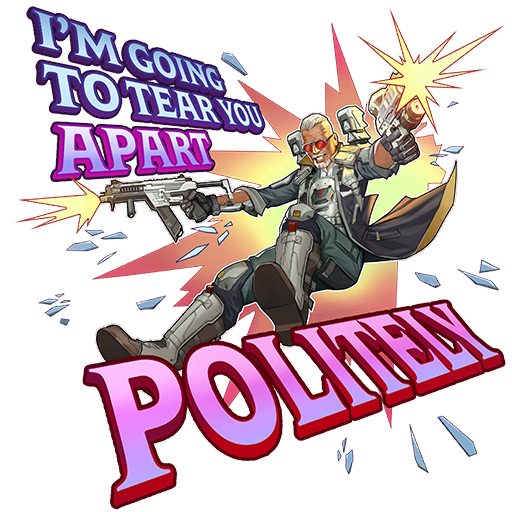
.png 3 TearYouApartPolitely Sticker
.gif 3 party Sticker

Chapter Discord stickers

Browse Chapter stickers shared by the emoji.gg community. Open a favourite to preview it, check its details and download the image.

Building a set for your server? Save your favourites to a collection as you browse so you can find them again.

Add stickers to your Discord server

  1. Choose your favourites. Open a sticker and download its image.
  2. Open Server Settings. In Discord, select your server and go to the Stickers section.
  3. Upload and name it. Select the downloaded image, give it a name and save it for your community to use.

Get the Android app

Emoji.gg is better on the app. Download it from the Google Play store.

Get Emoji.gg on Google Play