Your Collection
Your collection items will appear here.

Bunnies Stickers

Find Bunnies custom stickers to use
on Discord, Telegram & Whatsapp

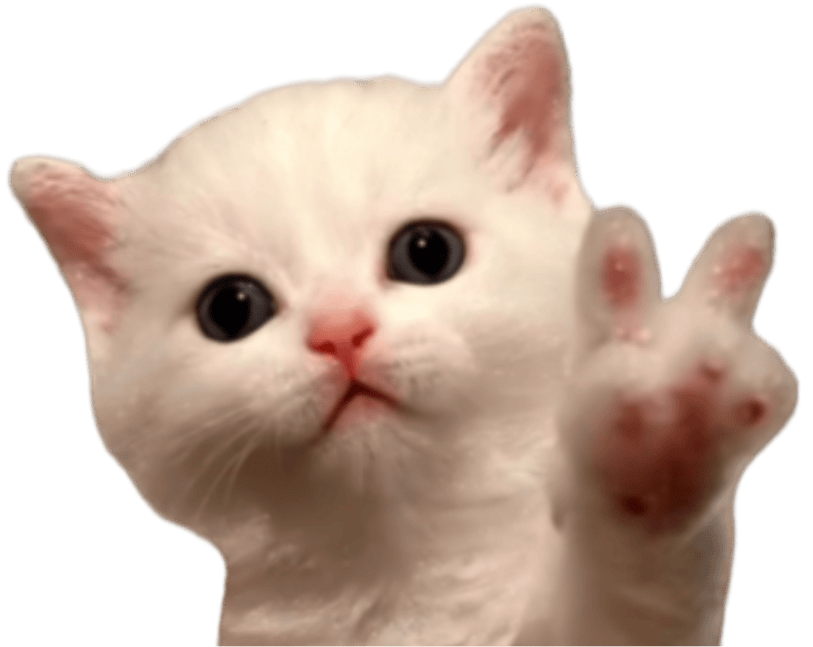
.png 1.3K kittenpeace Sticker
.png 83 daddy Sticker
.png 487 LPJoeySticker Sticker
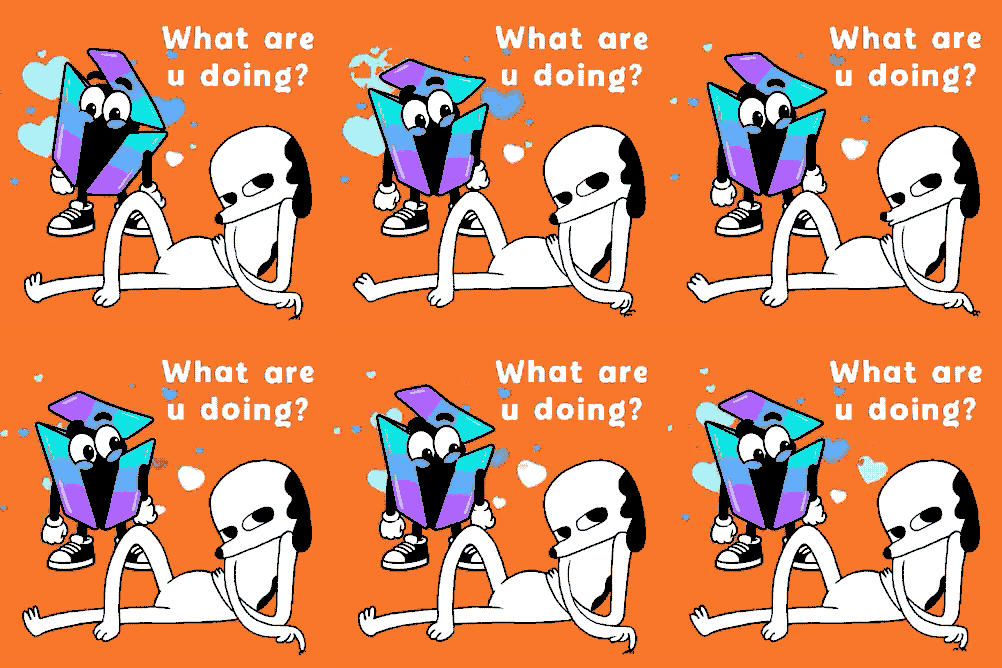
.gif 17 IDX_what_are_you_doing_1002 Sticker
.png 2 IDX_valentine_day_1101 Sticker
.gif 1 IDX_propose_day_3009 Sticker
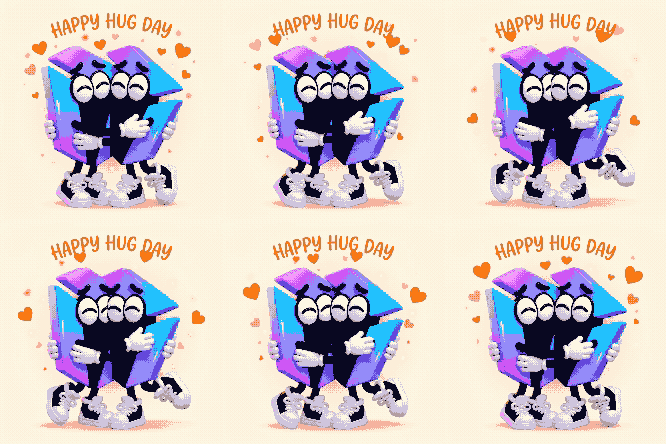
.gif 3 IDX_hug_day_3003 Sticker
.gif 11 IDX_propose_day_3008 Sticker
.gif 1 IDX_propose_day_3006 Sticker
.gif 60 kurumi Sticker
.gif 333 Peepo_socute Sticker
.gif 16 IDX_you_look_beautiful Sticker
.gif 12 IDX_hey_hottie_compliment Sticker
.gif 0 IDX_lost_argument Sticker
.gif 36 IDX_look_at_u Sticker
.gif 3 IDX_when_you_exist Sticker
.gif 98 Mander_Mellow Sticker
.png 116 MimikyuCardClinicAU Sticker
.png 53 PuffDaddyPuff Sticker
.png 102 cute Sticker
.png 99 Littlechefcatmemesticker Sticker
.gif 1.7K sneakycat Sticker
.png 57 Huh Sticker
.gif 74 cute Sticker
.png 35 JAANU Sticker

Bunnies Discord stickers

Browse Bunnies stickers shared by the emoji.gg community. Open a favourite to preview it, check its details and download the image.

Building a set for your server? Save your favourites to a collection as you browse so you can find them again.

Add stickers to your Discord server

  1. Choose your favourites. Open a sticker and download its image.
  2. Open Server Settings. In Discord, select your server and go to the Stickers section.
  3. Upload and name it. Select the downloaded image, give it a name and save it for your community to use.

Get the Android app

Emoji.gg is better on the app. Download it from the Google Play store.

Get Emoji.gg on Google Play