Your Collection
Your collection items will appear here.

Bs Stickers

Find Bs custom stickers to use
on Discord, Telegram & Whatsapp
.png 171 Zoro_ThumbsDown Sticker
.png 274 AbsoluteCinema Sticker
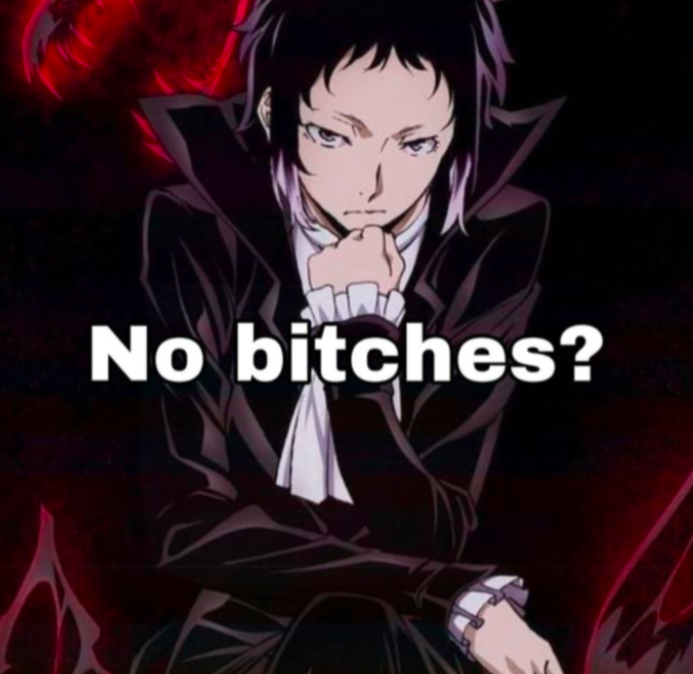
.png 227 Akutagawa_nopartner Sticker
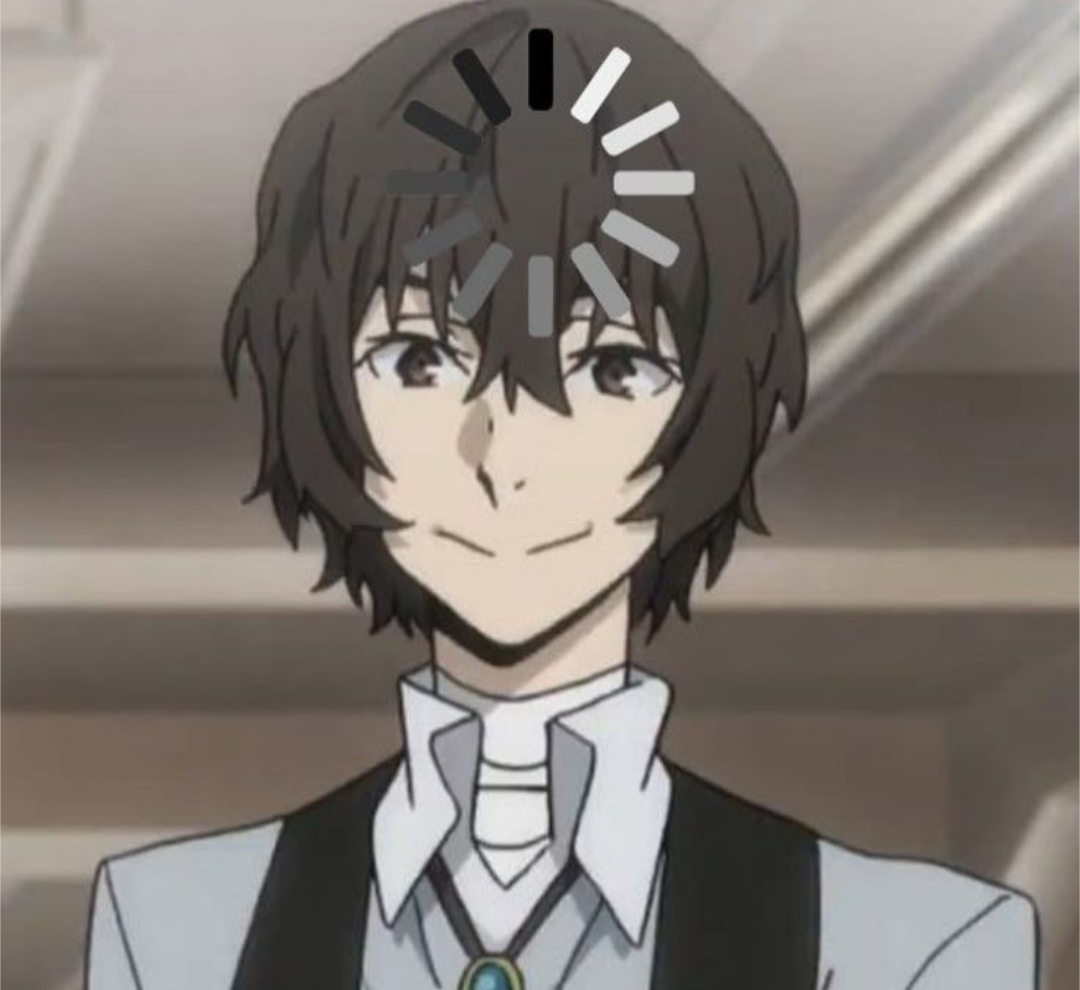
.png 353 Dazai_buffer Sticker
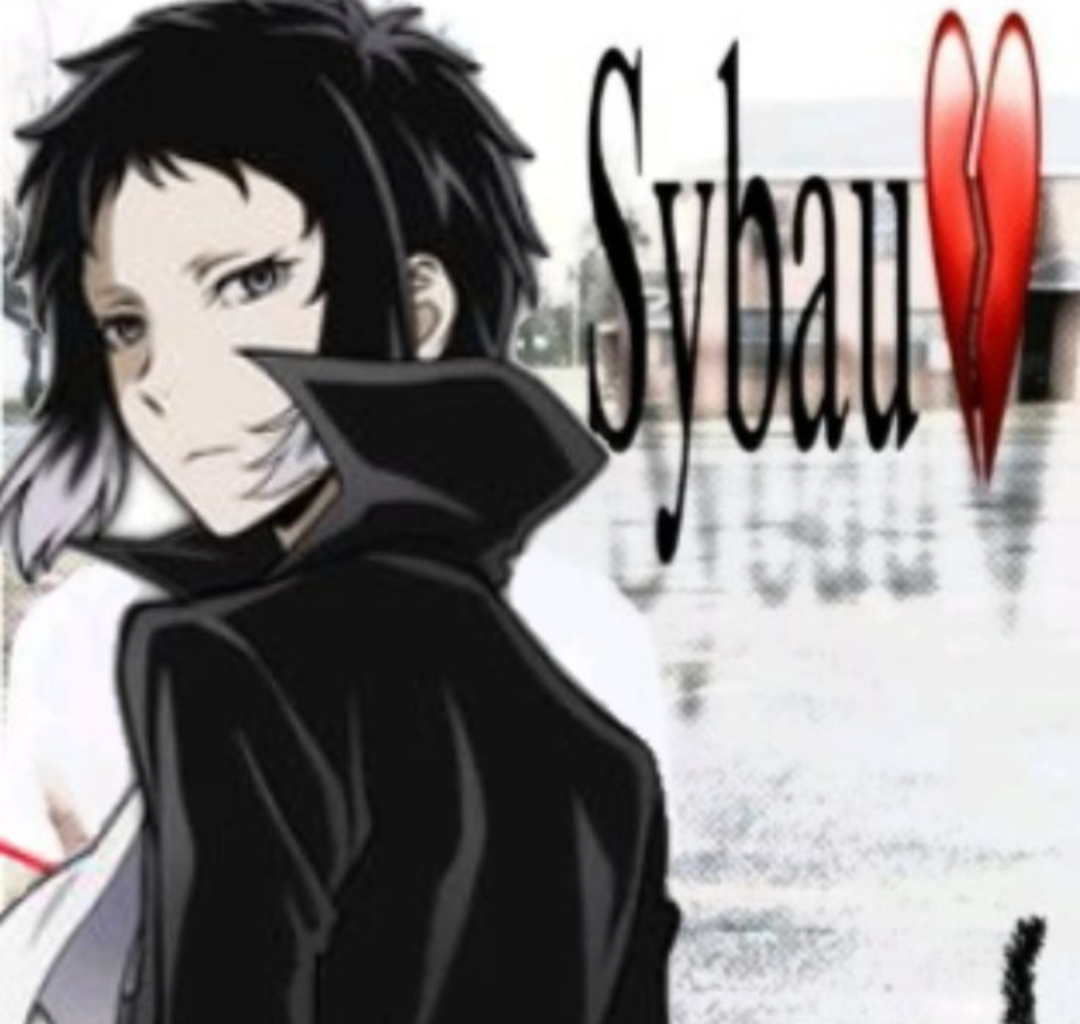
.png 378 Akutagawa_sybau Sticker
.gif 41 konatathumbsup Sticker
.png 14 bibble_thumbs_up Sticker
.png 2.1K AbsoluteCinema Sticker
.png 627 thumbsup Sticker
.png 158 WaguriAbsoluteCinema Sticker
.png 252 What Sticker
.png 0 Nibsy_Nab Sticker
.png 1 NIbsyNab2 Sticker
.gif 15 EvilLobsterSybau Sticker
.gif 195 KasaneTeto_false_fake_bs Sticker
.gif 738 cat_absolute_cinema Sticker
.gif 45 TenkinxThumbsUp Sticker
.png 992 absolutegem Sticker
.png 44 thumbs_down_bee Sticker
.png 41 Subscribe Sticker
.png 15 Ahwazi Sticker
.png 90 toshi_thumbs_up Sticker

Bs Discord stickers

Browse Bs stickers shared by the emoji.gg community. Open a favourite to preview it, check its details and download the image.

Building a set for your server? Save your favourites to a collection as you browse so you can find them again.

Add stickers to your Discord server

  1. Choose your favourites. Open a sticker and download its image.
  2. Open Server Settings. In Discord, select your server and go to the Stickers section.
  3. Upload and name it. Select the downloaded image, give it a name and save it for your community to use.

Get the Android app

Emoji.gg is better on the app. Download it from the Google Play store.

Get Emoji.gg on Google Play