Your Collection
Your collection items will appear here.

Accessories Stickers

Find Accessories custom stickers to use
on Discord, Telegram & Whatsapp

.png 1.1K thats_fucking_crazy Sticker
.png 890 Hatsune_Miku_Bitch_What Sticker
.png 810 Cupcatuwu Sticker
.png 689 realistic_foreman_pig Sticker
.gif 659 guess_its_time Sticker
.gif 611 Neru_Hits_Punches_HatsuneMiku Sticker
.png 381 Hatsune_Miku_Yk_What_Fy Sticker
.png 379 Guess i will die Sticker
.png 298 Ooh_Fight Sticker
.png 274 Swag Dog  Sticker
.png 236 Hatsune_Miku_No_Thank_U_Asshole Sticker
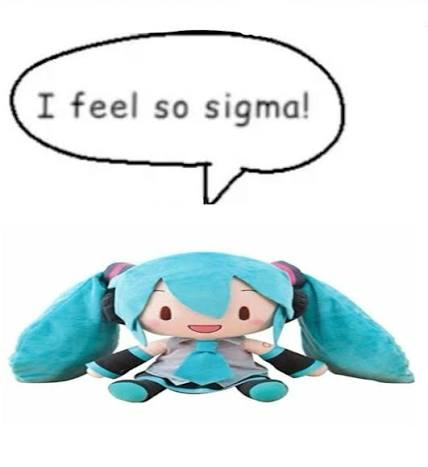
.png 227 mikusigma Sticker
.png 186 Swag Sticker
.png 176 Thats Right Mee6 Sticker
.png 137 guess what Sticker
.png 108 Hatsune_Miku_Not_Okay Sticker
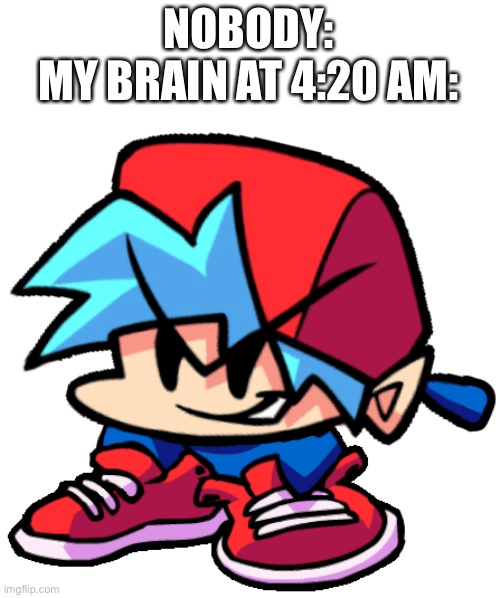
.png 78 beepboop Sticker
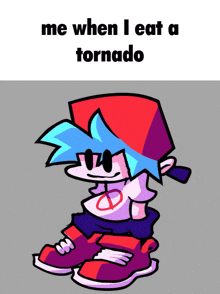
.png 59 bftornado Sticker
.png 59 Sowrong Sticker
.png 51 JeanCheckin_bakuuhatsu Sticker
.png 42 ghostyface Sticker
.gif 14 thats_it_Tbearish Sticker
.gif 7 IDX_dribbling_002 Sticker

Accessories Discord stickers

Browse Accessories stickers shared by the emoji.gg community. Open a favourite to preview it, check its details and download the image.

Building a set for your server? Save your favourites to a collection as you browse so you can find them again.

Add stickers to your Discord server

  1. Choose your favourites. Open a sticker and download its image.
  2. Open Server Settings. In Discord, select your server and go to the Stickers section.
  3. Upload and name it. Select the downloaded image, give it a name and save it for your community to use.

Get the Android app

Emoji.gg is better on the app. Download it from the Google Play store.

Get Emoji.gg on Google Play