Your Collection
Your collection items will appear here.

Tab Emojis

Find Tab custom emojis to use
on Discord, Twitch & Slack
.png 362 genderfluidKnife Emoji
.png 214 aseKnife Emoji
.png 593 enbyKnife Emoji
.png 317 lesbianKnife Emoji
.png 363 panKnife Emoji
.png 165 Navicat Emoji
.gif 3.1K inflatableguywaving Emoji
.png 10.5K Database Emoji
.gif 4.8K SparklyGameConsole Emoji
.png 2.0K metbh Emoji
.png 47 RangerTab Emoji
.png 3.2K Database Emoji
.png 4.2K gtabruh Emoji
.png 11.8K Annoyed Emoji
.png 781 Mendingheartstab Emoji
.gif 4.2K Uncomfortable Emoji
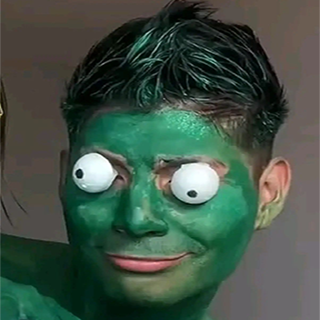
.png 10.1K green_surprise Emoji
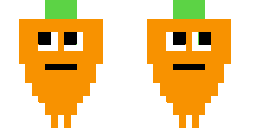
.gif 6.3K CarrotStare Emoji
.png 386 LolitaBleh Emoji
.gif 89.4K butwhy Emoji
.png 4.1K discomforty Emoji
.gif 6.3K sabrina_stab Emoji
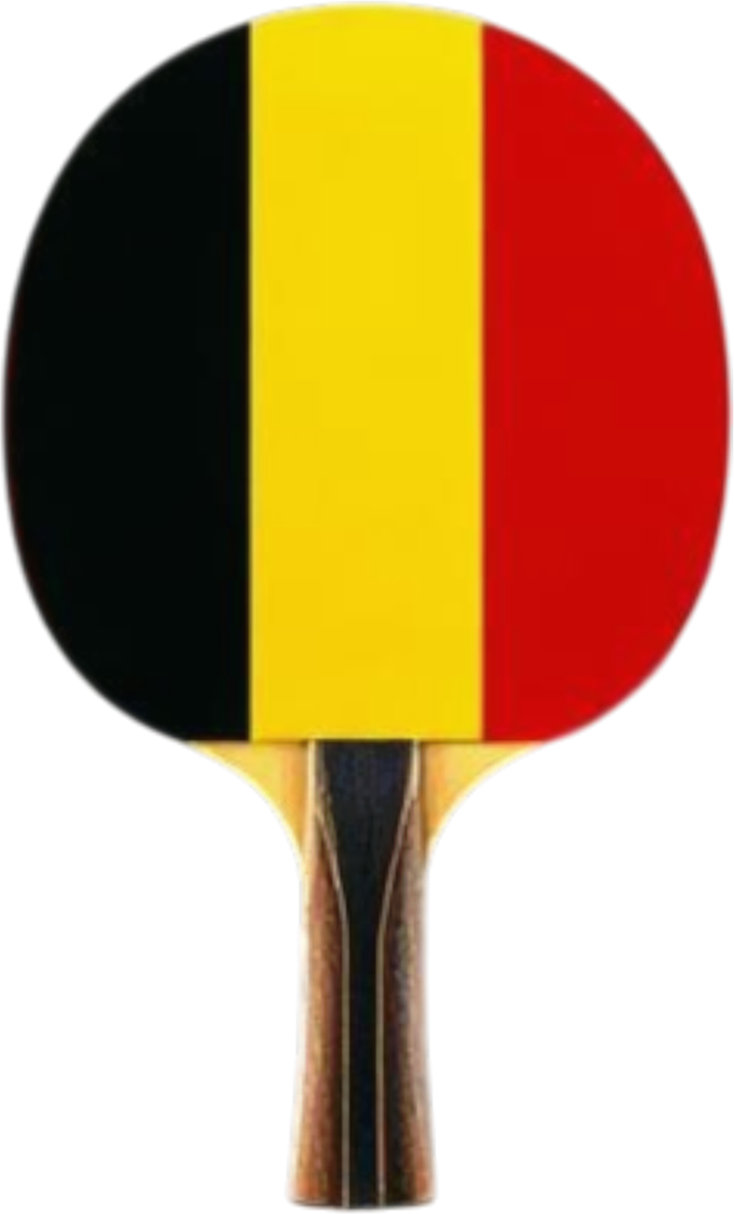
.png 3 BelgiumTableTennis Emoji
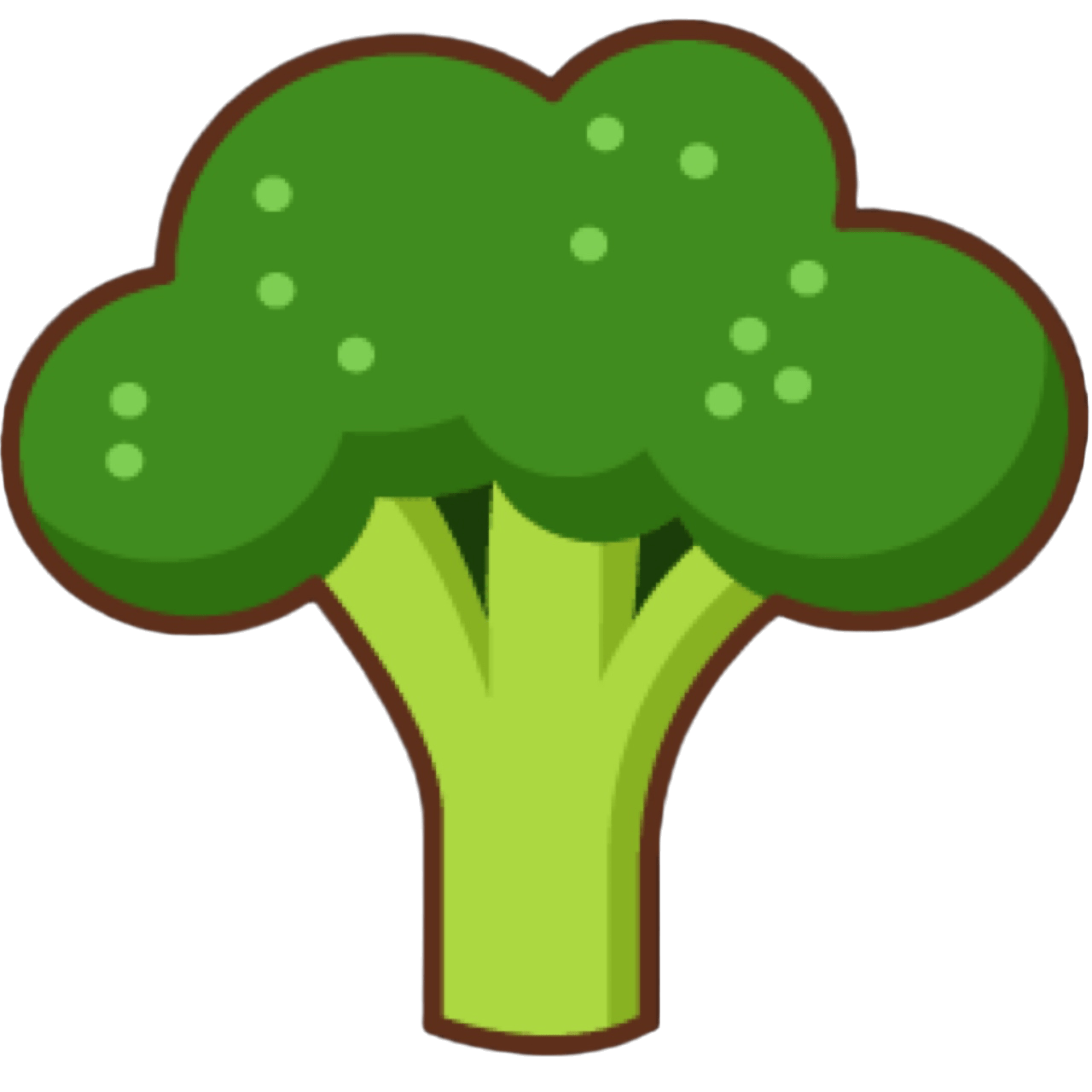
.png 830 ClipBroccoli Emoji
.png 17.3K discomfort Emoji

Tab Discord emojis

Browse Tab emojis shared by the emoji.gg community. Open a favourite to preview it, check its details and download the image.

Building a set for your server? Save your favourites to a collection as you browse so you can find them again.

Explore Tab stickers

Add emojis to your Discord server

  1. Choose your favourites. Open a emoji and download its image.
  2. Open Server Settings. In Discord, select your server and go to the Emoji section.
  3. Upload and name it. Select the downloaded image, give it a name and save it for your community to use.

Get the Android app

Emoji.gg is better on the app. Download it from the Google Play store.

Get Emoji.gg on Google Play