Your Collection
Your collection items will appear here.

Tab Emojis

Find Tab custom emojis to use
on Discord, Twitch & Slack

.png 77 Turntable Emoji
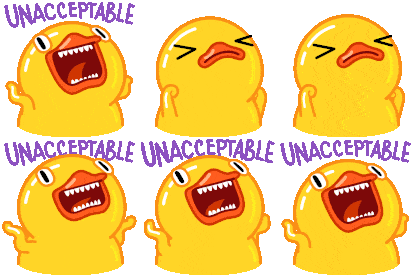
.gif 11.0K Unacceptable_Duck Emoji
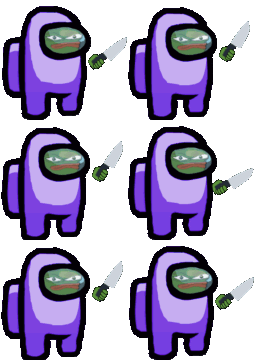
.gif 16.8K PepeAmongUsStab Emoji
.png 20.9K Up Emoji
.gif 4.3K Jamesinflatableboobsmeme Emoji
.png 1.0K Karasu_grin Emoji
.png 278 karasutabito Emoji
.png 4.4K karasutabitosybau Emoji
.png 1.2K MashiroStab Emoji
.gif 7.2K TogaStab Emoji
.gif 14.6K uncomfortable_dog Emoji
.png 10.7K Hexedhorde Emoji
.png 6.0K SantaBunny Emoji
.png 23.9K Mia_Shock Emoji
.png 624 influxdb Emoji
.png 709 mongodb Emoji
.png 18 scylladb Emoji
.png 28 mariadb Emoji
.png 935 mysql Emoji
.png 577 sqlite Emoji
.png 42.3K backstab Emoji
.png 5.4K ralsei_scream Emoji
.png 1.6K starcoins Emoji
.png 2 Taberna Emoji

Tab Discord emojis

Browse Tab emojis shared by the emoji.gg community. Open a favourite to preview it, check its details and download the image.

Building a set for your server? Save your favourites to a collection as you browse so you can find them again.

Explore Tab stickers

Add emojis to your Discord server

  1. Choose your favourites. Open a emoji and download its image.
  2. Open Server Settings. In Discord, select your server and go to the Emoji section.
  3. Upload and name it. Select the downloaded image, give it a name and save it for your community to use.

Get the Android app

Emoji.gg is better on the app. Download it from the Google Play store.

Get Emoji.gg on Google Play