Your Collection
Your collection items will appear here.

Openbook Emojis

Find Openbook custom emojis to use
on Discord, Twitch & Slack

.png 3.0K scream_pepe Emoji
.png 2.9K BlondBoyThinking Emoji
.png 2.8K open_IDS Emoji
.png 2.8K mashadoor Emoji
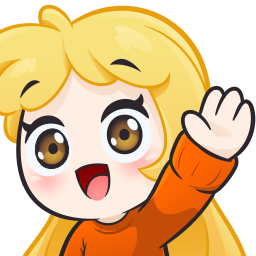
.png 2.7K BlondeGirlWave Emoji
.png 2.7K opencoffin_twemojibat Emoji
.gif 2.7K PillContainer Emoji
.png 2.7K shocked_heart_eyes Emoji
.png 2.7K rickymouth Emoji
.png 2.7K open2_IDS Emoji
.png 2.7K scaredandrich Emoji
.png 2.6K BlondBoyDab Emoji
.png 2.6K Opencoffin_googlebat Emoji
.png 2.6K GrimHeart Emoji
.png 2.5K BrunetteGirlAmazed Emoji
.png 2.5K StarlaThumbsUp Emoji
.png 2.4K EcksDeeKirbee Emoji
.png 2.3K Meru_Laughing Emoji
.png 2.3K BrunetteGirlHYPE Emoji
.png 2.3K pridemoji_bblackroses Emoji
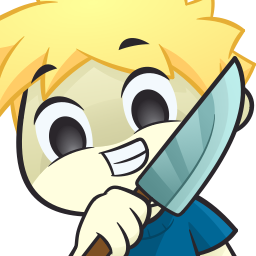
.png 2.2K BlondBoyKnive Emoji
.png 2.2K Meru_Side_Smirk Emoji
.png 2.1K devil_mae_cry Emoji
.png 2.1K 72_CatGlare Emoji
.png 2.1K BrunetteGirlTaunt Emoji

Openbook Discord emojis

Browse Openbook emojis shared by the emoji.gg community. Open a favourite to preview it, check its details and download the image.

Building a set for your server? Save your favourites to a collection as you browse so you can find them again.

Explore Openbook stickers

Add emojis to your Discord server

  1. Choose your favourites. Open a emoji and download its image.
  2. Open Server Settings. In Discord, select your server and go to the Emoji section.
  3. Upload and name it. Select the downloaded image, give it a name and save it for your community to use.

Get the Android app

Emoji.gg is better on the app. Download it from the Google Play store.

Get Emoji.gg on Google Play