Your Collection
Your collection items will appear here.

Openbook Emojis

Find Openbook custom emojis to use
on Discord, Twitch & Slack

.png 2.1K ChetohHappi Emoji
.png 2.0K OpenInNew Emoji
.png 2.0K sillyegg Emoji
.png 1.9K Dot Emoji
.png 1.9K CapGuyLying Emoji
.png 1.9K DruidHuh Emoji
.png 1.9K eye_amulet Emoji
.png 1.9K NikoSigh Emoji
.png 1.9K NikoHuh Emoji
.png 1.8K FileOpening Emoji
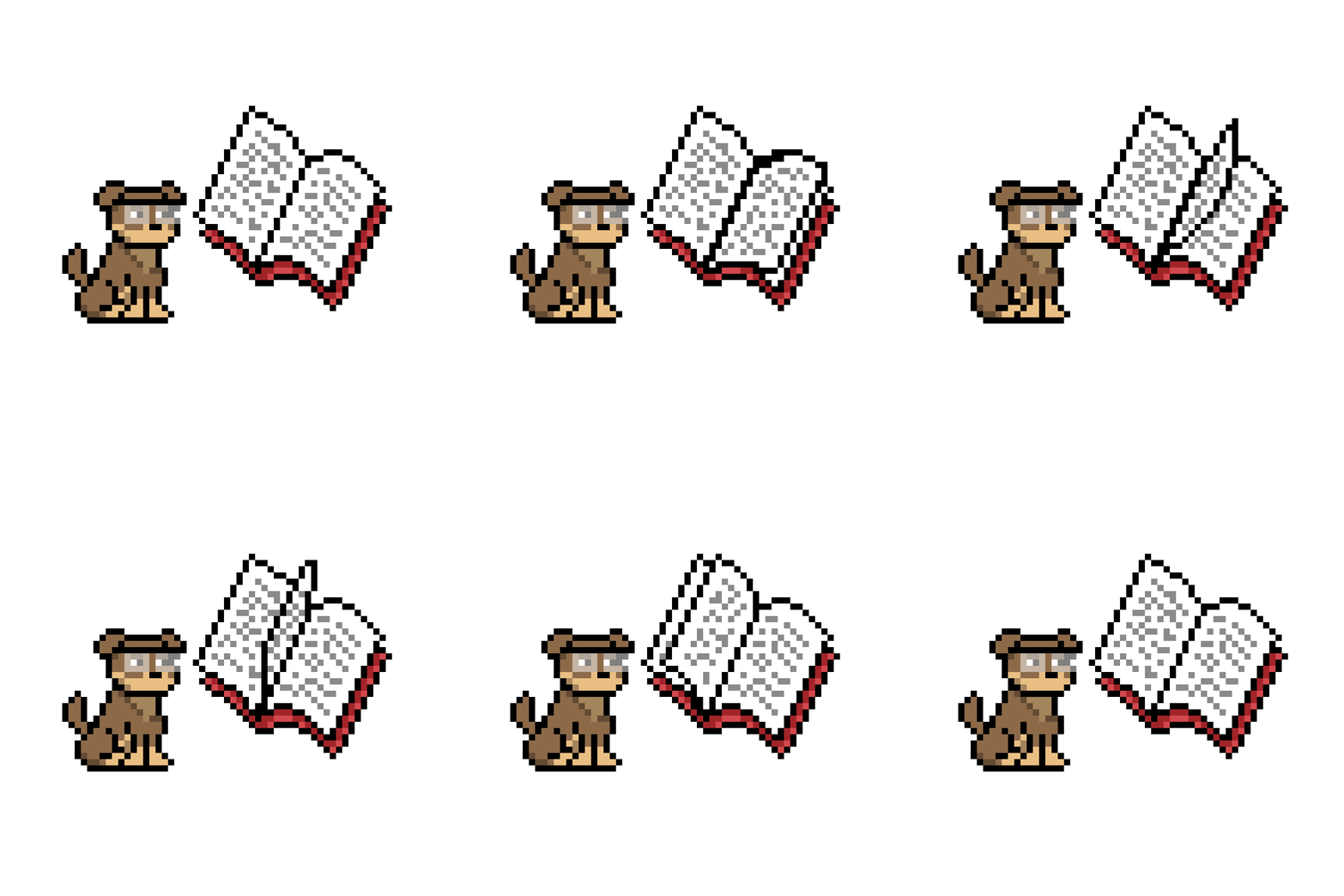
.gif 1.8K reading_doginal Emoji
.png 1.8K bandge_opened Emoji
.png 1.7K BeardedGuyBeer Emoji
.png 1.7K CENNeutralTurtle Emoji
.png 1.7K frogpogr Emoji
.png 1.7K pixel_emoji_open_mouth Emoji
.png 1.7K BlondeGirlLOL Emoji
.png 1.6K b_open_mouth Emoji
.gif 1.6K LoveNote Emoji
.png 1.6K quoteopen Emoji
.png 1.6K twitter_cop Emoji
.png 1.5K shark_omg_sad Emoji
.png 1.5K Opened_Swinging_Dark_Door Emoji
.png 1.5K BlondeGirlCry Emoji
.png 1.5K pridemoji_djcat Emoji

Openbook Discord emojis

Browse Openbook emojis shared by the emoji.gg community. Open a favourite to preview it, check its details and download the image.

Building a set for your server? Save your favourites to a collection as you browse so you can find them again.

Explore Openbook stickers

Add emojis to your Discord server

  1. Choose your favourites. Open a emoji and download its image.
  2. Open Server Settings. In Discord, select your server and go to the Emoji section.
  3. Upload and name it. Select the downloaded image, give it a name and save it for your community to use.

Get the Android app

Emoji.gg is better on the app. Download it from the Google Play store.

Get Emoji.gg on Google Play