Your Collection
Your collection items will appear here.

Do Emojis

Find Do custom emojis to use
on Discord, Twitch & Slack

.png 717 yts_thinking_emoji Emoji
.png 209 tee_hee Emoji
.gif 9.7K AnnoyingDog_nup Emoji
.png 906 evil_thonk Emoji
.png 333 rindoeheh Emoji
.png 1.1K down Emoji
.png 359 3sake Emoji
.png 1.2K 3oko Emoji
.png 343 3normal Emoji
.png 909 3jito Emoji
.png 911 3heart Emoji
.png 547 3guru Emoji
.png 675 3cry Emoji
.png 23 blobsmileupsidedown Emoji
.png 793 DoubleThonk Emoji
.png 3.5K doesnt_need_money_mokou Emoji
.png 3.0K cooldoggo Emoji
.png 8.6K thinksteve Emoji
.png 169 AngryJack Emoji
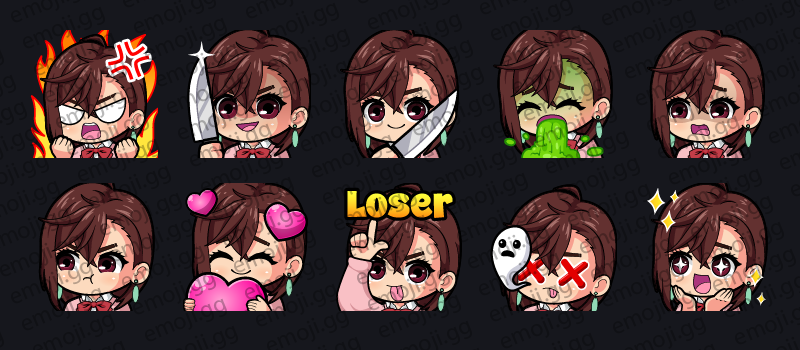
.png 1.7K Loser Emoji
.png 5.2K albedohmm Emoji
.png 970 ToMyDrink Emoji
.png 960 WhatDid Emoji
.png 10.3K ping Emoji
.png 1.1K SmilingWithHearts Emoji

Do Discord emojis

Browse Do emojis shared by the emoji.gg community. Open a favourite to preview it, check its details and download the image.

Building a set for your server? Save your favourites to a collection as you browse so you can find them again.

Explore Do stickers

Add emojis to your Discord server

  1. Choose your favourites. Open a emoji and download its image.
  2. Open Server Settings. In Discord, select your server and go to the Emoji section.
  3. Upload and name it. Select the downloaded image, give it a name and save it for your community to use.

Get the Android app

Emoji.gg is better on the app. Download it from the Google Play store.

Get Emoji.gg on Google Play