Your Collection
Your collection items will appear here.

Do Emojis

Find Do custom emojis to use
on Discord, Twitch & Slack
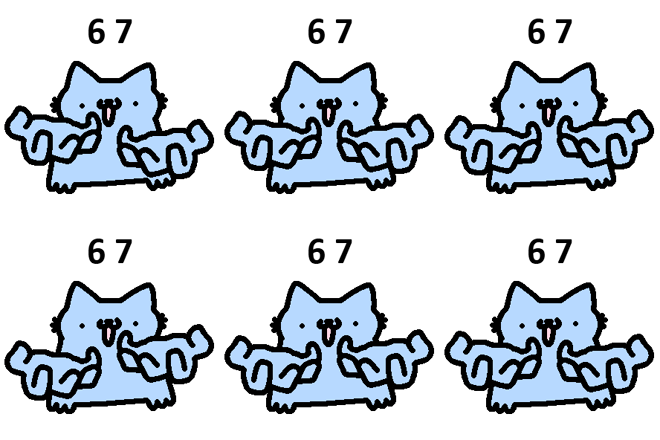
.gif 100 67cat Emoji
.gif 30 Whatdidtheydotous Emoji
.gif 39 StarDots Emoji
.gif 104 Trump_Cat Emoji
.gif 2.6K TalktomeDoja Emoji
.gif 51 HappyDog Emoji
.gif 1.5K crownbrowngif Emoji
.gif 46 oh_yi_yeong_what Emoji
.gif 32 seok_ryu_shocked Emoji
.gif 43 seok_ryu_smile Emoji
.gif 13 do_do_hee Emoji
.gif 6 gye_su_jeong Emoji
.gif 12 do_hana_hair Emoji
.gif 9 do_hana Emoji
.gif 50 gye_su_jeong_sleepy Emoji
.gif 0 gye_su_jeong_eyes Emoji
.gif 53 gye_su_jeong_hair Emoji
.gif 13 gye_su_jeong_mask Emoji
.gif 5 gye_su_jeong_sip Emoji
.gif 54 poodleheartblink Emoji
.gif 88 upsidedownteddy Emoji
.gif 151 soraanimations Emoji
.gif 46 sparklemushroom Emoji
.gif 281 PinkFlowers Emoji
.gif 52 Dober Emoji

Do Discord emojis

Browse Do emojis shared by the emoji.gg community. Open a favourite to preview it, check its details and download the image.

Building a set for your server? Save your favourites to a collection as you browse so you can find them again.

Explore Do stickers

Add emojis to your Discord server

  1. Choose your favourites. Open a emoji and download its image.
  2. Open Server Settings. In Discord, select your server and go to the Emoji section.
  3. Upload and name it. Select the downloaded image, give it a name and save it for your community to use.

Get the Android app

Emoji.gg is better on the app. Download it from the Google Play store.

Get Emoji.gg on Google Play