Your Collection
Your collection items will appear here.

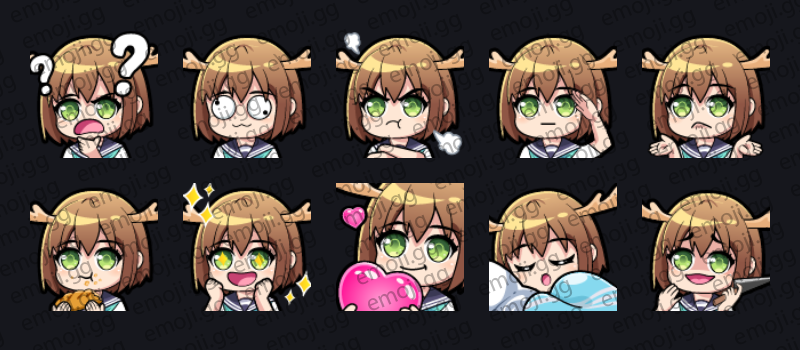
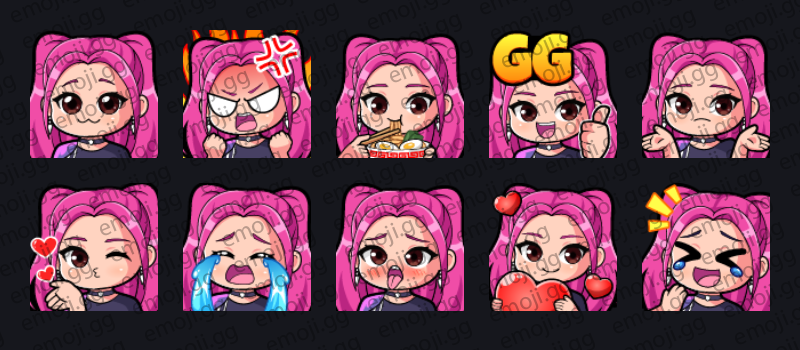
Close Call Emojis

Find Close Call custom emojis to use
on Discord, Twitch & Slack

.png 9.9K You_There Emoji
.png 15.2K reply Emoji
.png 3.6K Confirm_user_white Emoji
.png 1.7K Confirm_user_dark Emoji
.gif 27.4K Loading Emoji
.png 2.2K paragender_flag Emoji
.png 27.5K big_grimace Emoji
.gif 4.8K Sleepy Emoji
.png 13.9K catClsoe Emoji
.png 6.0K DumbassBoi Emoji
.gif 24.1K QiqiShy Emoji
.png 4.8K Crazy_Shelly Emoji
.png 26.9K heart_that_ly Emoji
.gif 3.7K cat_throw_up Emoji
.png 252.7K ChildeInsane Emoji
.png 95.8K ChildeBlushing Emoji
.png 53.3K ShirakamiFubuki_Amazed Emoji
.png 17.4K ChildeMug Emoji
.png 179.5K ChildeCrying Emoji
.png 5.7K Excited_Cat Emoji
.png 9.0K Cat_Stare Emoji
.png 15.5K PaimonOwO Emoji
.png 1.2K noodleDisappoint Emoji
.gif 56.2K ChildeGoingInsane Emoji

Close Call Discord emojis

Browse Close Call emojis shared by the emoji.gg community. Open a favourite to preview it, check its details and download the image.

Building a set for your server? Save your favourites to a collection as you browse so you can find them again.

Explore Close Call stickers

Add emojis to your Discord server

  1. Choose your favourites. Open a emoji and download its image.
  2. Open Server Settings. In Discord, select your server and go to the Emoji section.
  3. Upload and name it. Select the downloaded image, give it a name and save it for your community to use.

Get the Android app

Emoji.gg is better on the app. Download it from the Google Play store.

Get Emoji.gg on Google Play