Your Collection
Your collection items will appear here.

Close Call Emojis

Find Close Call custom emojis to use
on Discord, Twitch & Slack

.gif 1.1K close Emoji
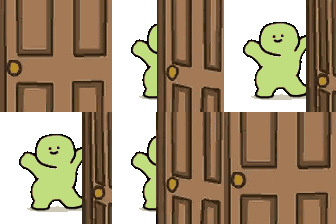
.gif 2.9K tada_door Emoji
.gif 669 Closebutton Emoji
.gif 3.4K boundaries Emoji
.gif 3.2K angry_bearish Emoji
.gif 410 pop_bear_Tbearish Emoji
.gif 34.3K Pikachu_Triggered Emoji
.gif 27.4K Loading Emoji
.gif 4.8K Sleepy Emoji
.gif 24.1K QiqiShy Emoji
.gif 3.7K cat_throw_up Emoji
.gif 56.2K ChildeGoingInsane Emoji
.gif 8.7K butterflywings Emoji
.gif 1.3K cute_angry_panda Emoji
.gif 1.1K pressVS Emoji
.gif 3.8K PeachZoom Emoji
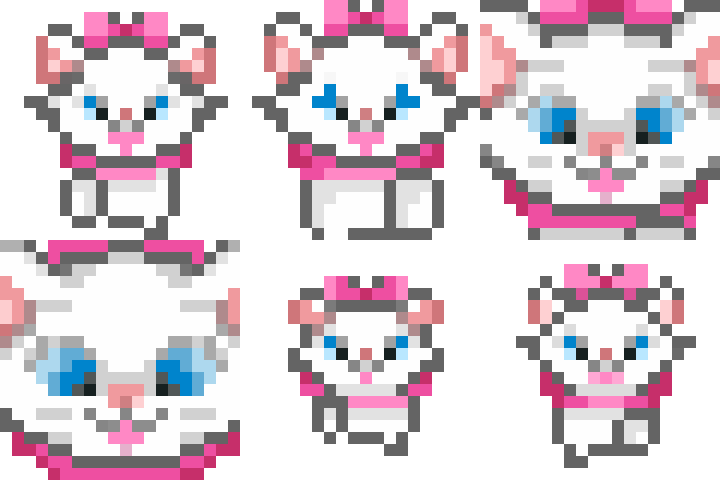
.gif 599 Marie Emoji
.gif 6.1K ourgasm_pride Emoji
.gif 24.6K pepe_look_magnify Emoji
.gif 1.7K FuHuaHoFkittydance Emoji
.gif 36.0K closediscord Emoji
.gif 1.2K X_Pepe_Jet Emoji
.gif 8.8K Pepe_Spell_Book Emoji
.gif 4.5K vapor_bust_spin Emoji

Close Call Discord emojis

Browse Close Call emojis shared by the emoji.gg community. Open a favourite to preview it, check its details and download the image.

Building a set for your server? Save your favourites to a collection as you browse so you can find them again.

Explore Close Call stickers

Add emojis to your Discord server

  1. Choose your favourites. Open a emoji and download its image.
  2. Open Server Settings. In Discord, select your server and go to the Emoji section.
  3. Upload and name it. Select the downloaded image, give it a name and save it for your community to use.

Get the Android app

Emoji.gg is better on the app. Download it from the Google Play store.

Get Emoji.gg on Google Play