Your Collection
Your collection items will appear here.

Art Style Emojis

Find Art Style custom emojis to use
on Discord, Twitch & Slack
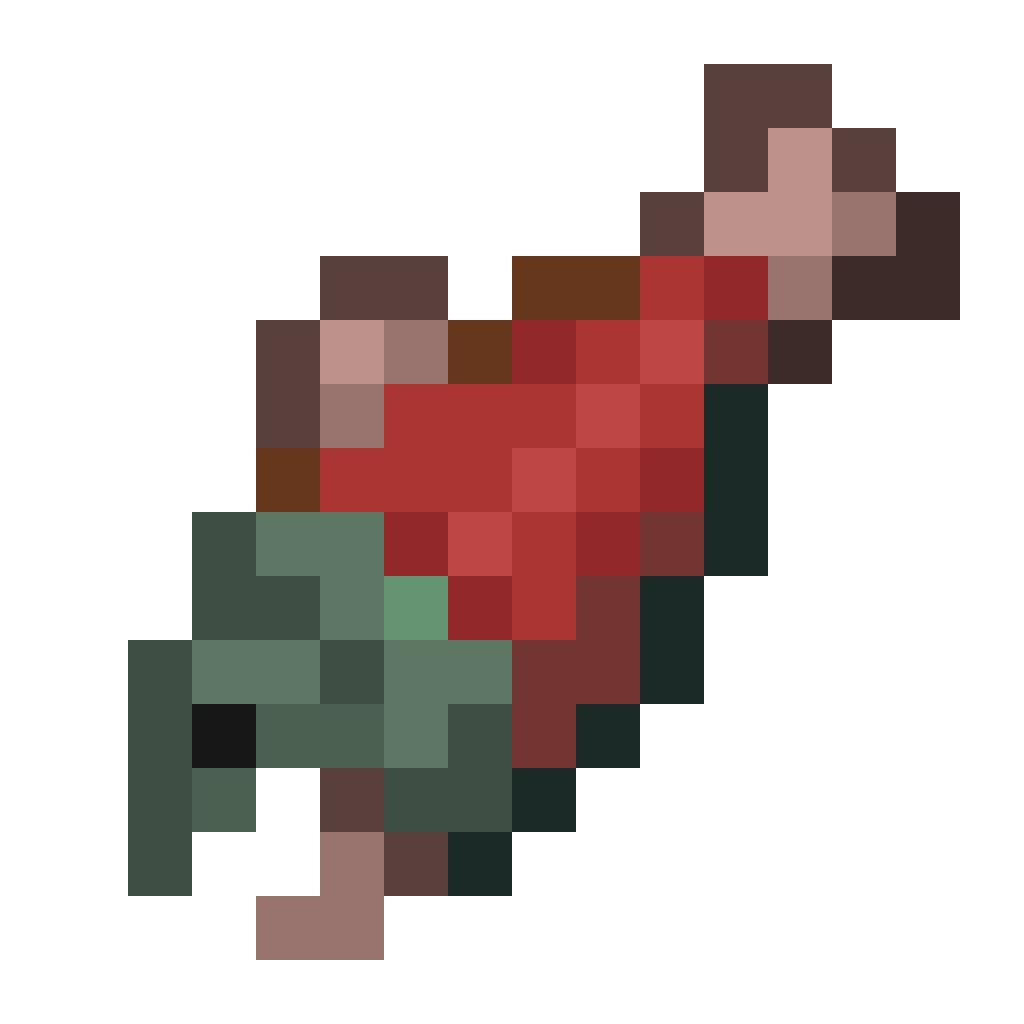
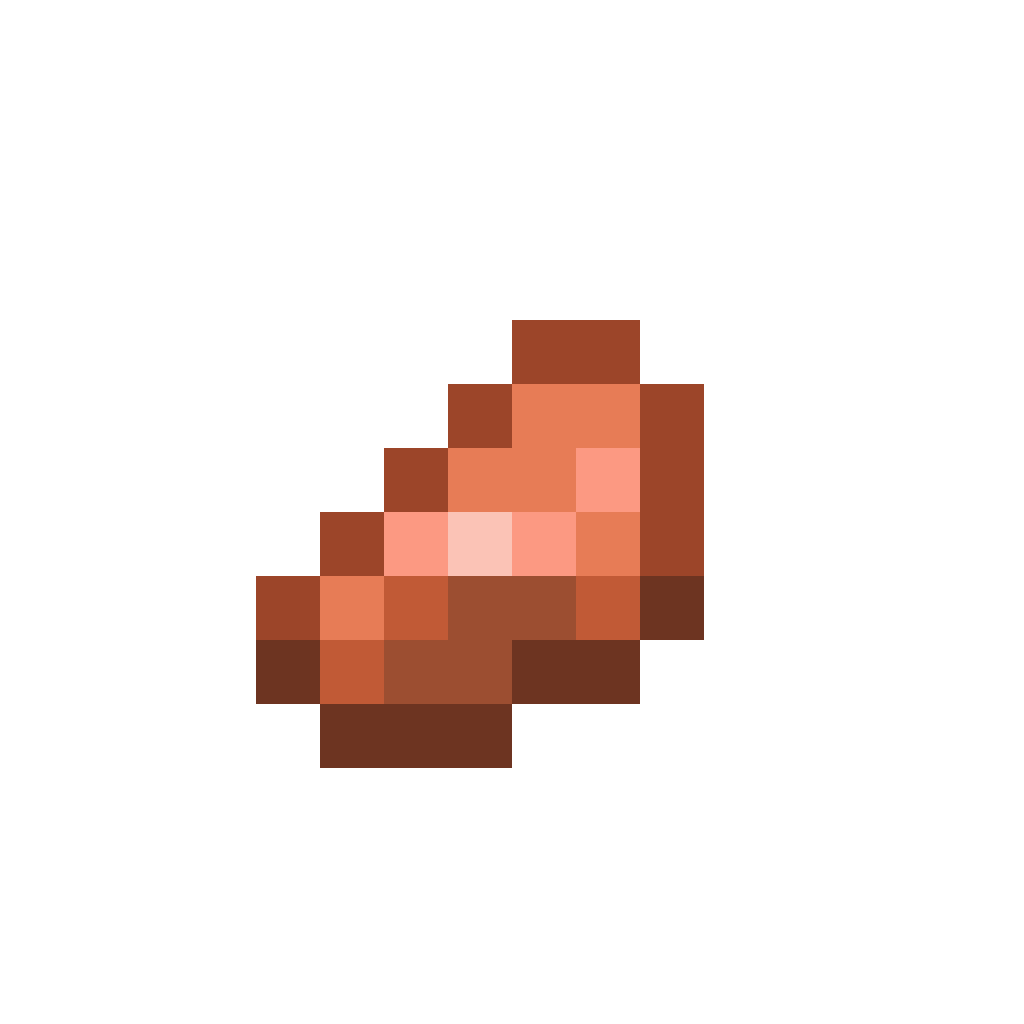
.png 25 RottenFlesh Emoji
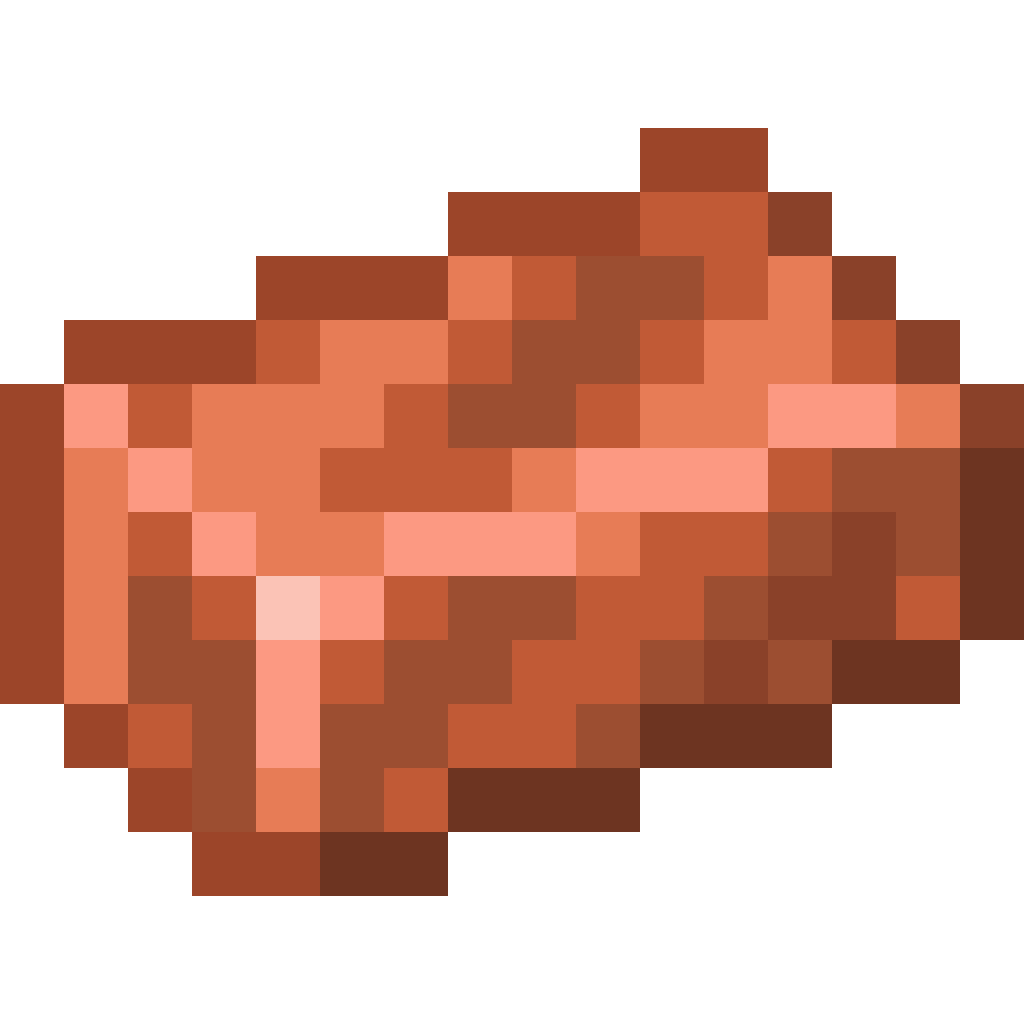
.png 40 Salmon Emoji
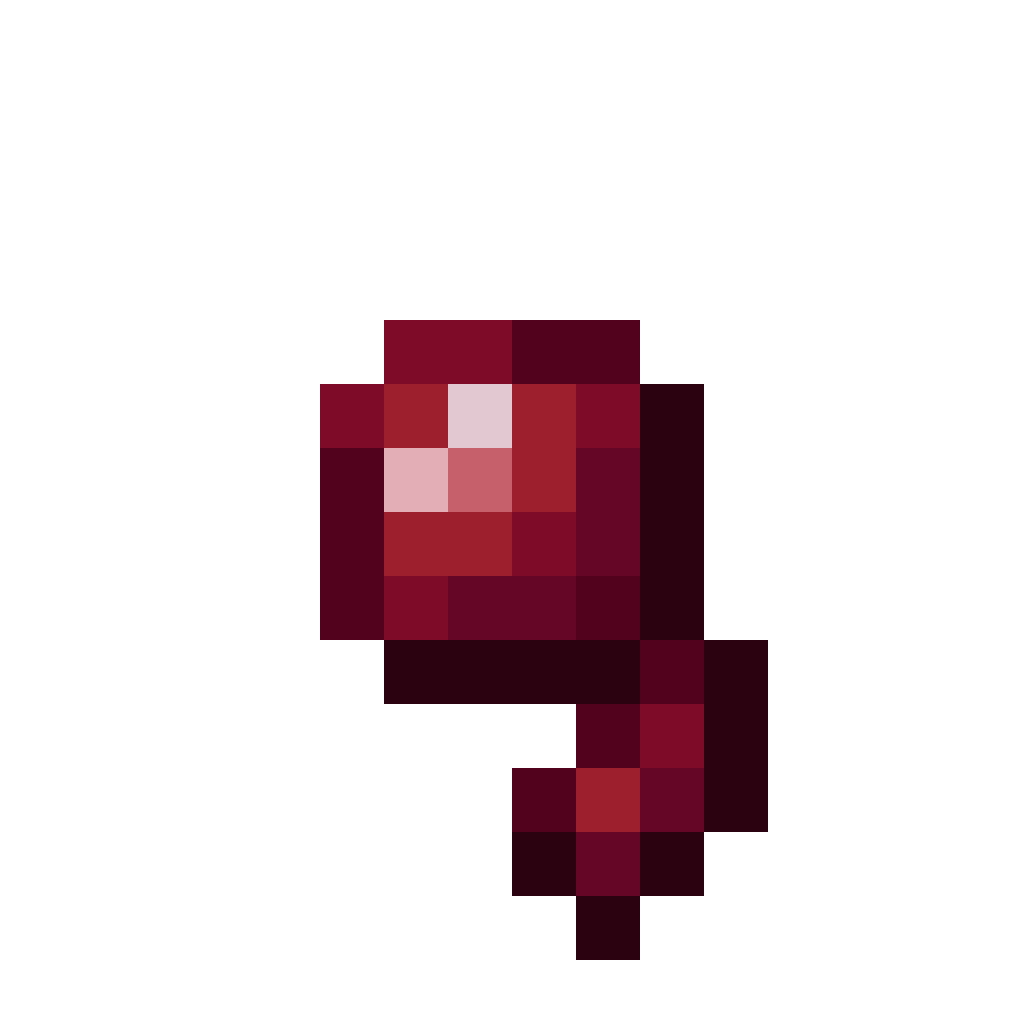
.png 15 SpiderEye Emoji
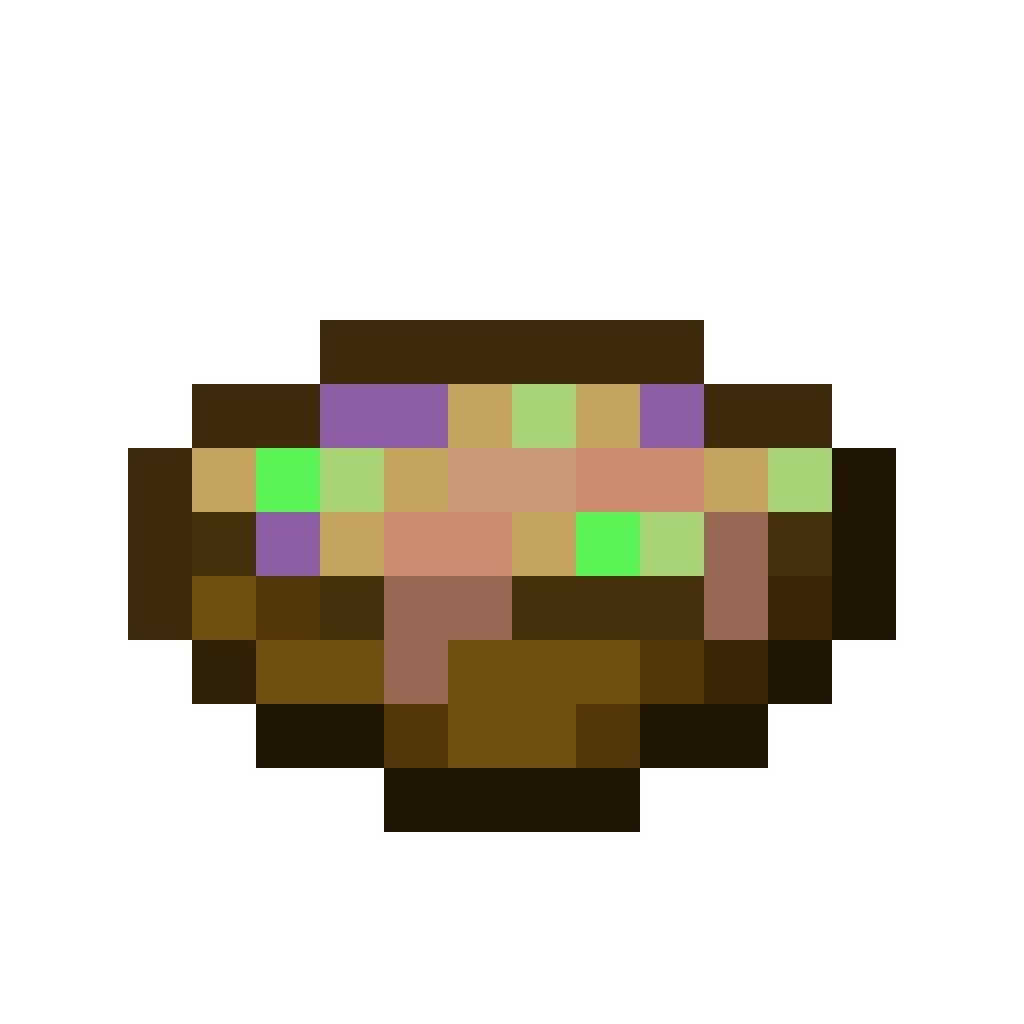
.png 14 SuspiciousStew Emoji
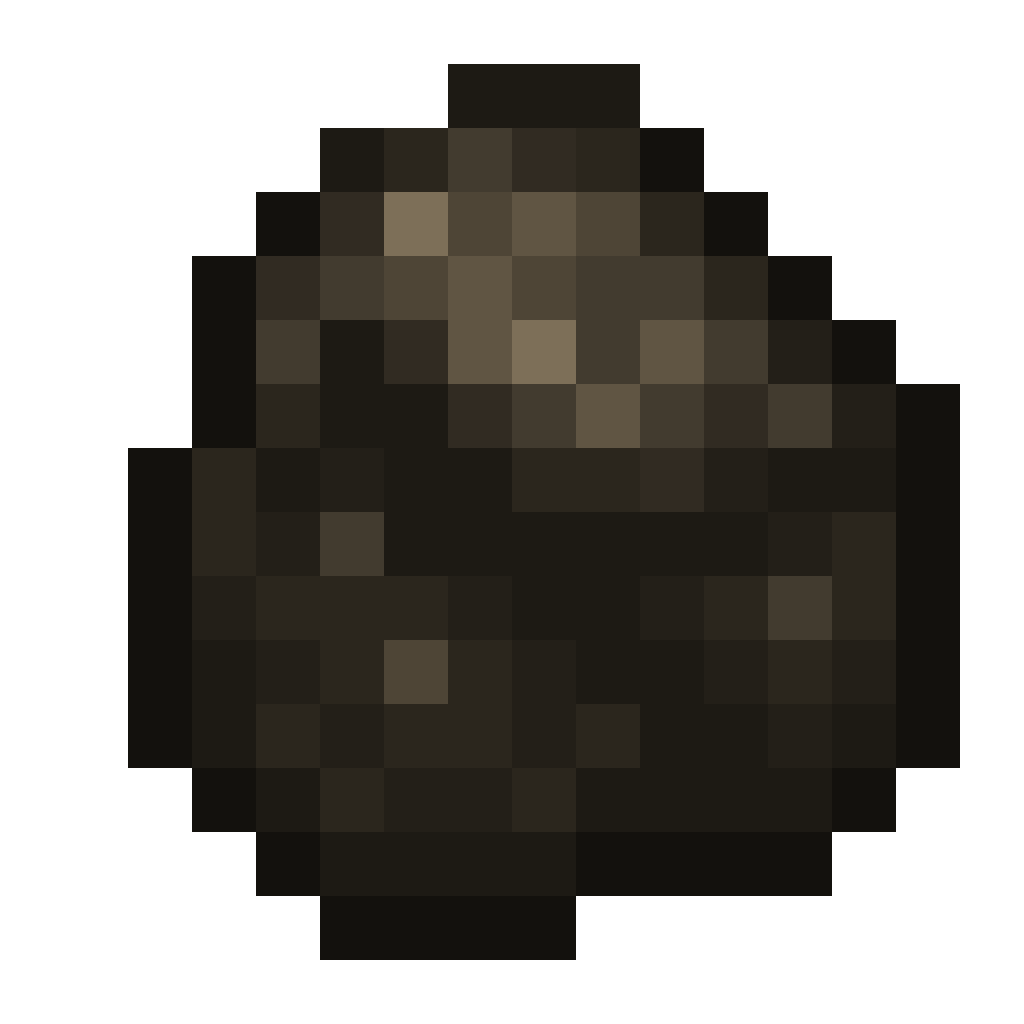
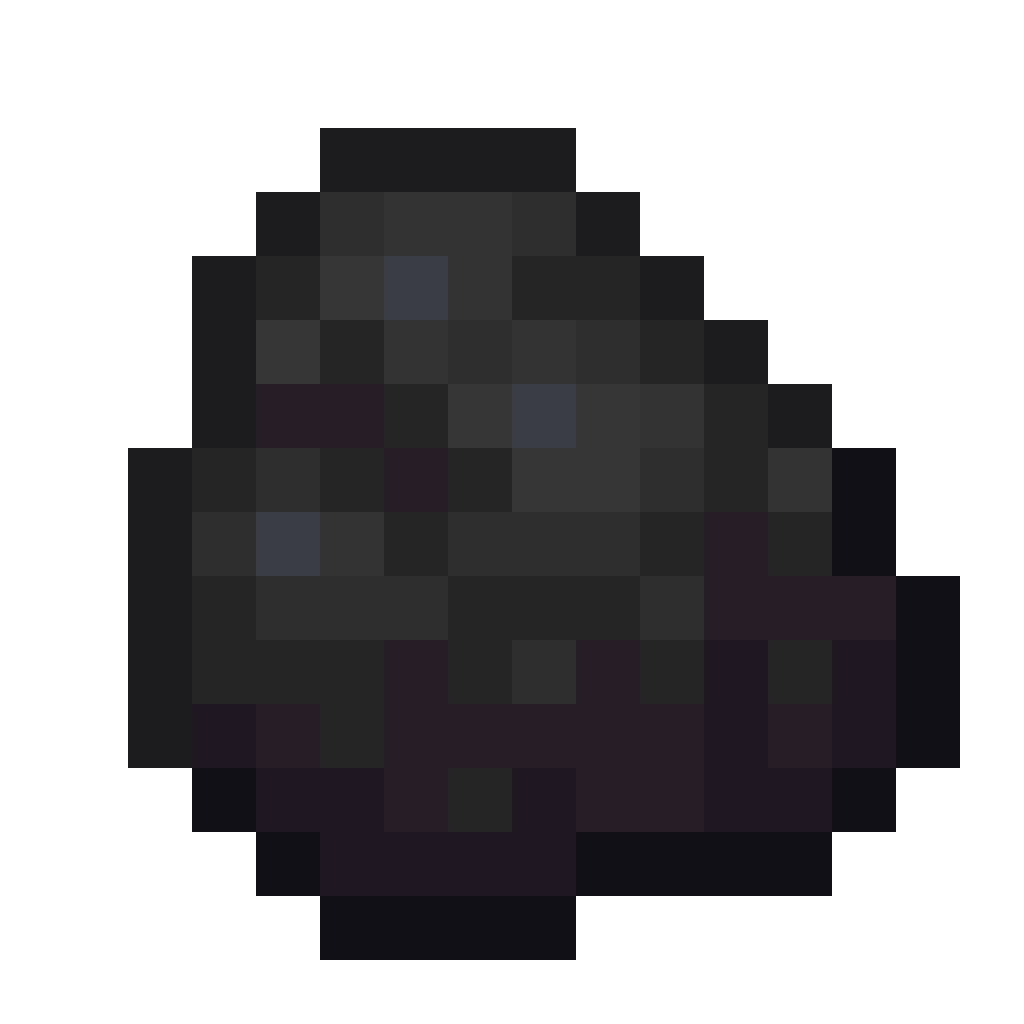
.png 25 Charcoal Emoji
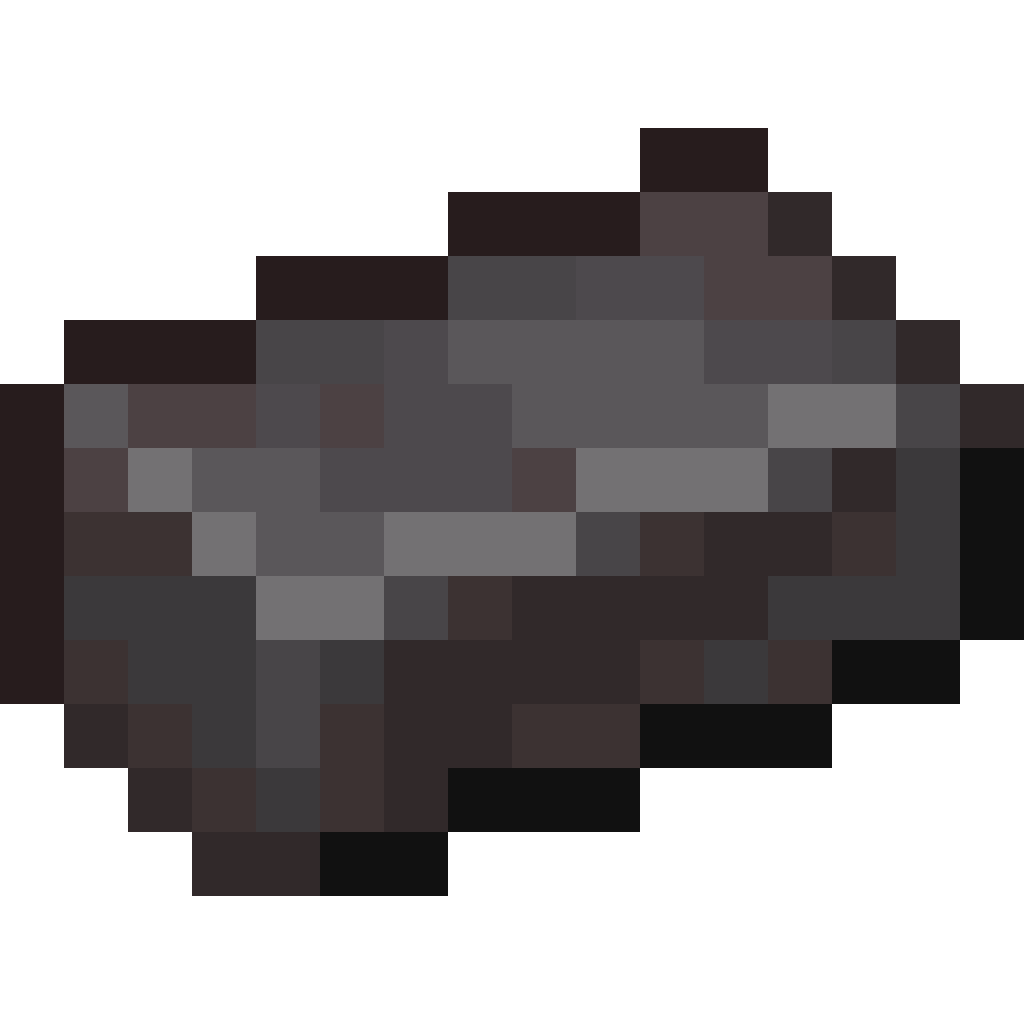
.png 238 Coal Emoji
.png 231 CopperIngot Emoji
.png 0 CopperNugget Emoji
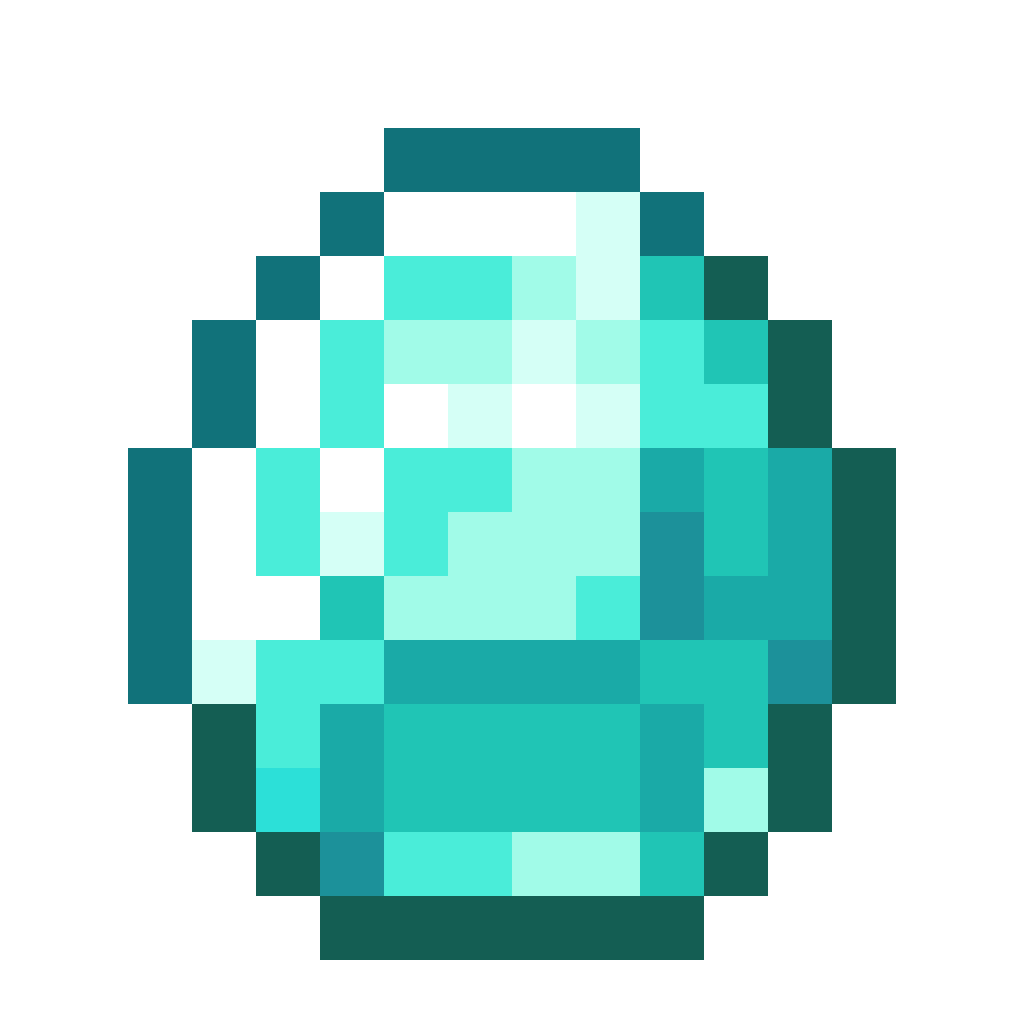
.png 1.4K Diamond Emoji
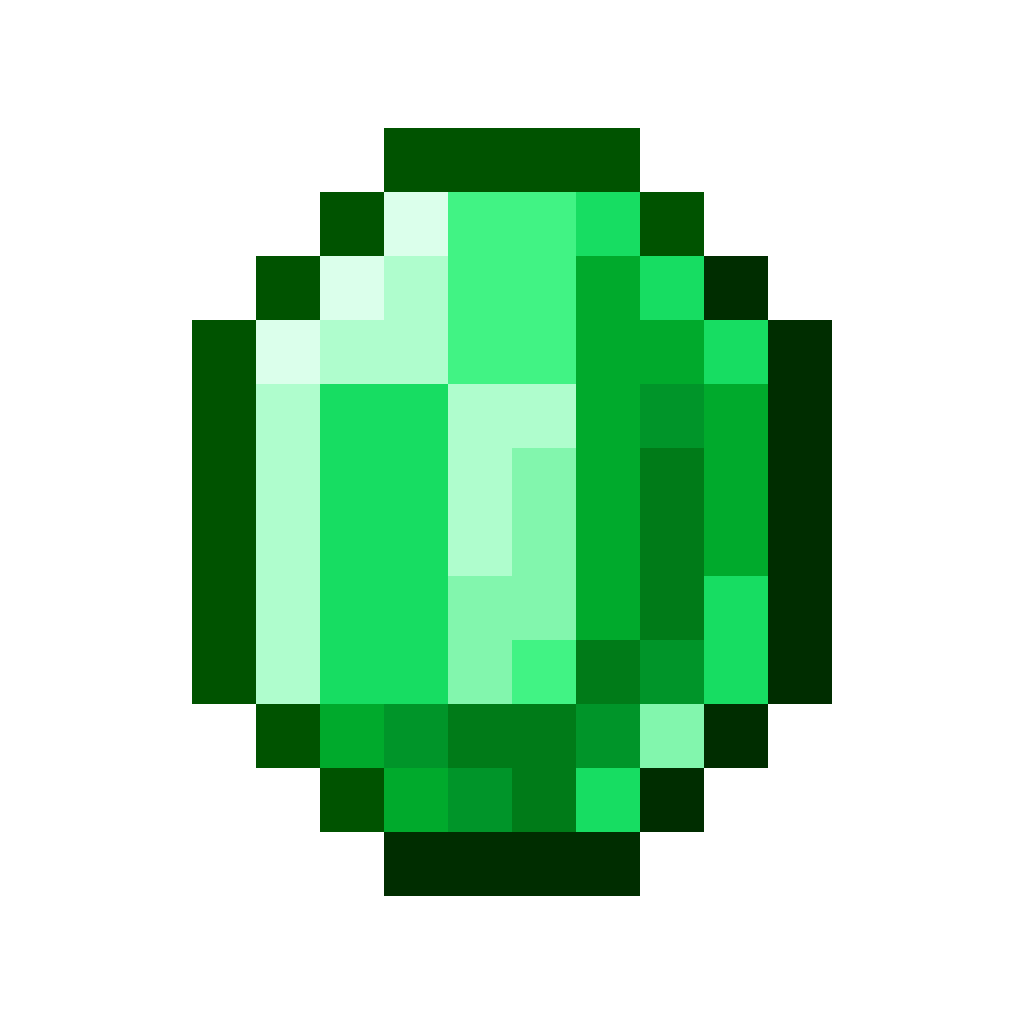
.png 583 Emerald Emoji
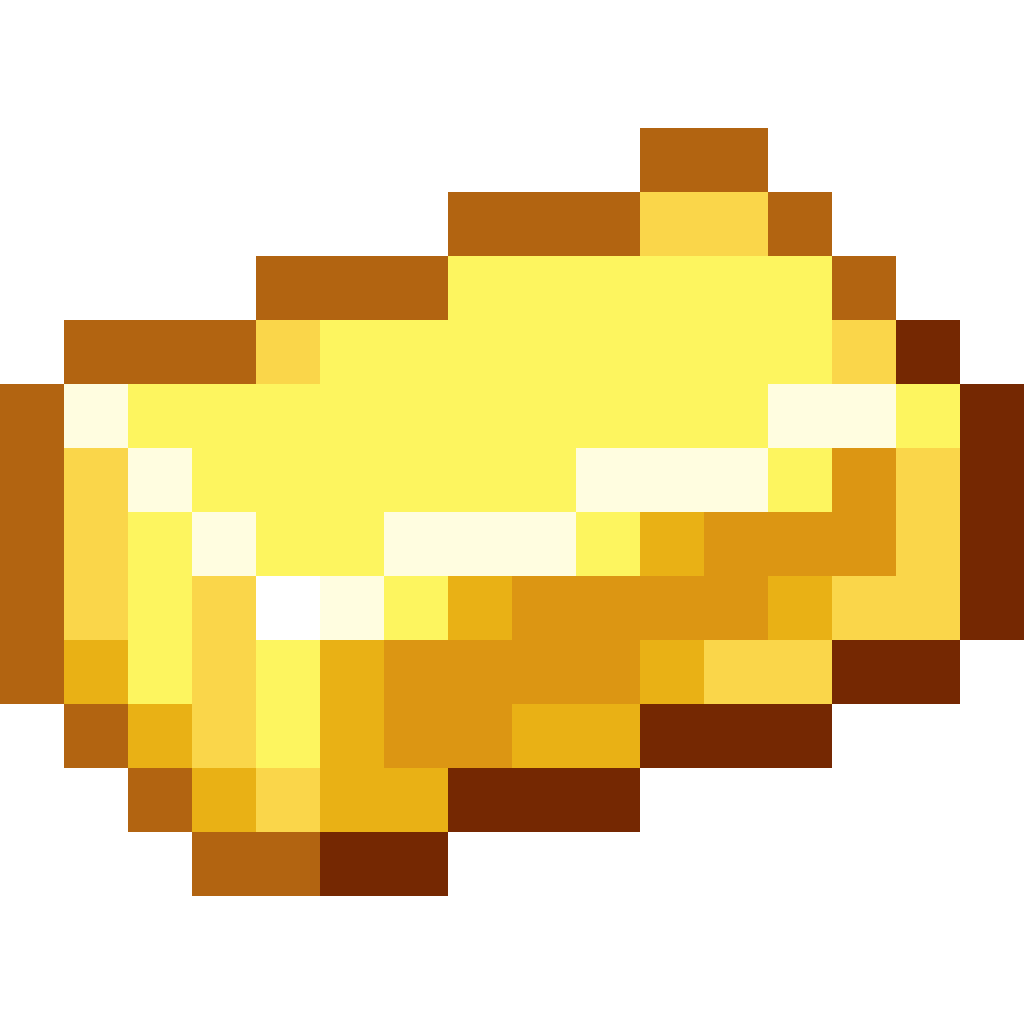
.png 430 GoldIngot Emoji
.png 32 GoldNugget Emoji
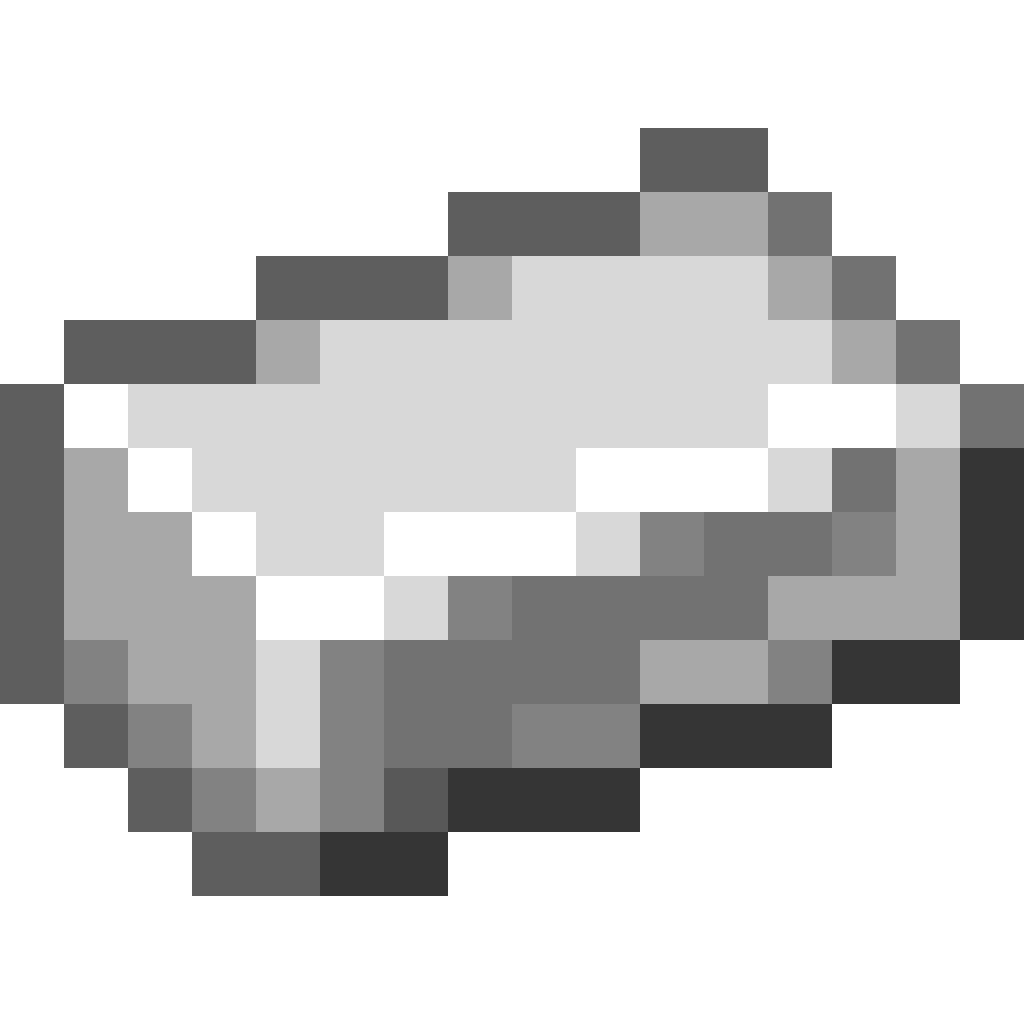
.png 331 IronIngot Emoji
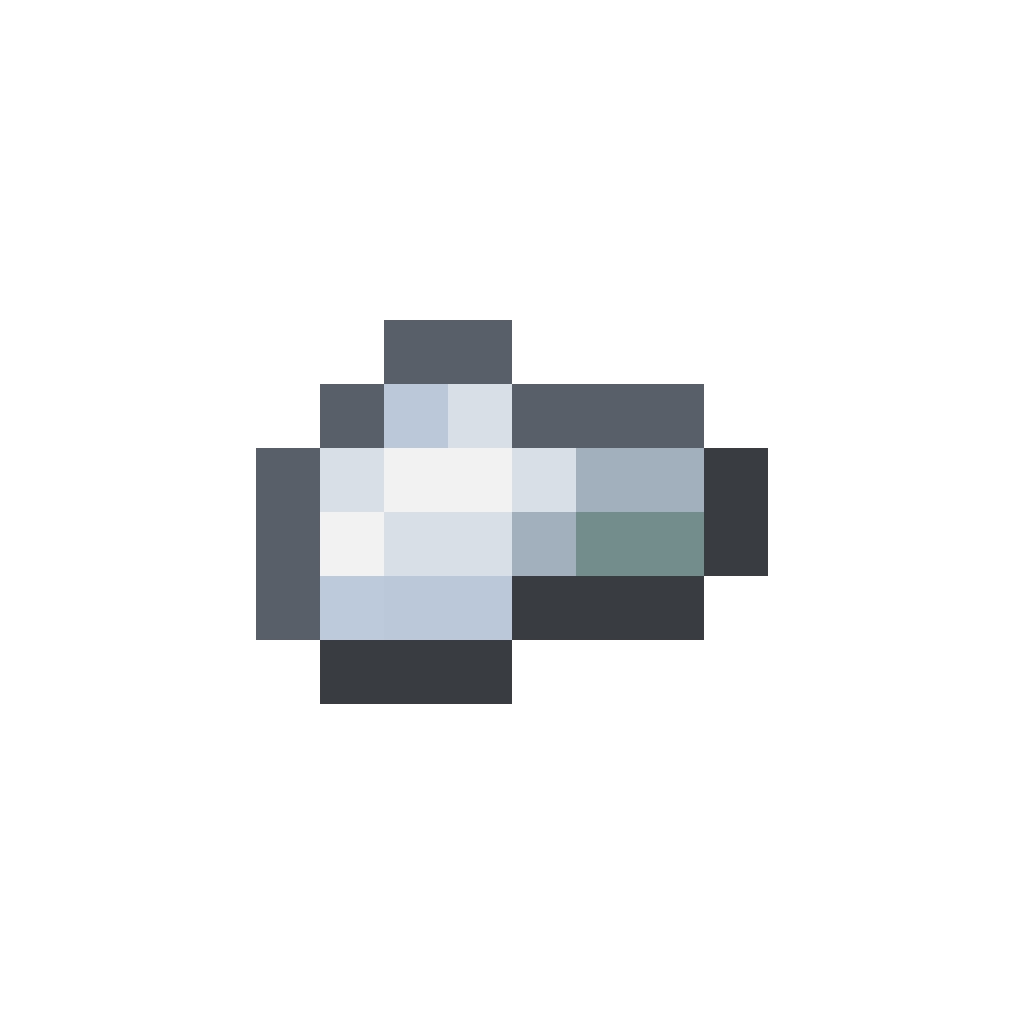
.png 18 IronNugget Emoji
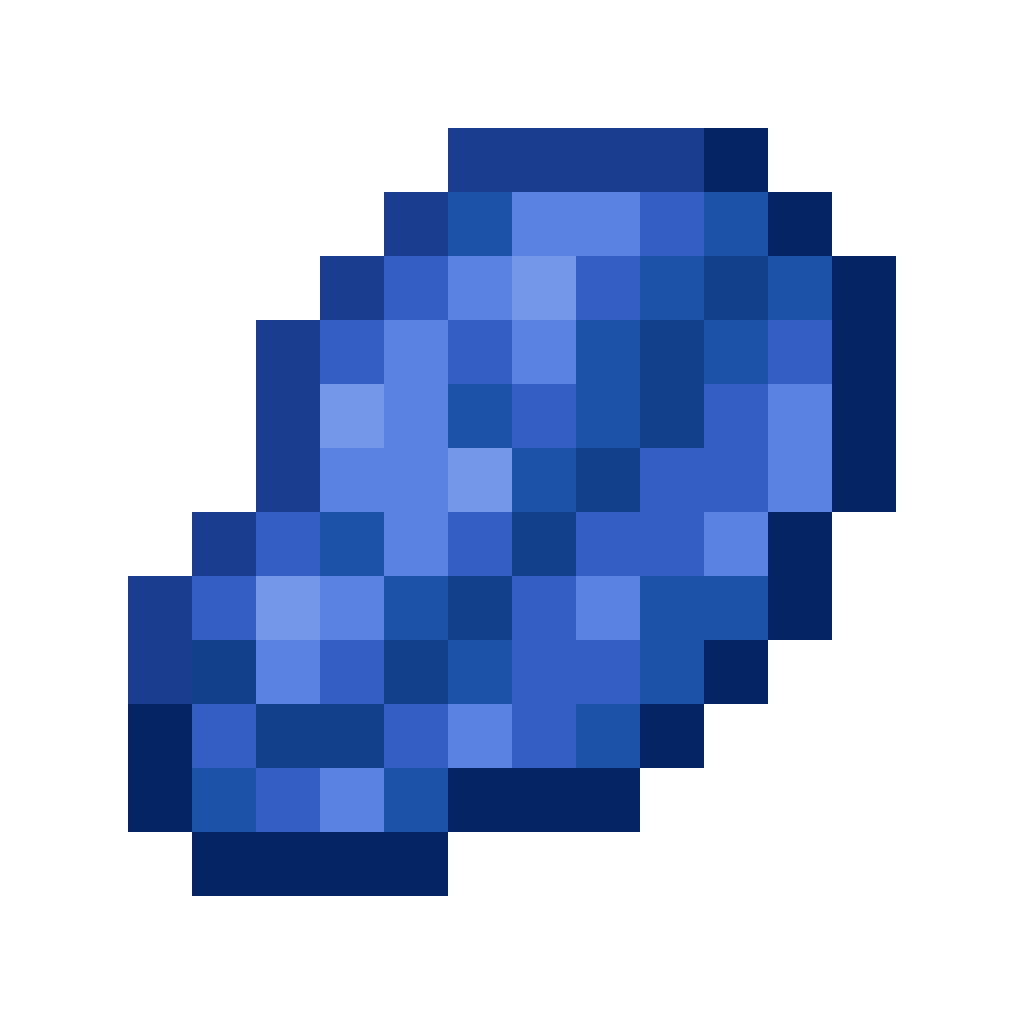
.png 158 LapisLazuli Emoji
.png 530 NetheriteIngot Emoji
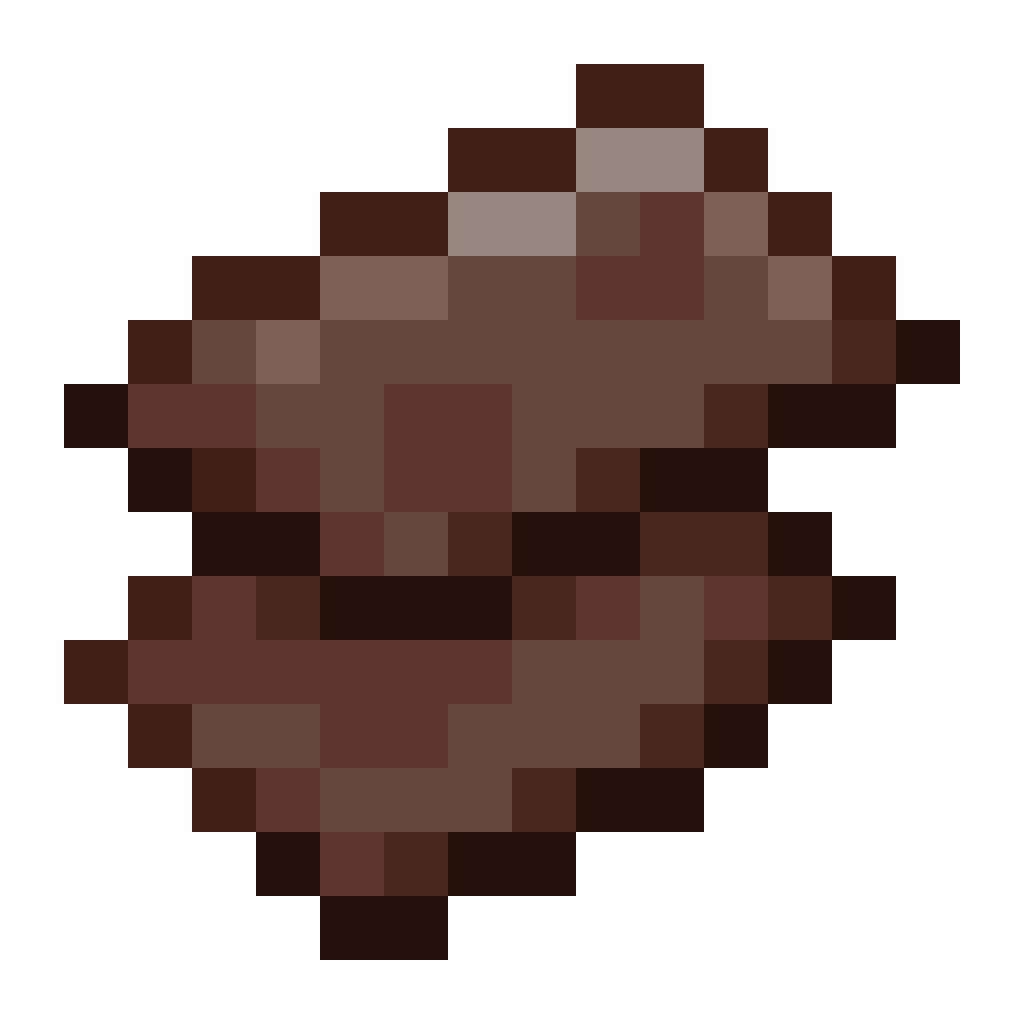
.png 44 NetheriteScrap Emoji
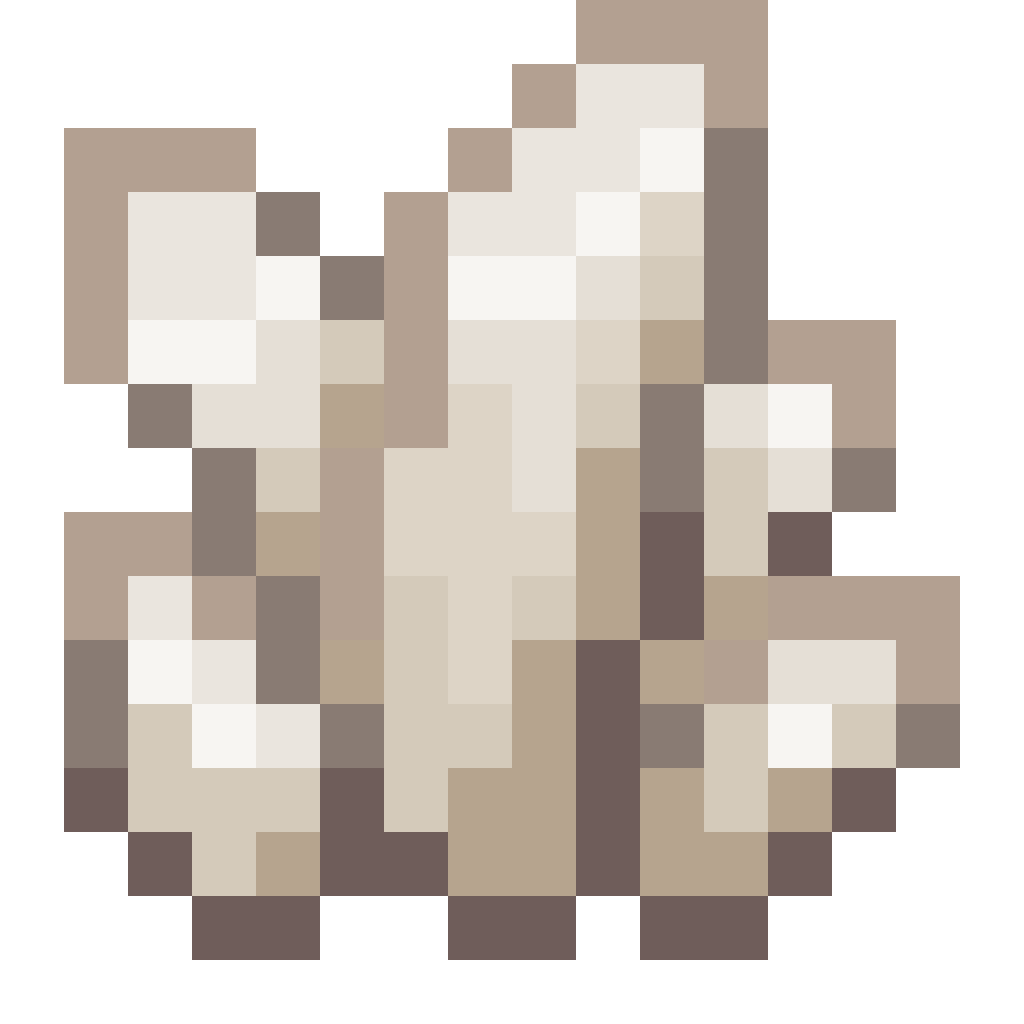
.png 33 Quartz Emoji
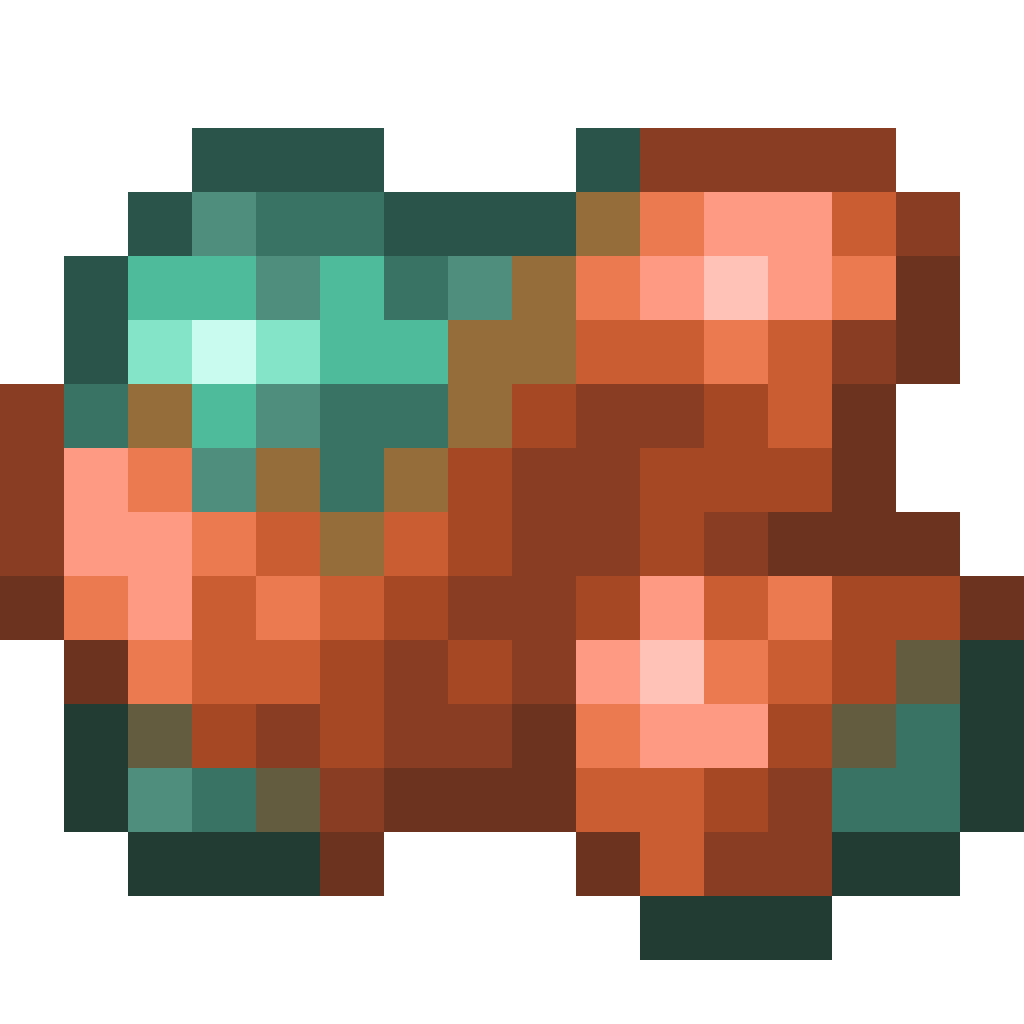
.png 59 RawCopper Emoji
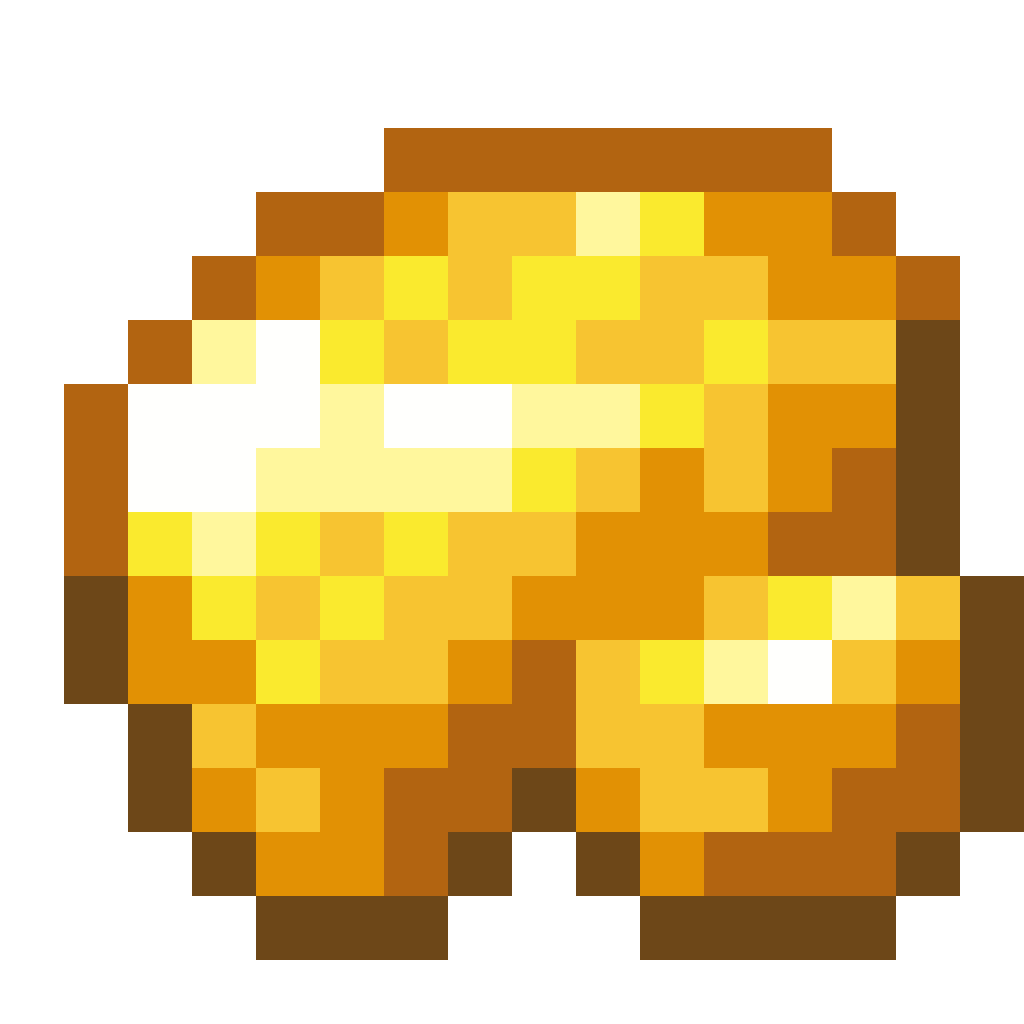
.png 49 RawGold Emoji
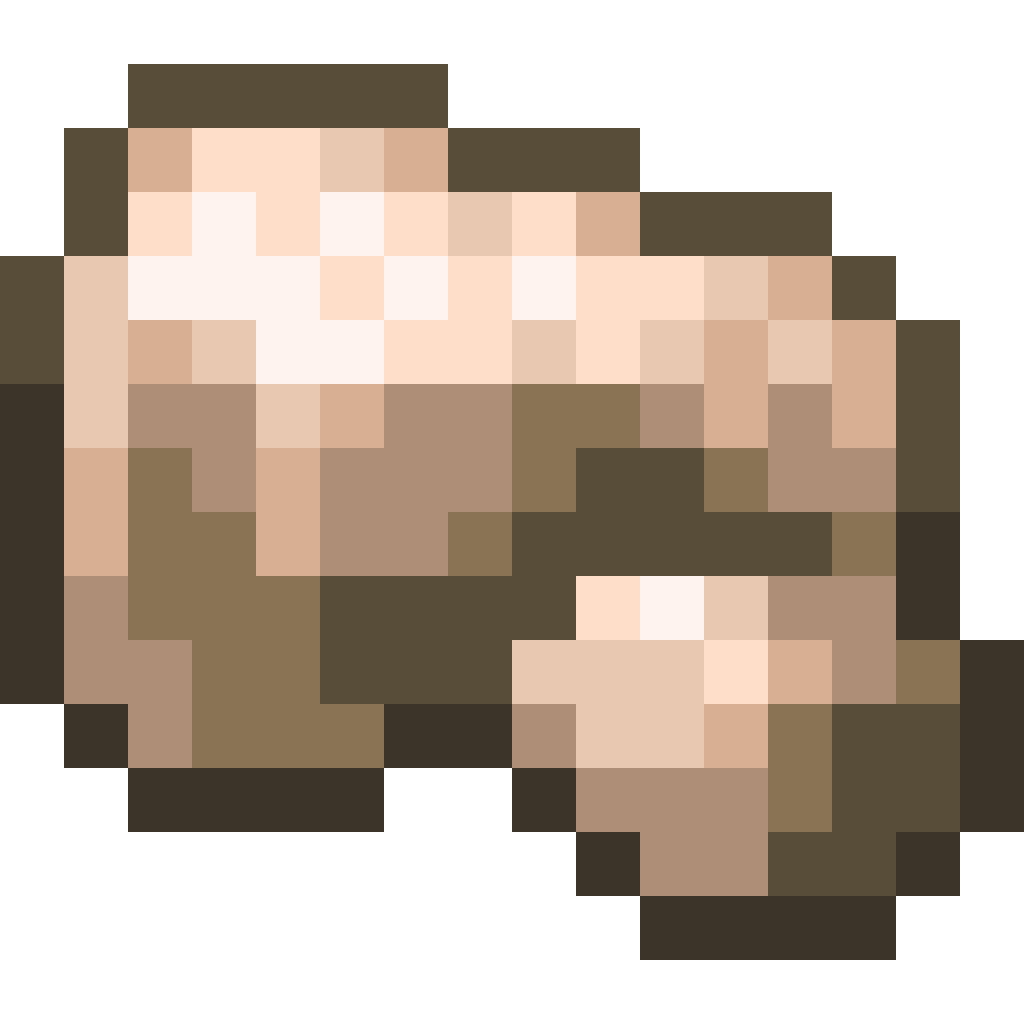
.png 41 RawIron Emoji
.png 71 ResinBrick Emoji
.png 15 ResinClump Emoji
.png 20 CarrotOnAStick Emoji
.png 119 FishingRod Emoji

Art Style Discord emojis

Browse Art Style emojis shared by the emoji.gg community. Open a favourite to preview it, check its details and download the image.

Building a set for your server? Save your favourites to a collection as you browse so you can find them again.

Explore Art Style stickers

Add emojis to your Discord server

  1. Choose your favourites. Open a emoji and download its image.
  2. Open Server Settings. In Discord, select your server and go to the Emoji section.
  3. Upload and name it. Select the downloaded image, give it a name and save it for your community to use.

Get the Android app

Emoji.gg is better on the app. Download it from the Google Play store.

Get Emoji.gg on Google Play