Your Collection
Your collection items will appear here.

Art Style Emojis

Find Art Style custom emojis to use
on Discord, Twitch & Slack

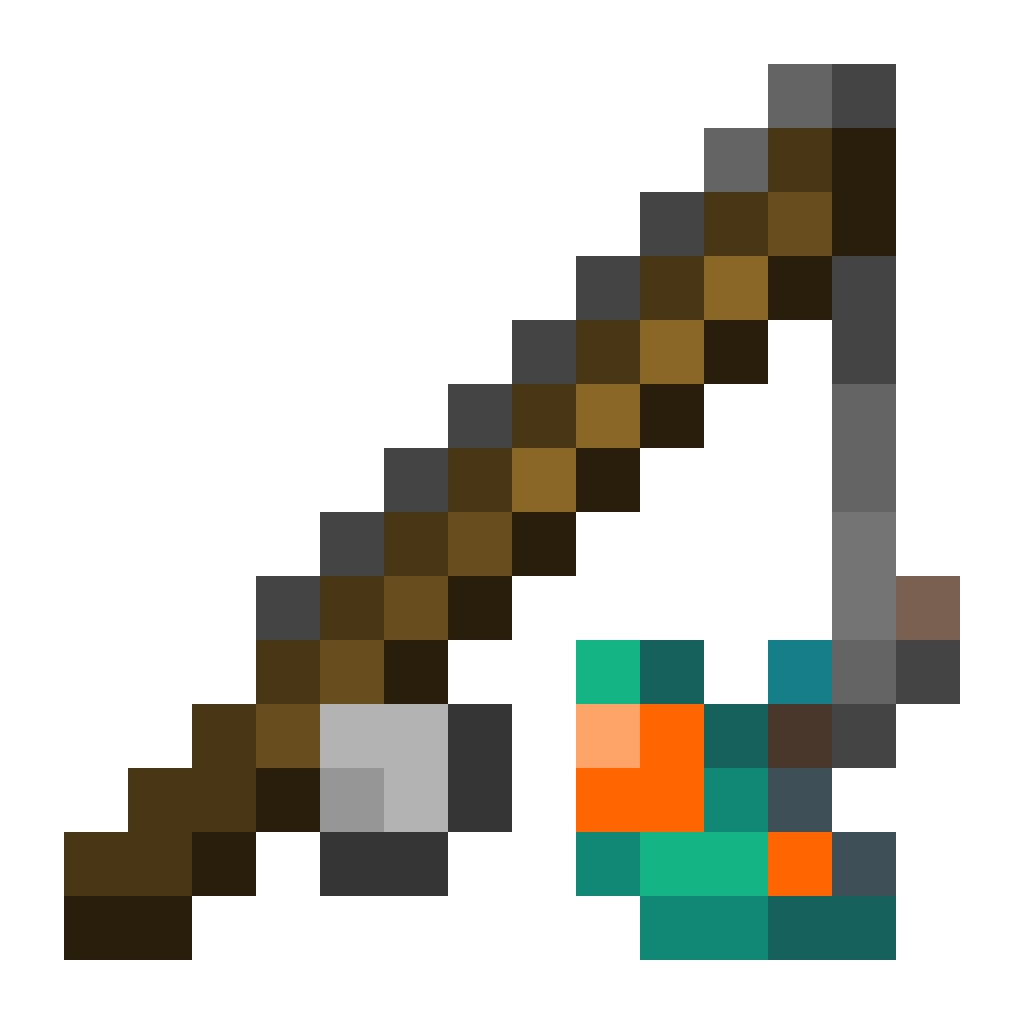
.png 7 FishingRodCast Emoji
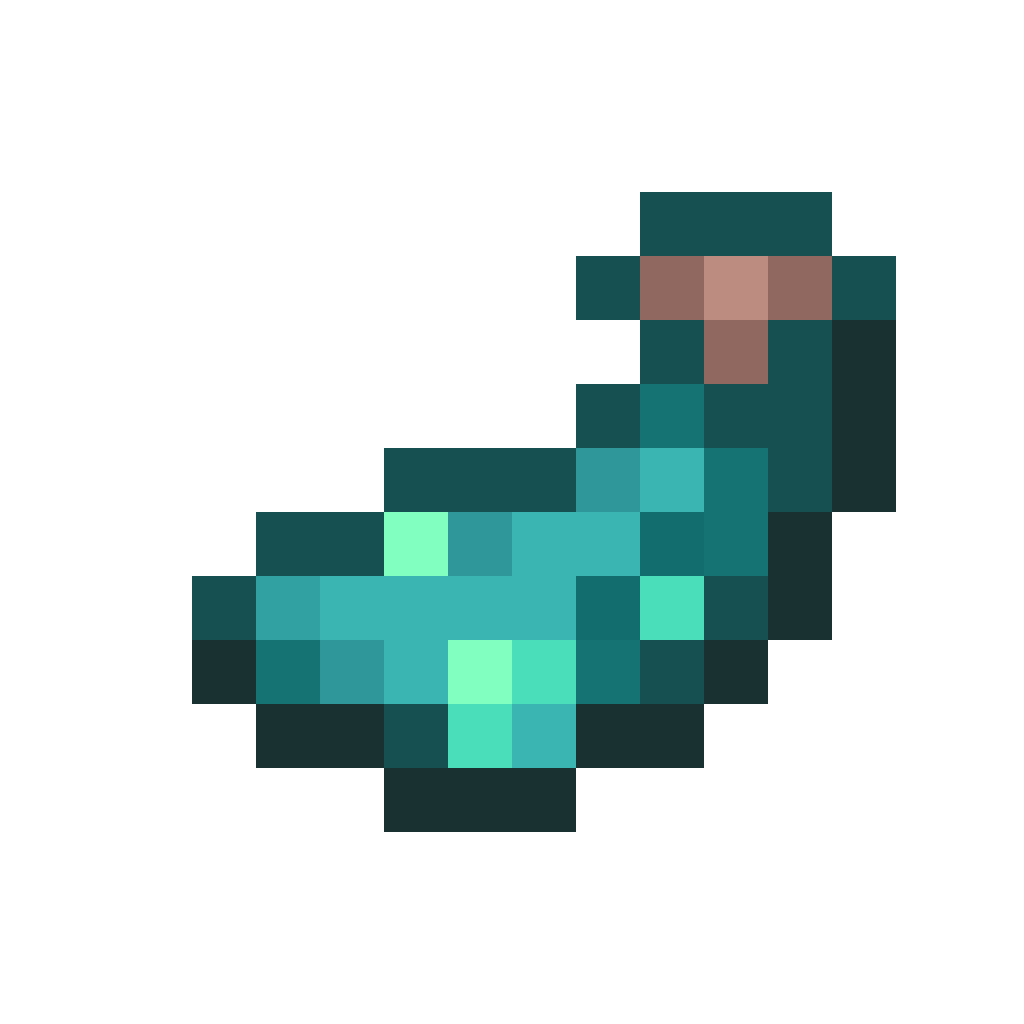
.png 38 GlowInkSac Emoji
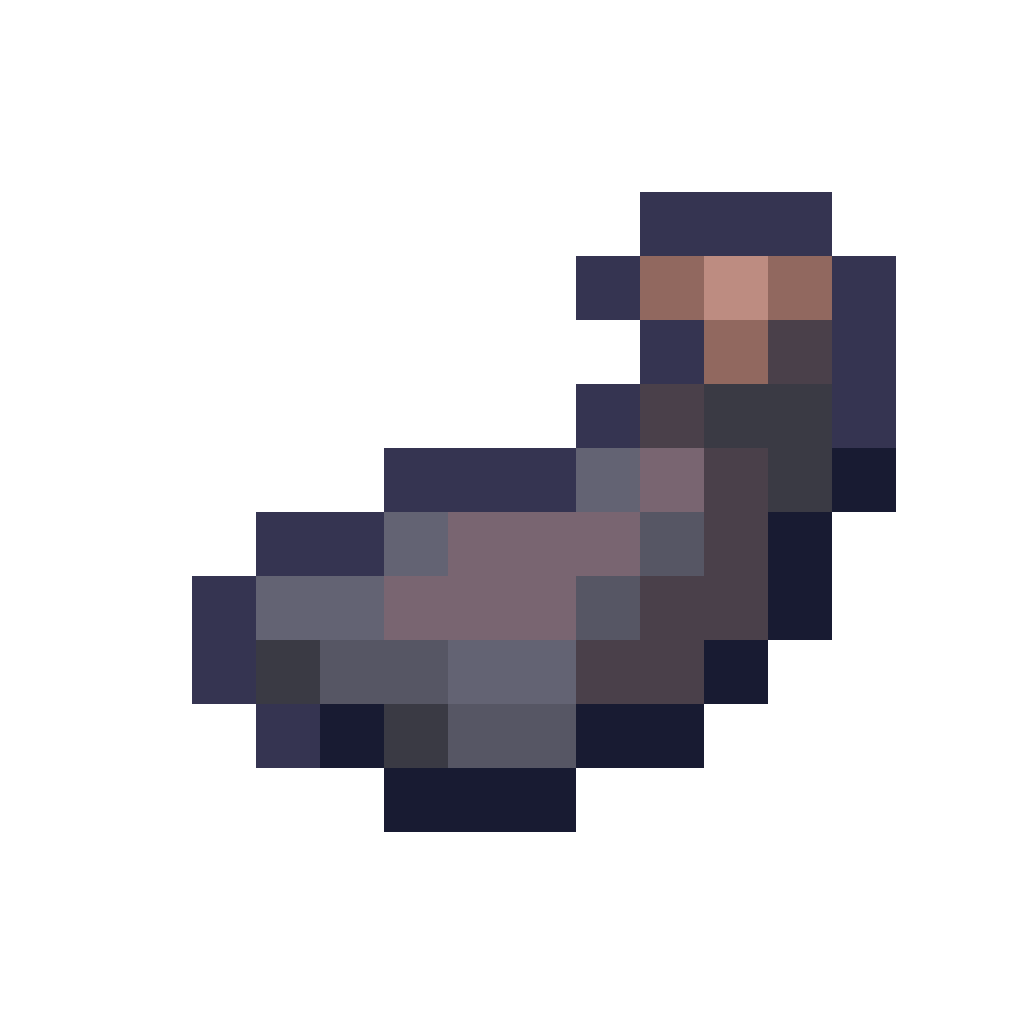
.png 0 InkSac Emoji
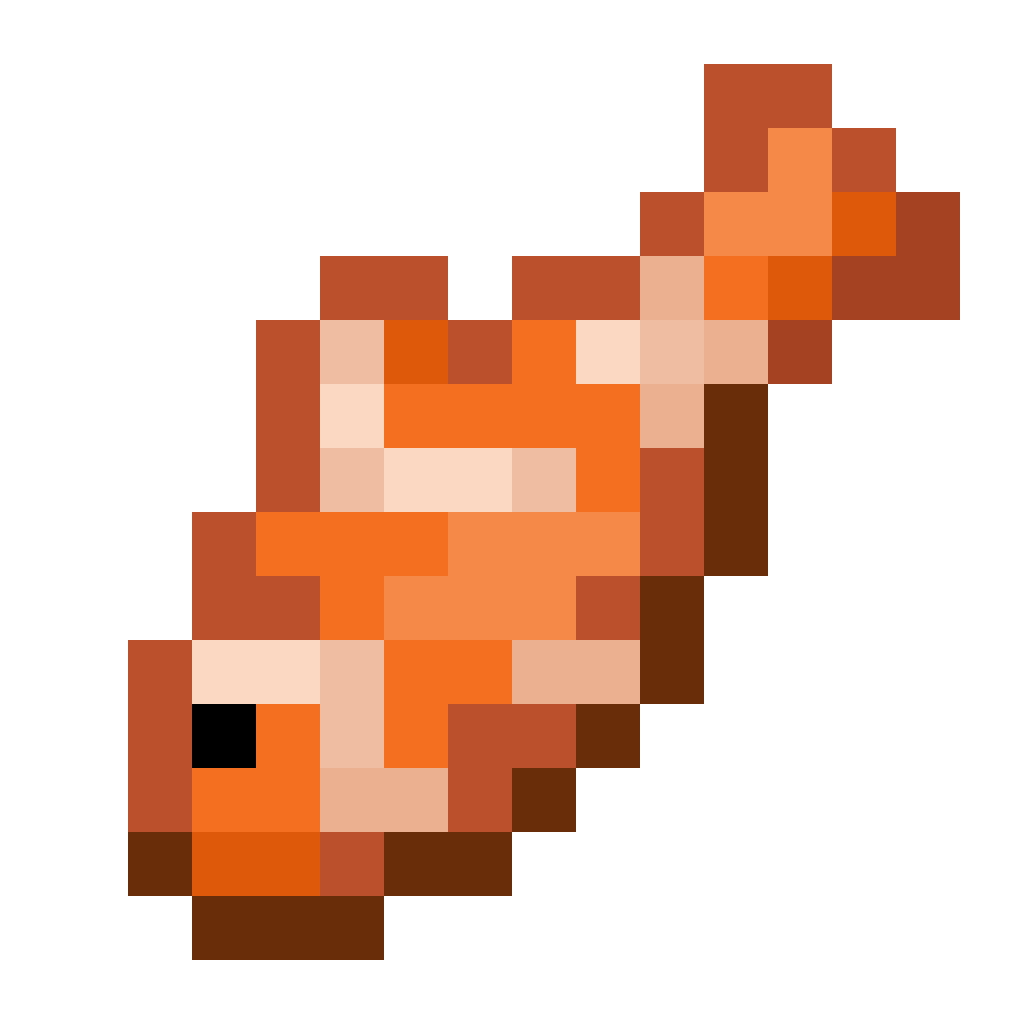
.png 64 TropicalFish Emoji
.png 7 WarpedFungusOnAStick Emoji
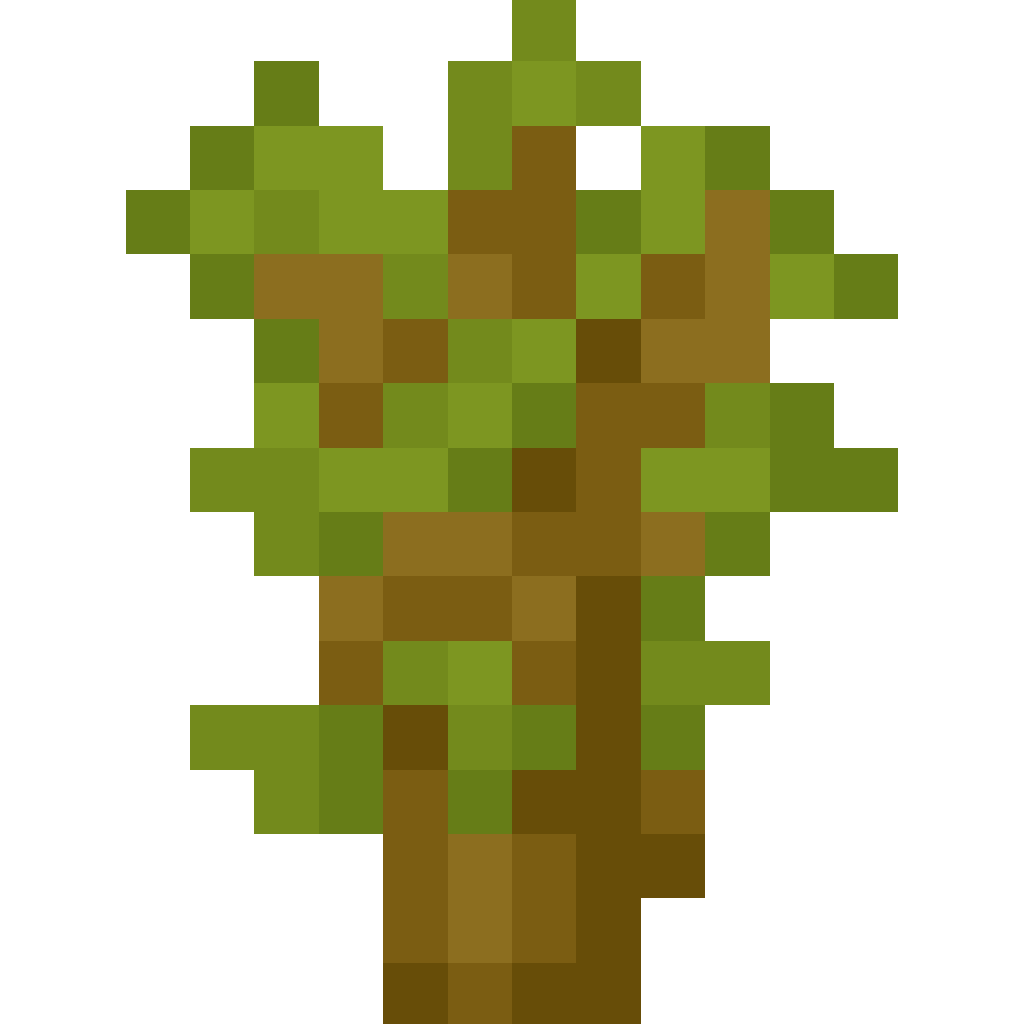
.png 11 AcaciaSapling Emoji
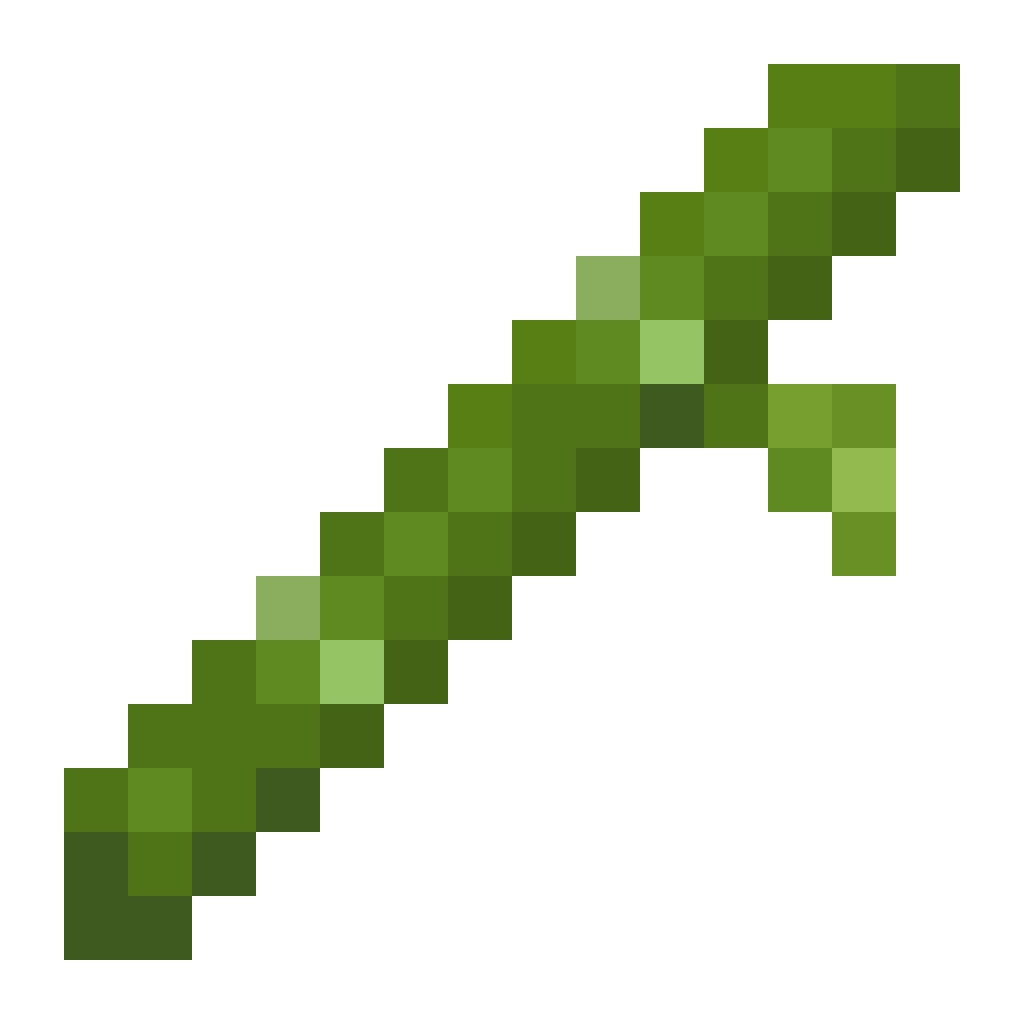
.png 19 Bamboo Emoji
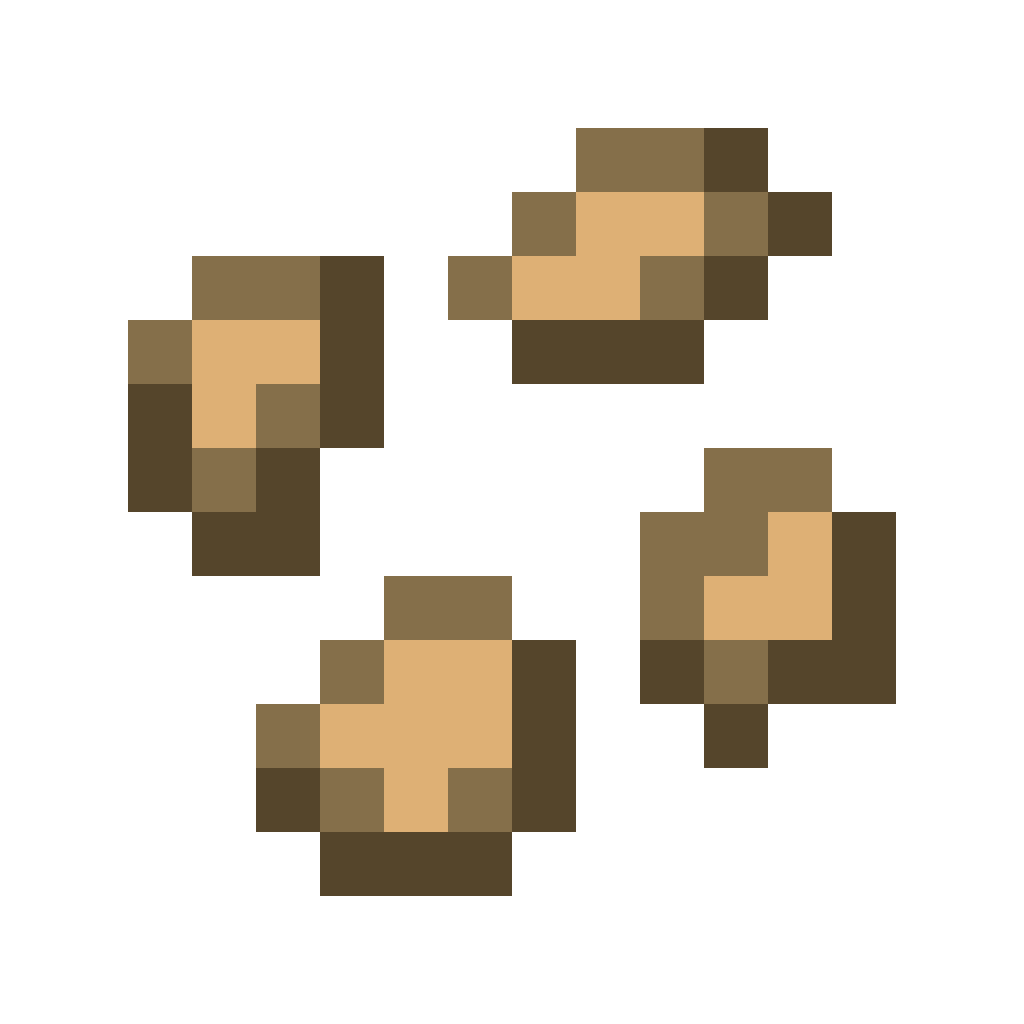
.png 0 BeetrootSeeds Emoji
.png 10 BirchSapling Emoji
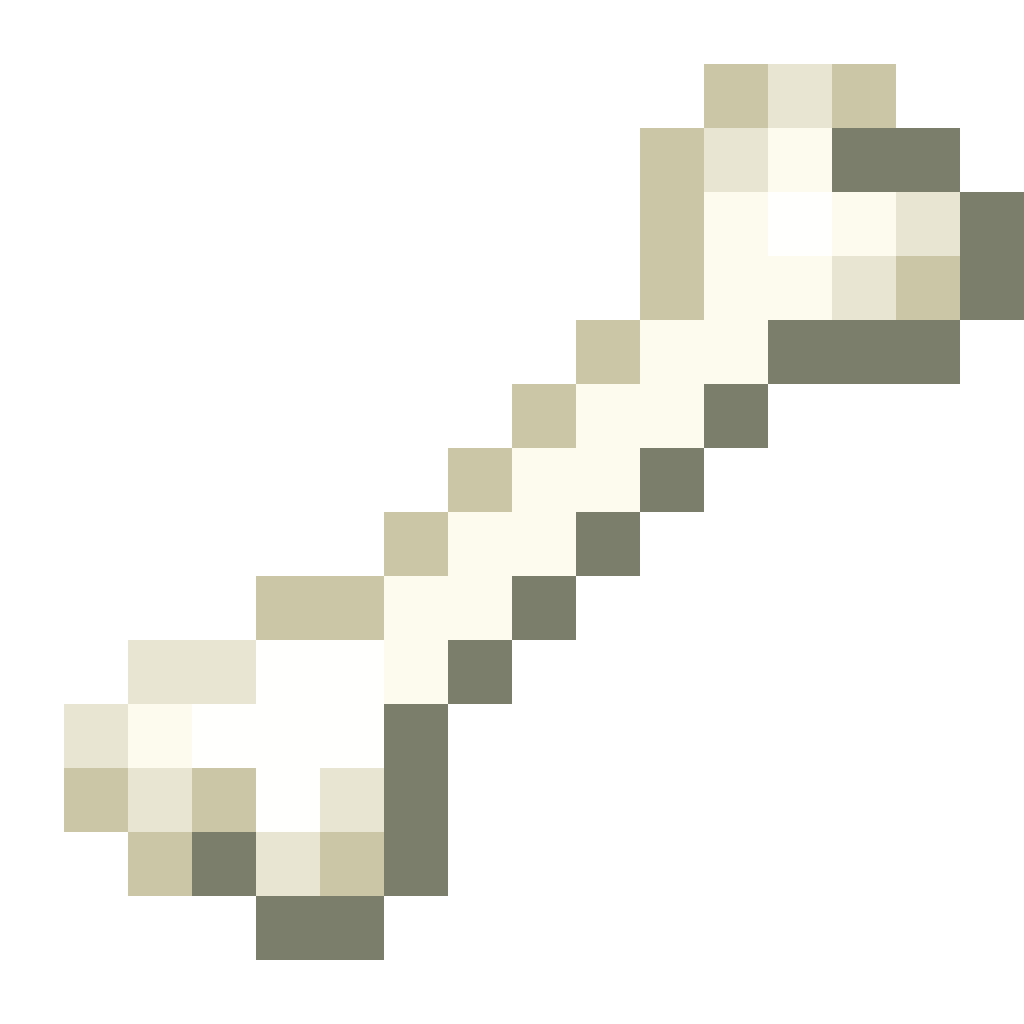
.png 196 Bone Emoji
.png 20 BoneMeal Emoji
.png 151 CherrySapling Emoji
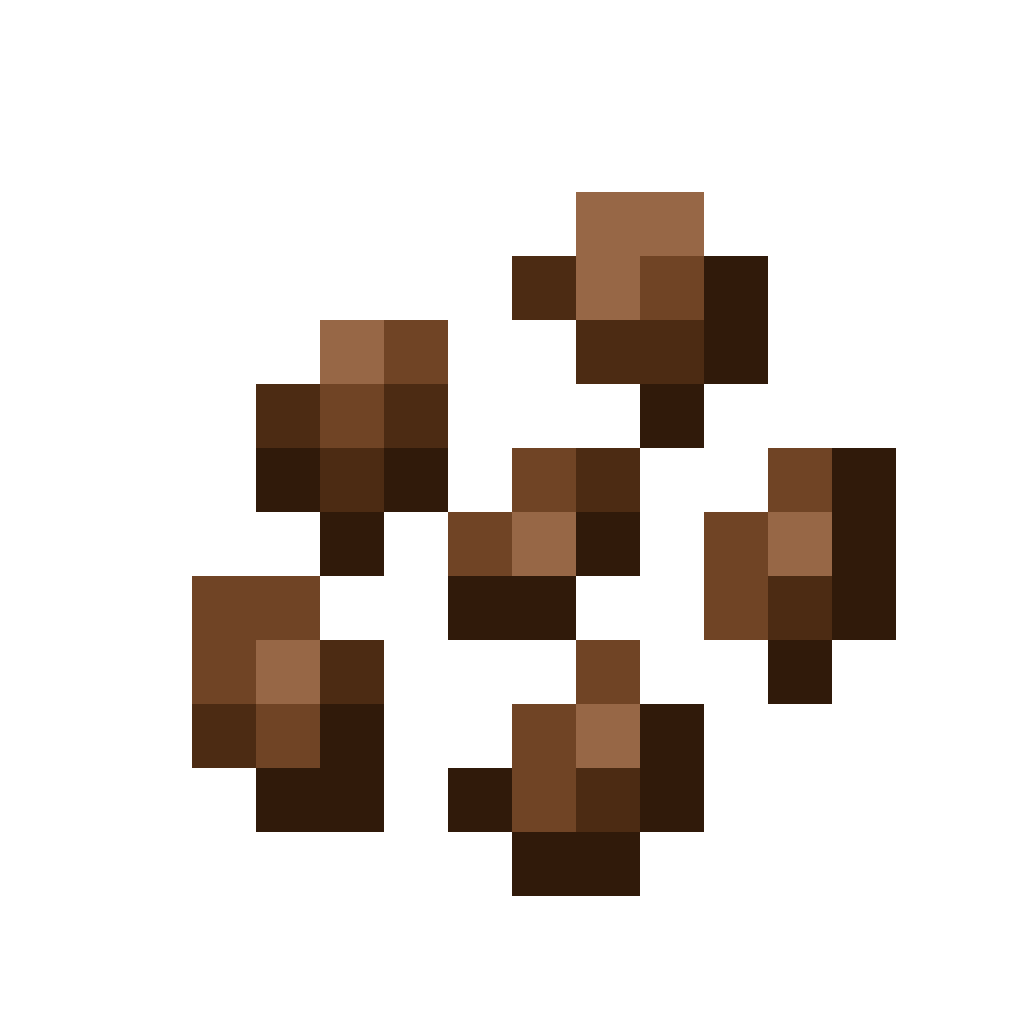
.png 5 CocoaBeans Emoji
.png 22 DarkOakSapling Emoji
.png 0 JungleSapling Emoji
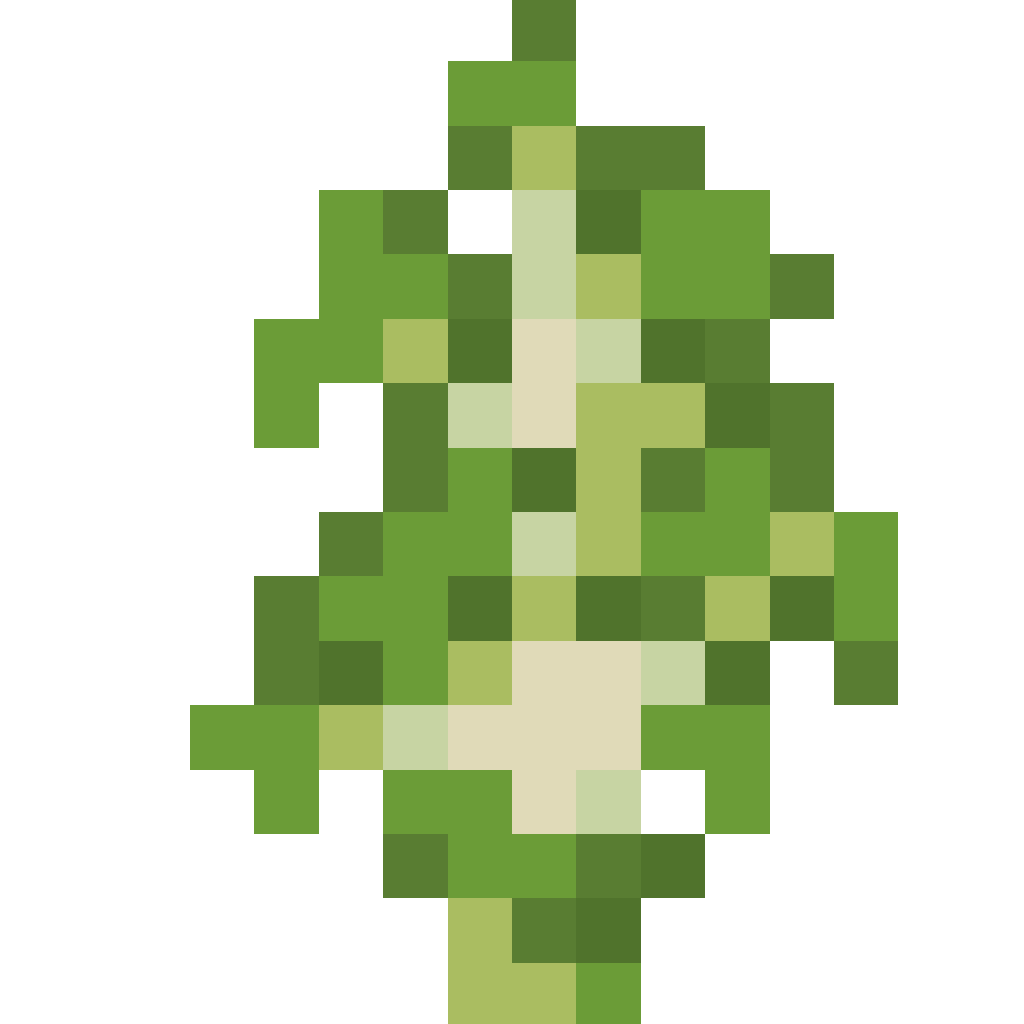
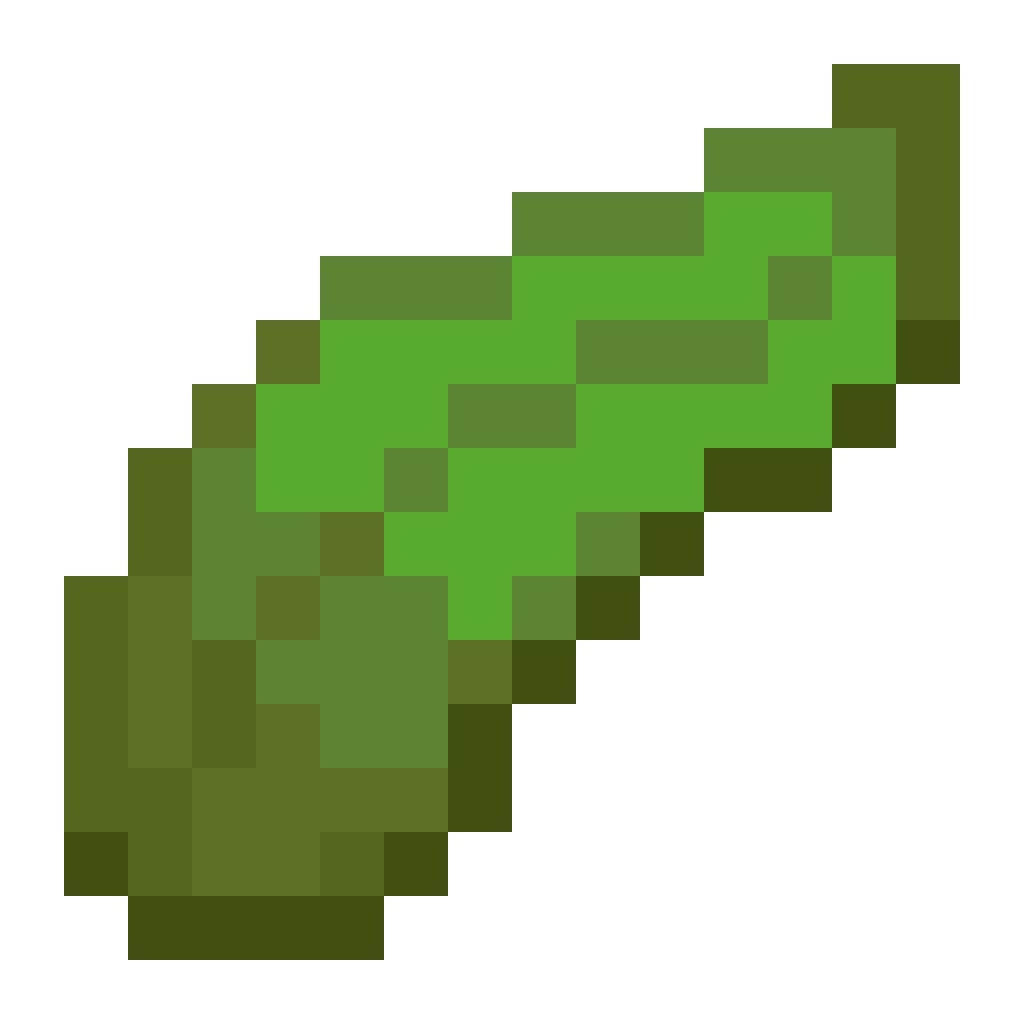
.png 13 Kelp Emoji
.png 0 MelonSeeds Emoji
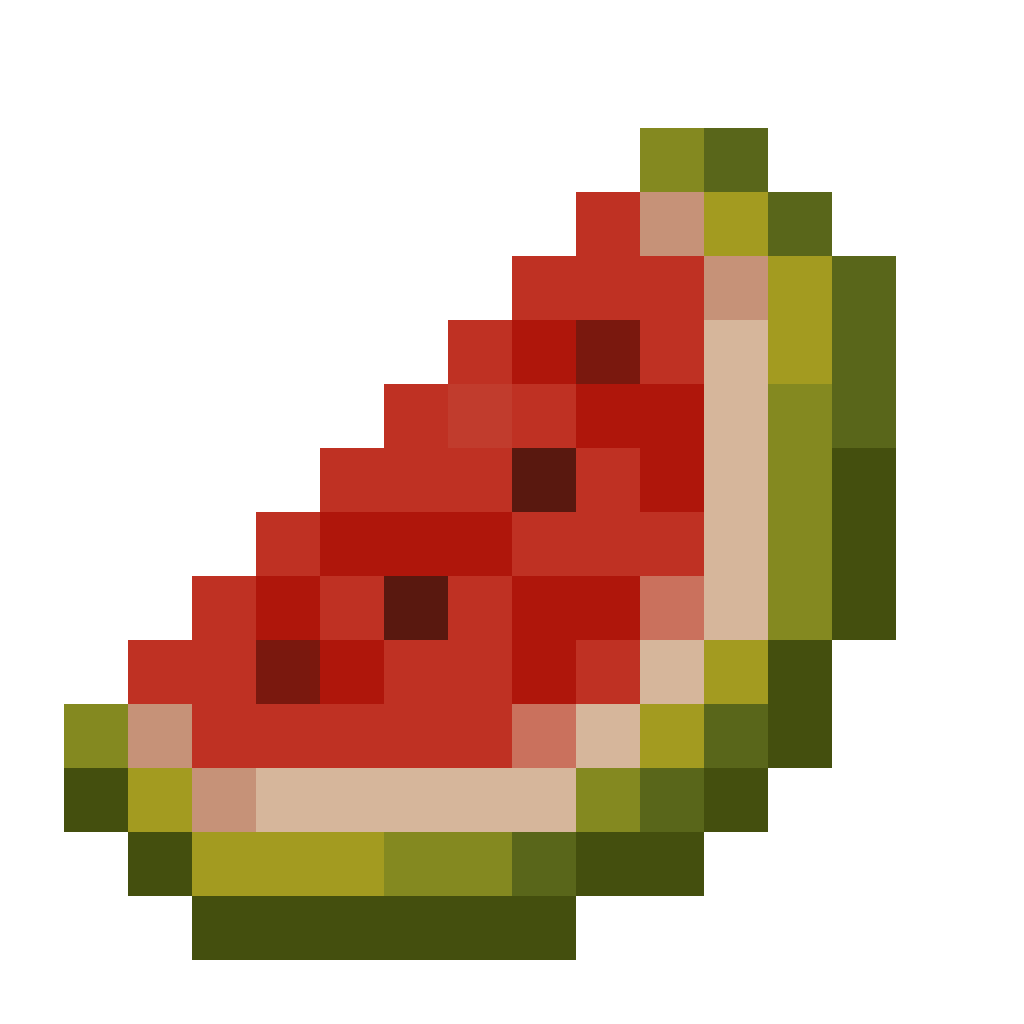
.png 87 MelonSlice Emoji
.png 0 NetherWart Emoji
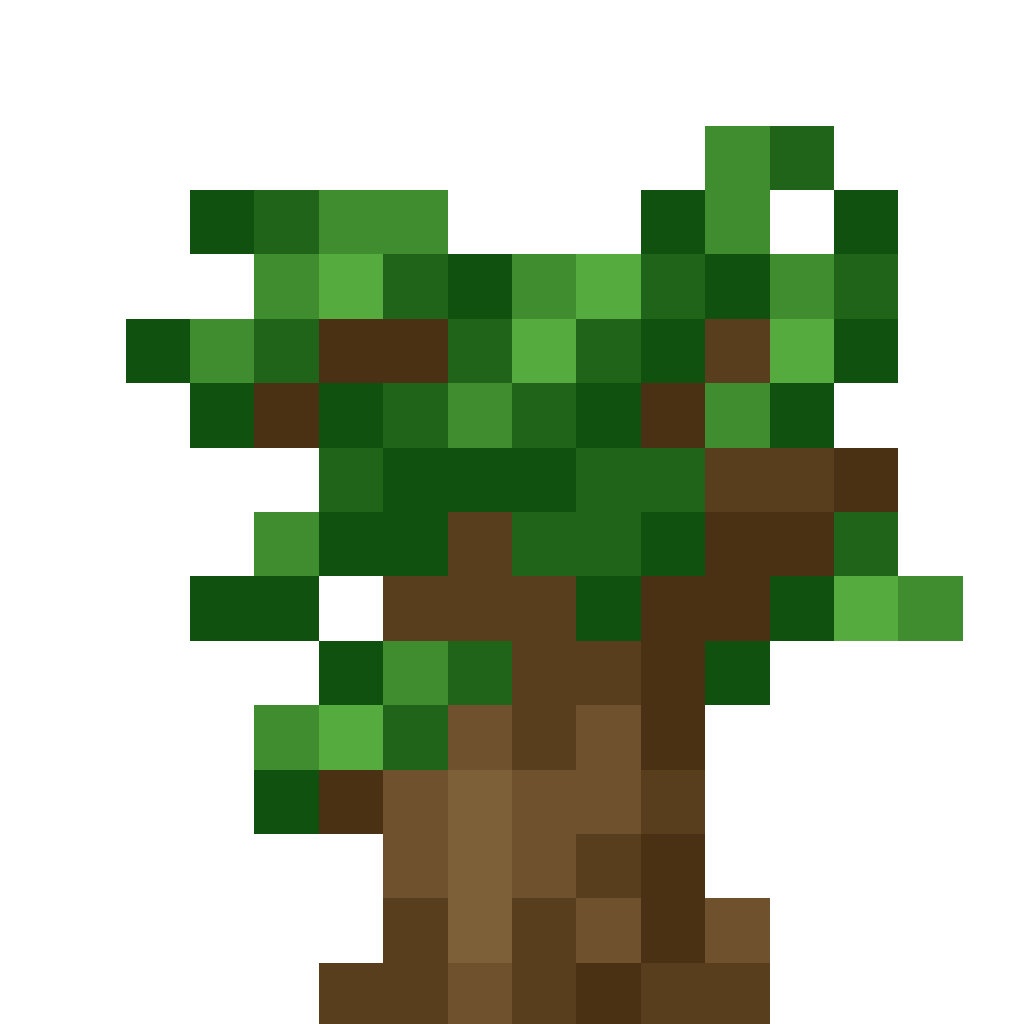
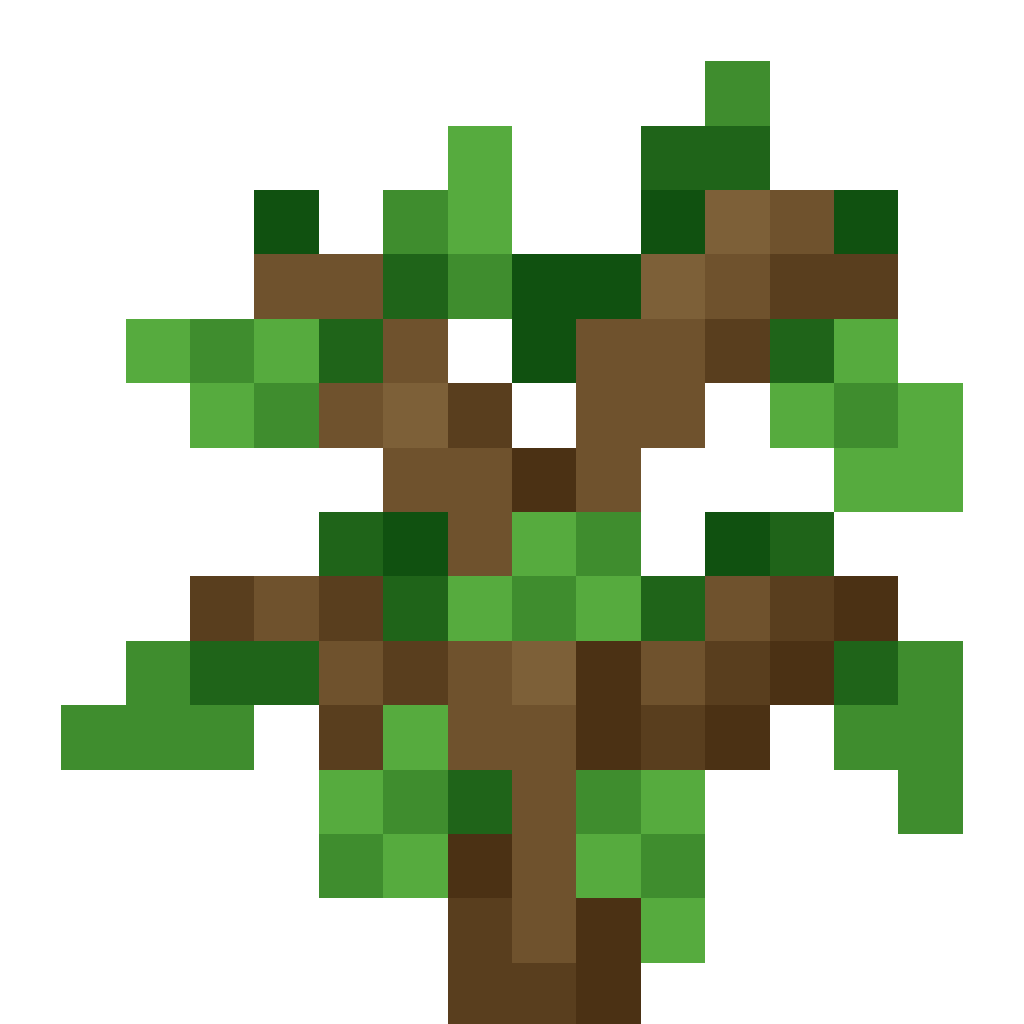
.png 28 OakSapling Emoji
.png 0 PumpkinSeeds Emoji
.png 35 SpruceSapling Emoji
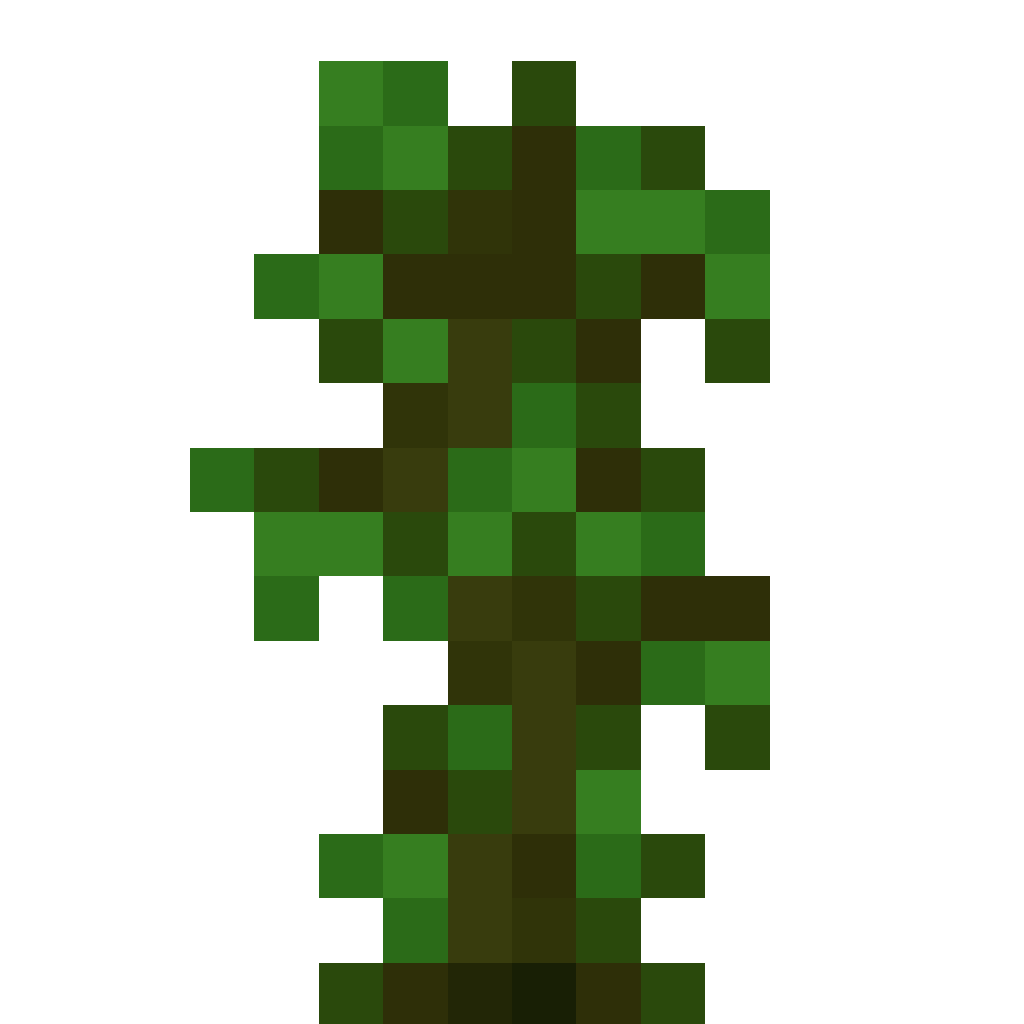
.png 38 SugarCane Emoji
.png 89 SweetBerries Emoji
.png 63 Wheat Emoji

Art Style Discord emojis

Browse Art Style emojis shared by the emoji.gg community. Open a favourite to preview it, check its details and download the image.

Building a set for your server? Save your favourites to a collection as you browse so you can find them again.

Explore Art Style stickers

Add emojis to your Discord server

  1. Choose your favourites. Open a emoji and download its image.
  2. Open Server Settings. In Discord, select your server and go to the Emoji section.
  3. Upload and name it. Select the downloaded image, give it a name and save it for your community to use.

Get the Android app

Emoji.gg is better on the app. Download it from the Google Play store.

Get Emoji.gg on Google Play