Your Collection
Your collection items will appear here.

Art Style Emojis

Find Art Style custom emojis to use
on Discord, Twitch & Slack
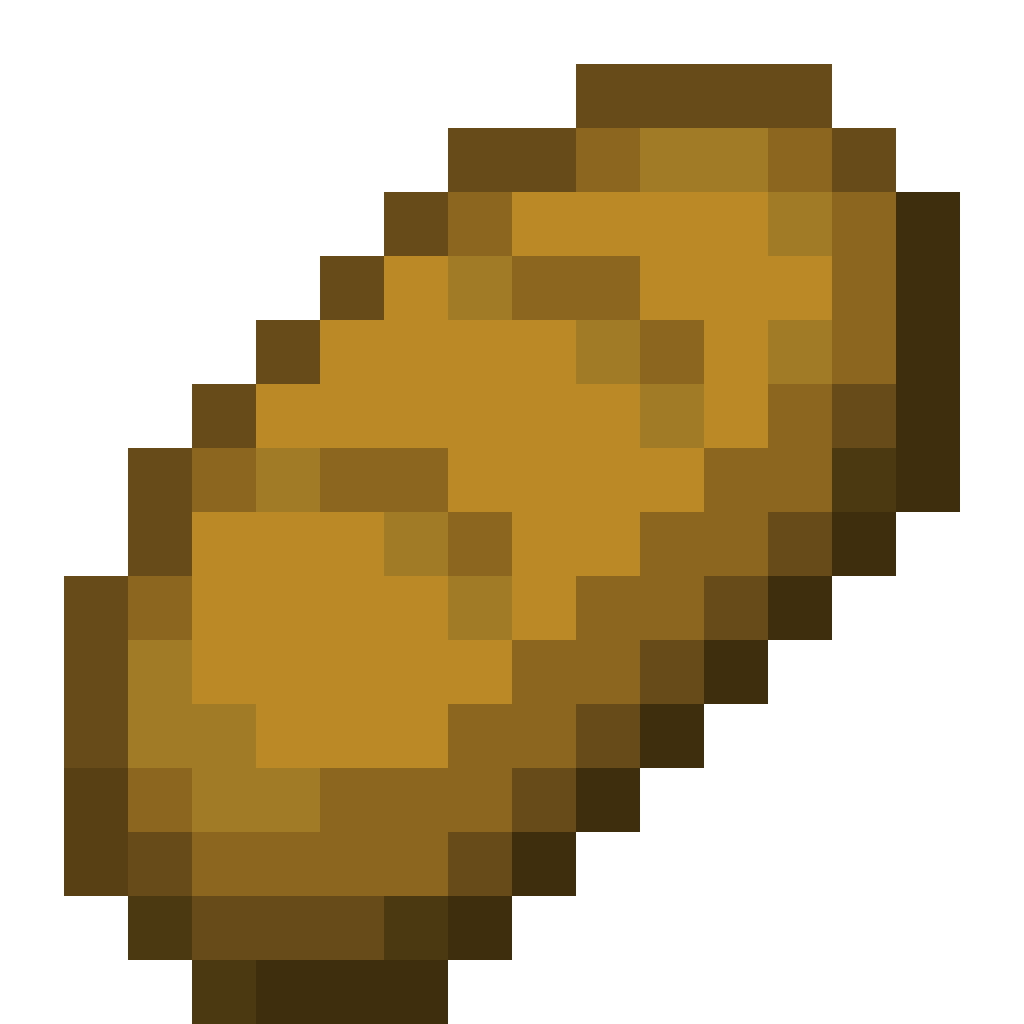
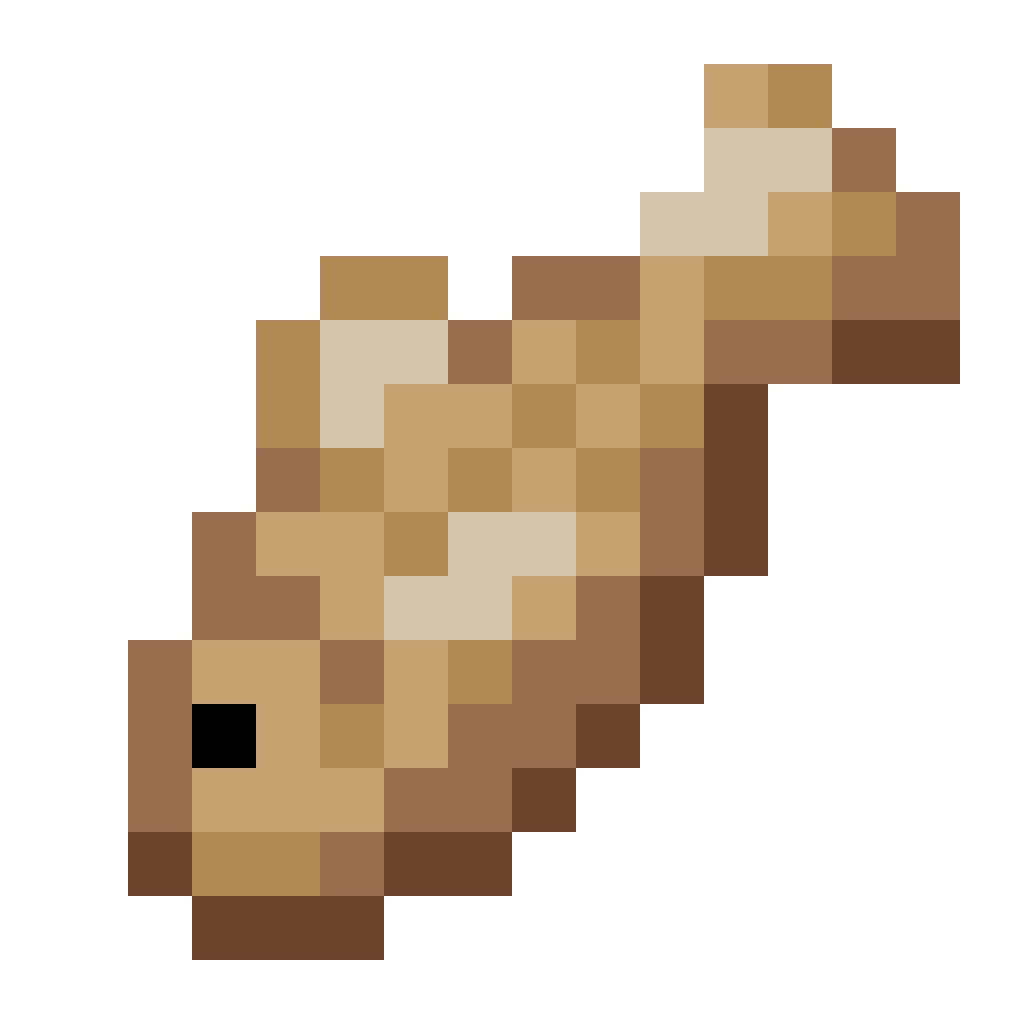
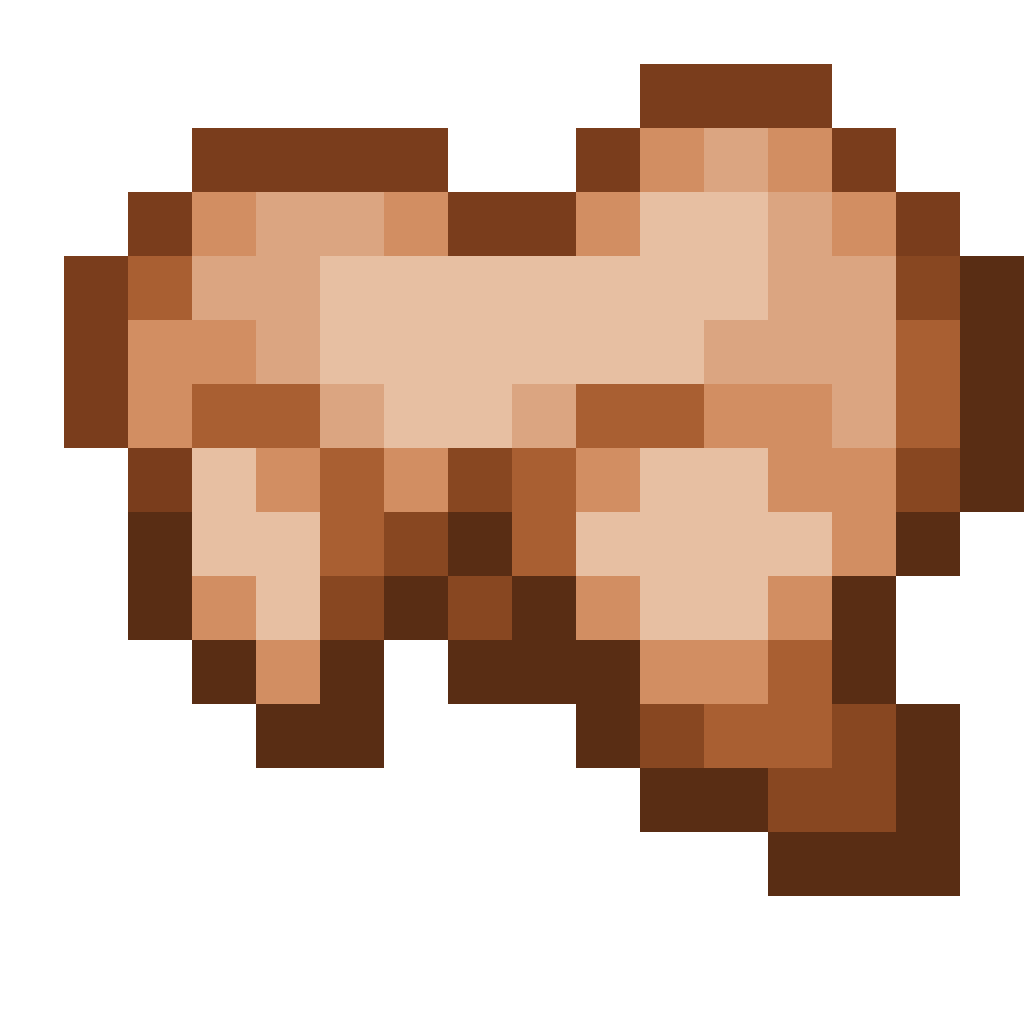
.png 310 Bread Emoji
.png 620 Cake Emoji
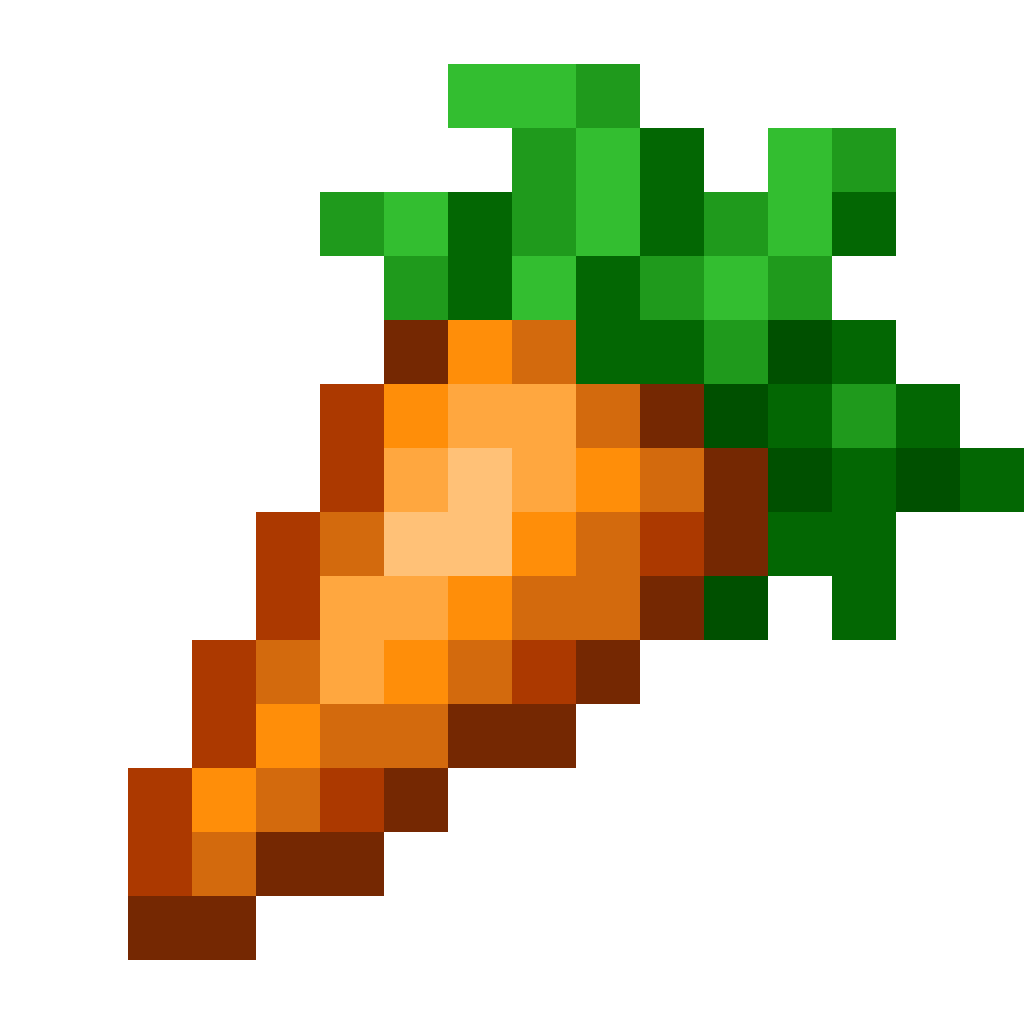
.png 191 Carrot Emoji
.png 35 Chicken Emoji
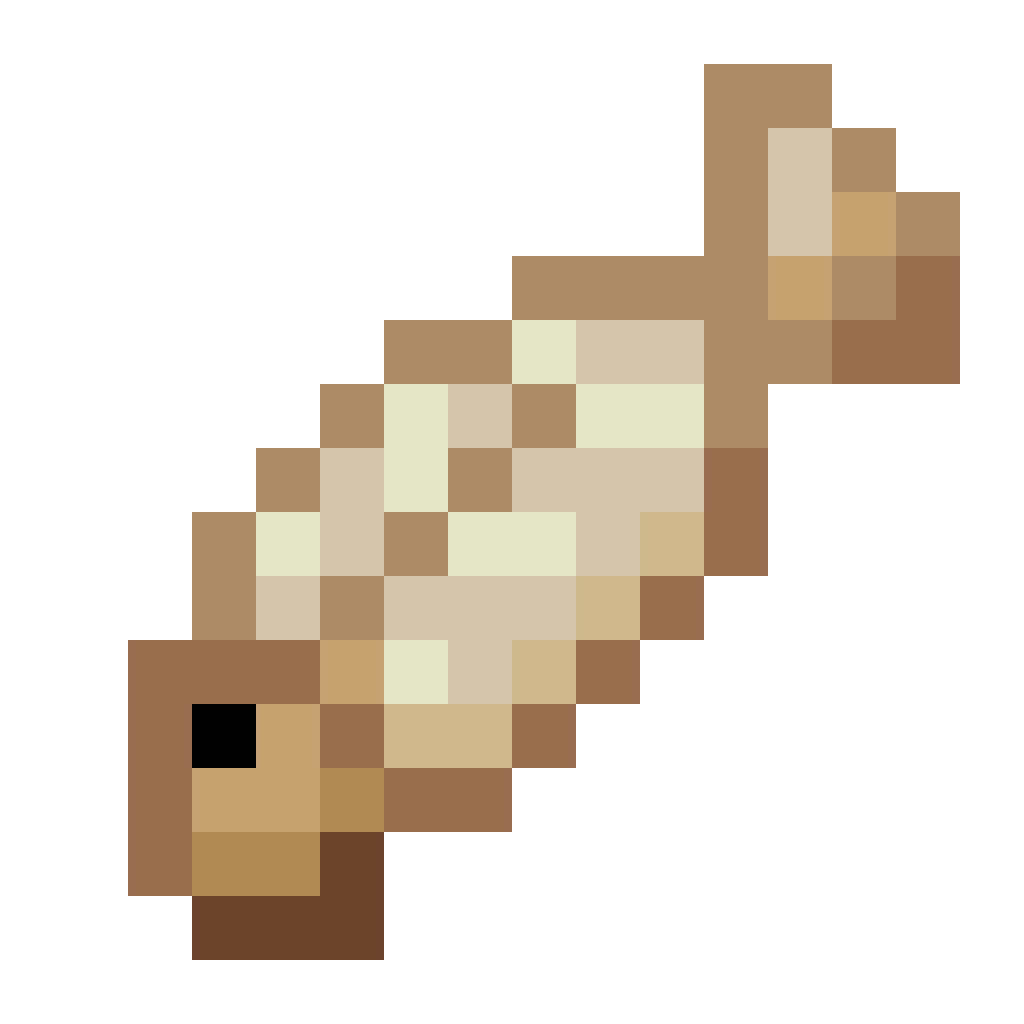
.png 54 Cod Emoji
.png 157 CookedBeef Emoji
.png 141 CookedChicken Emoji
.png 31 CookedCod Emoji
.png 29 CookedMutton Emoji
.png 29 CookedPorkchop Emoji
.png 21 CookedRabbit Emoji
.png 39 CookedSalmon Emoji
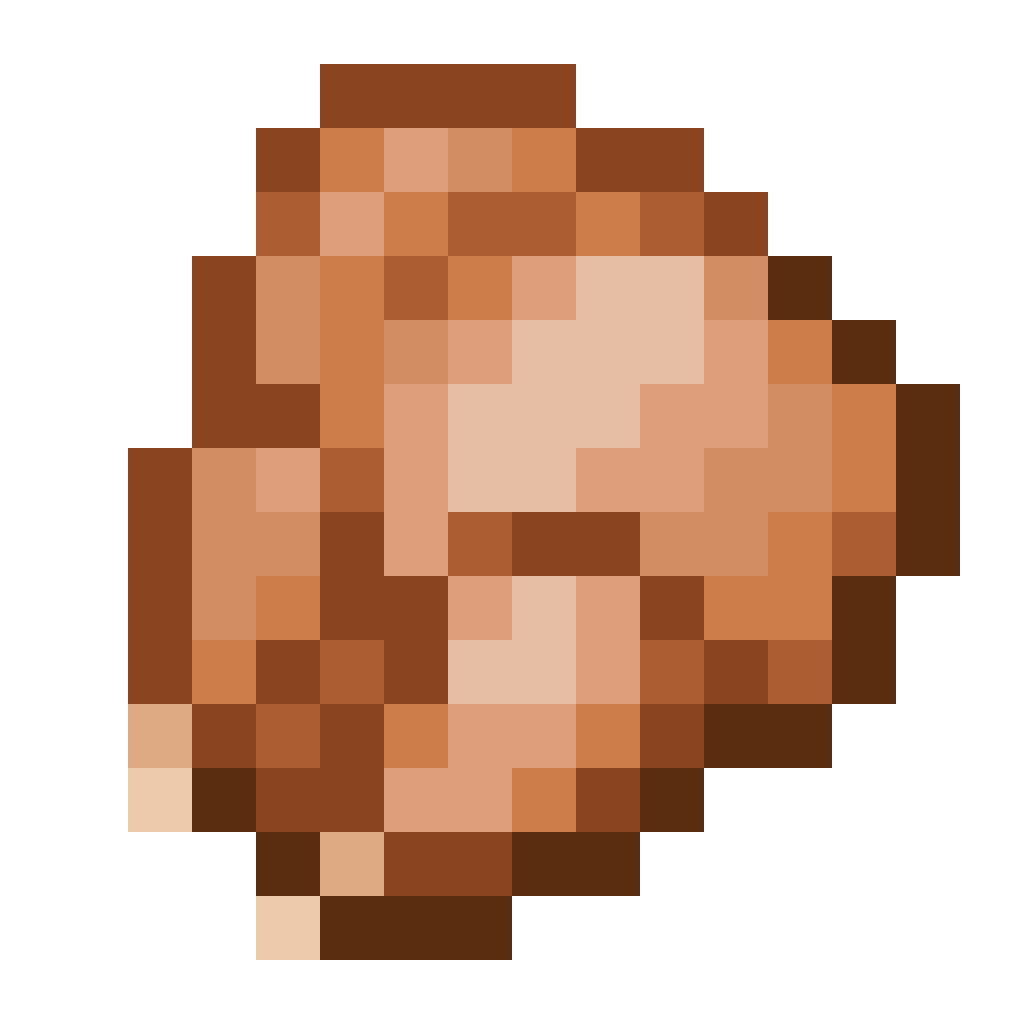
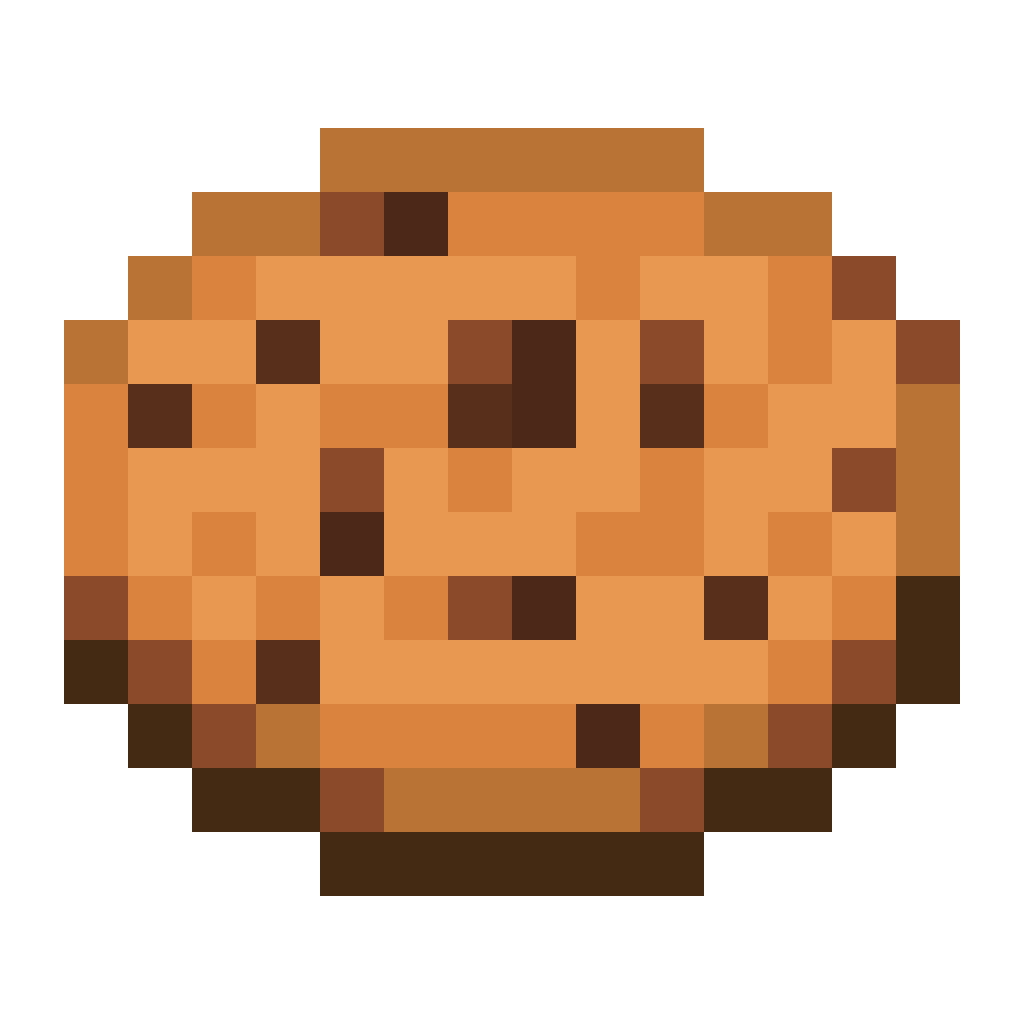
.png 238 Cookie Emoji
.png 14 DriedKelp Emoji
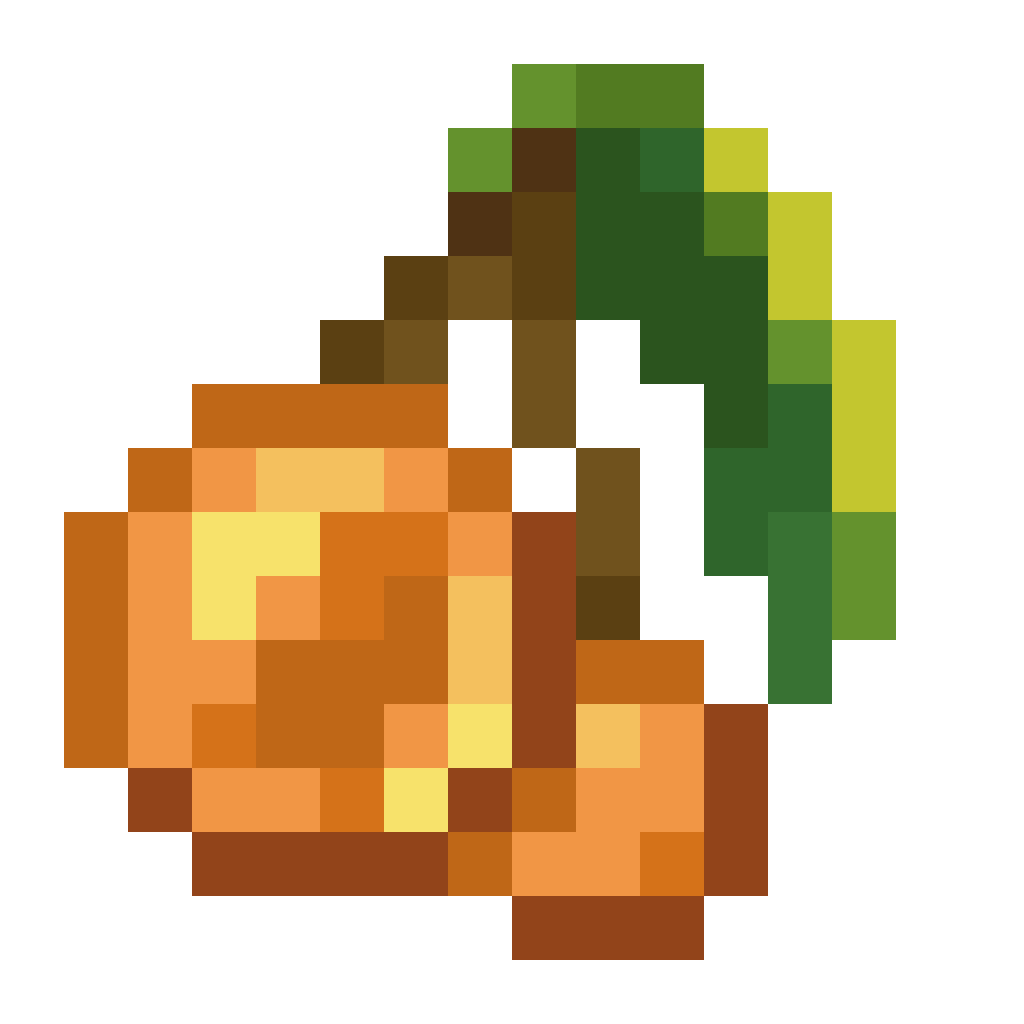
.png 64 GlowBerries Emoji
.png 215 GoldenCarrot Emoji
.png 77 HoneyBottle Emoji
.png 24 MushroomStew Emoji
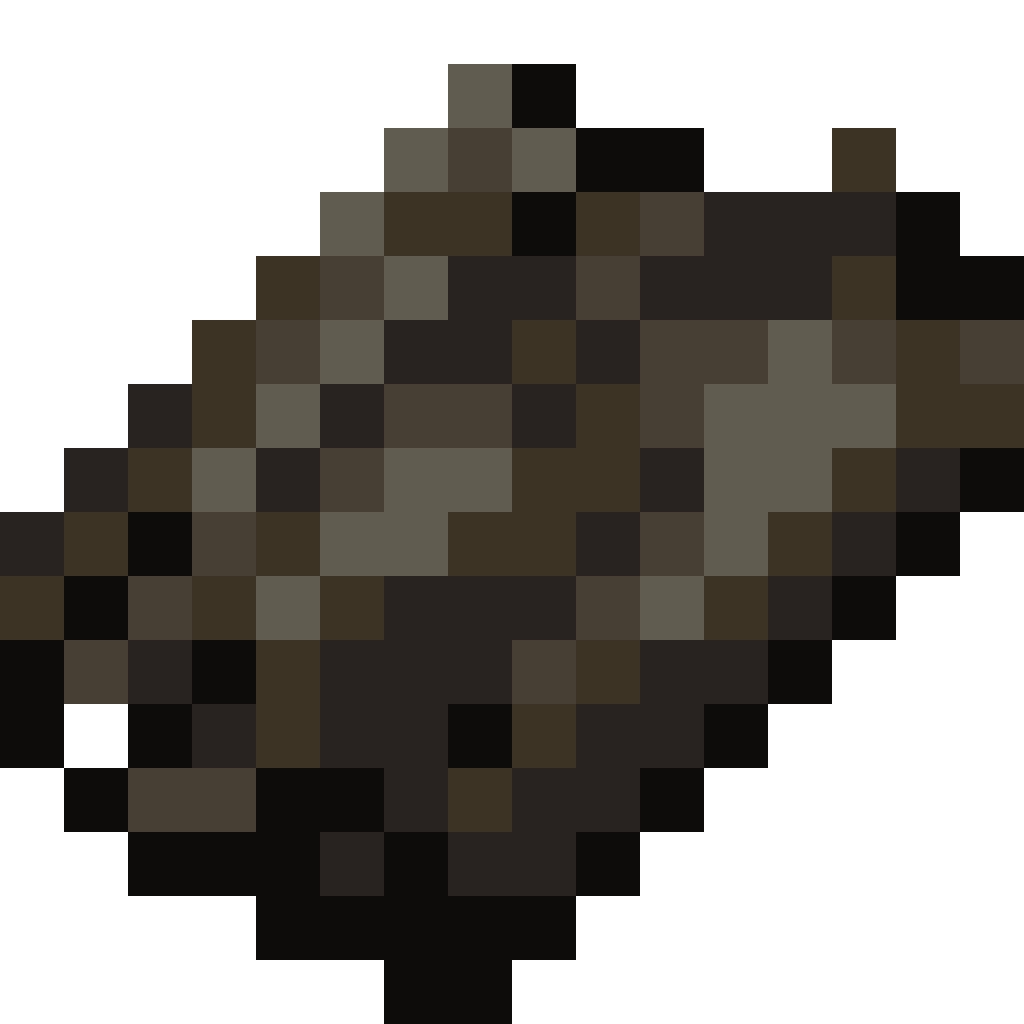
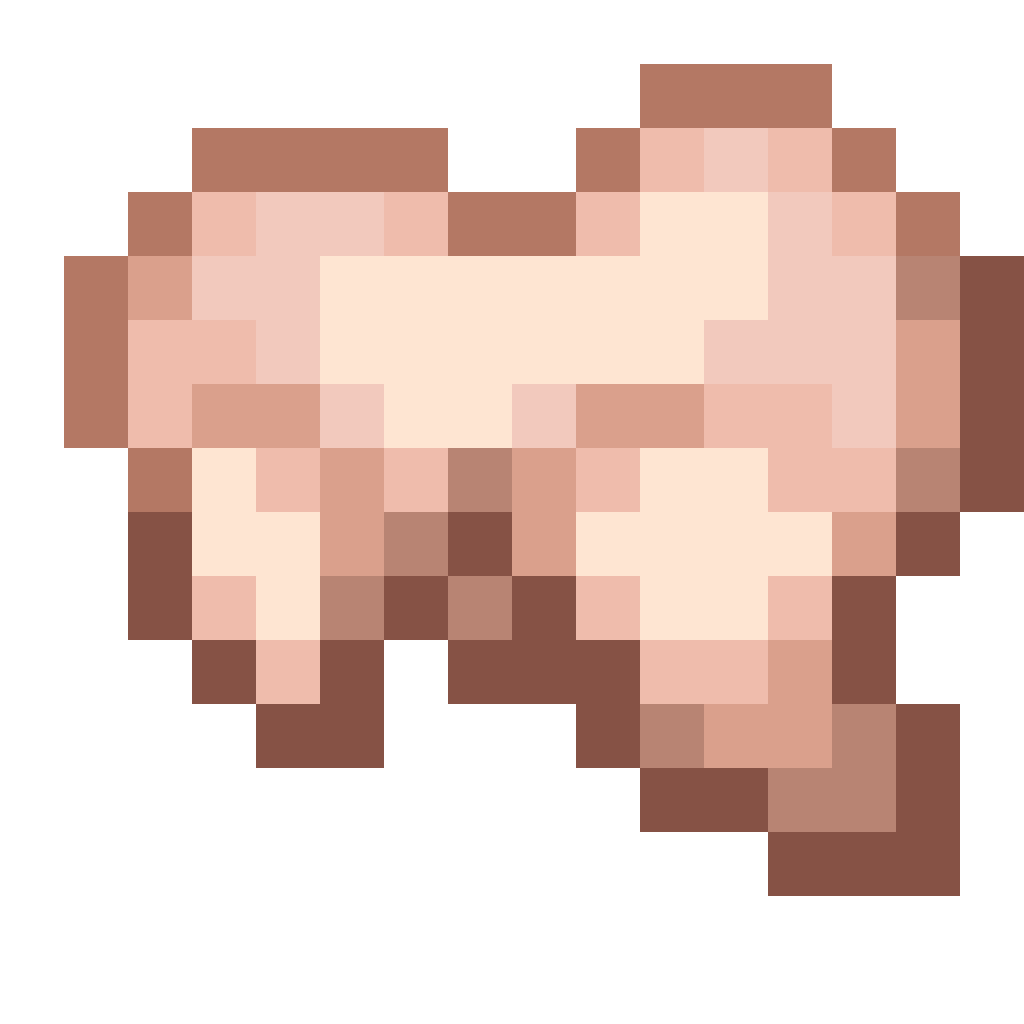
.png 0 Mutton Emoji
.png 75 PoisonousPotato Emoji
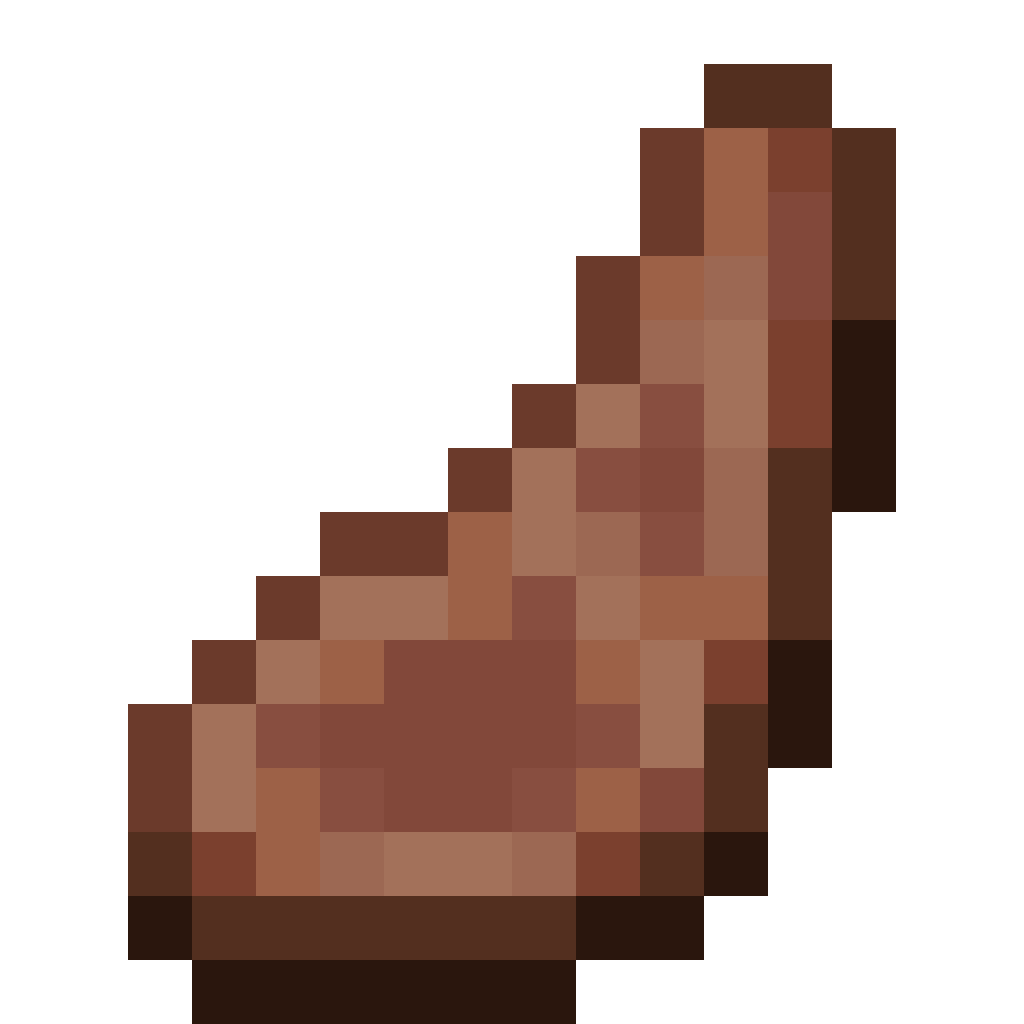
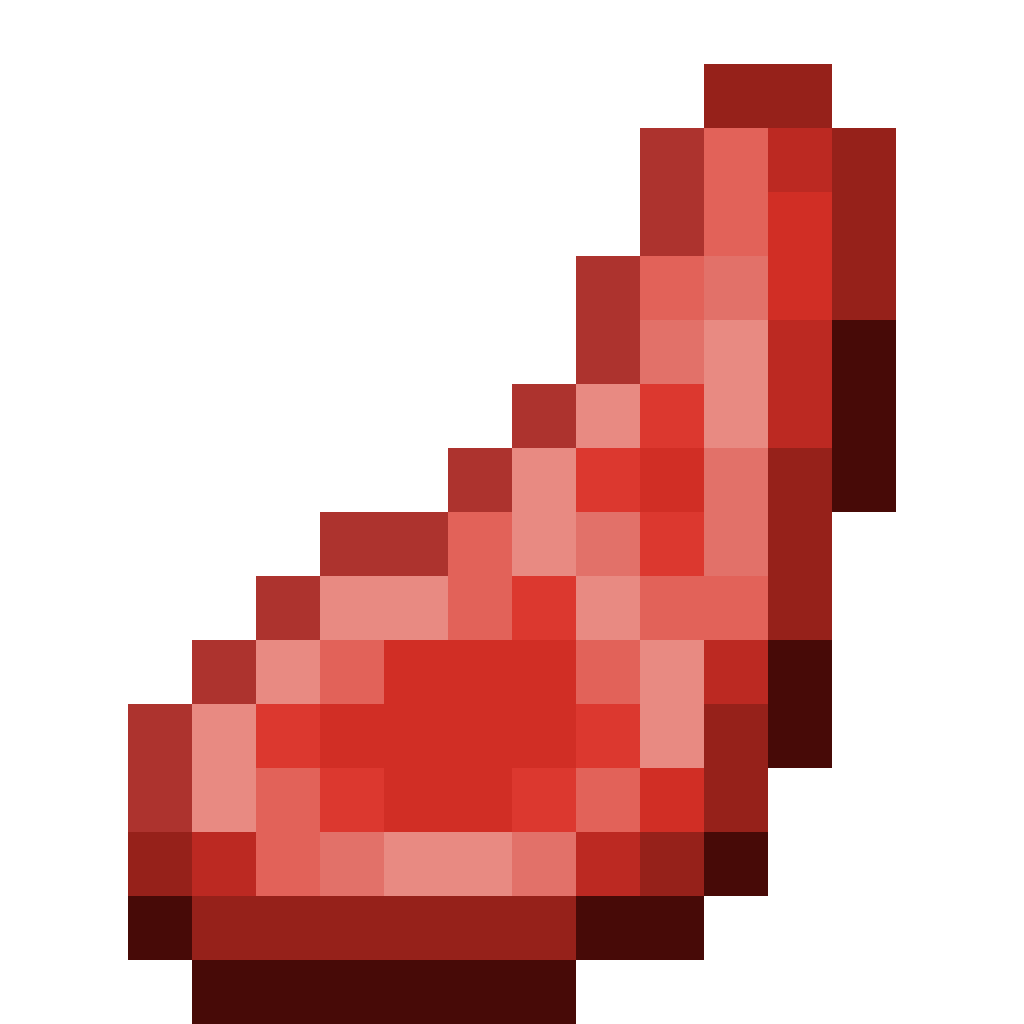
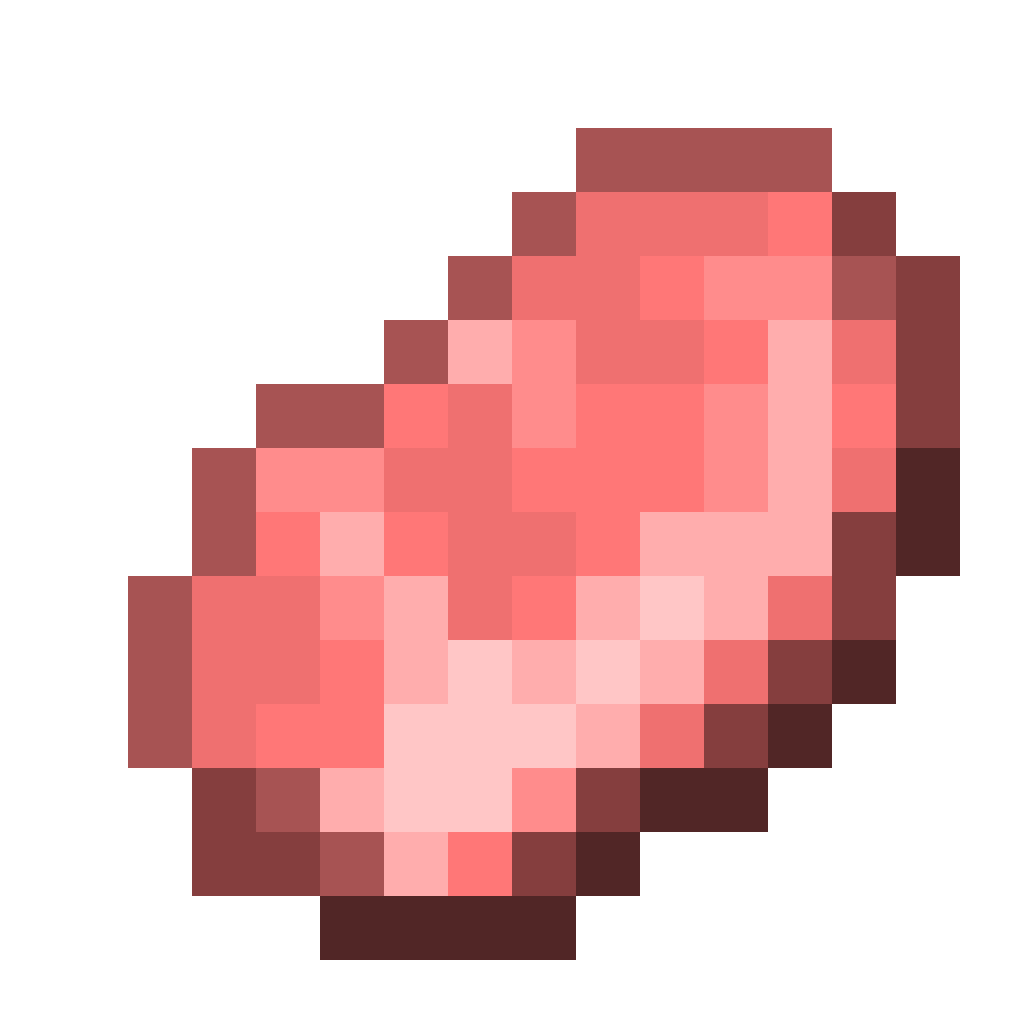
.png 20 Porkchop Emoji
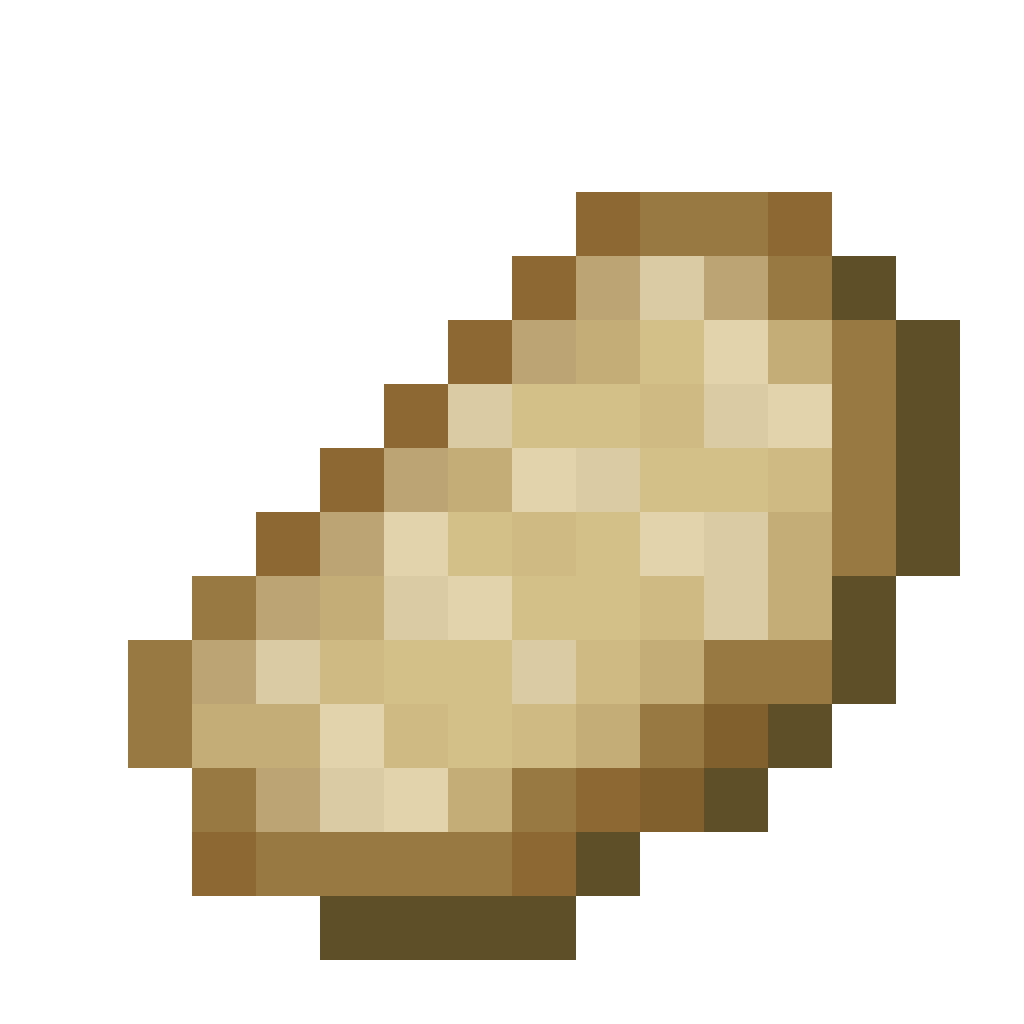
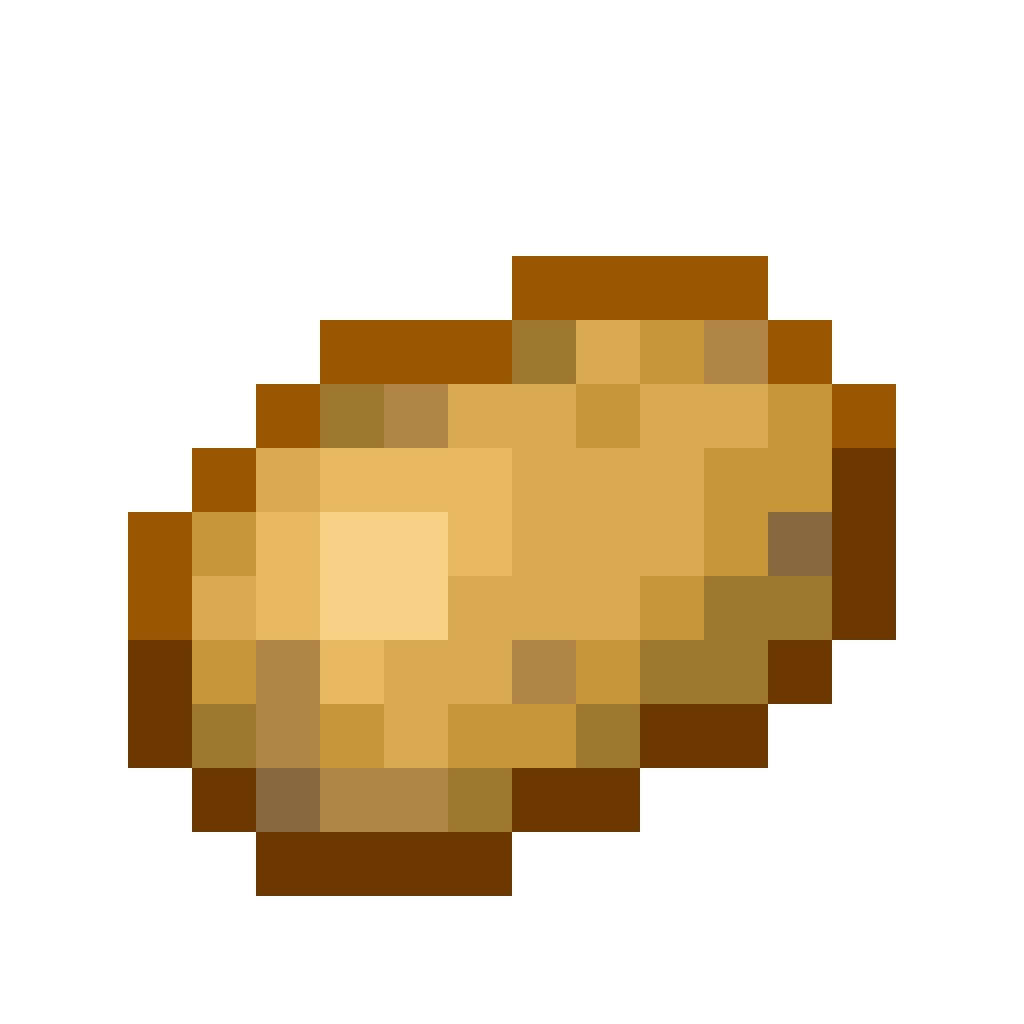
.png 118 Potato Emoji
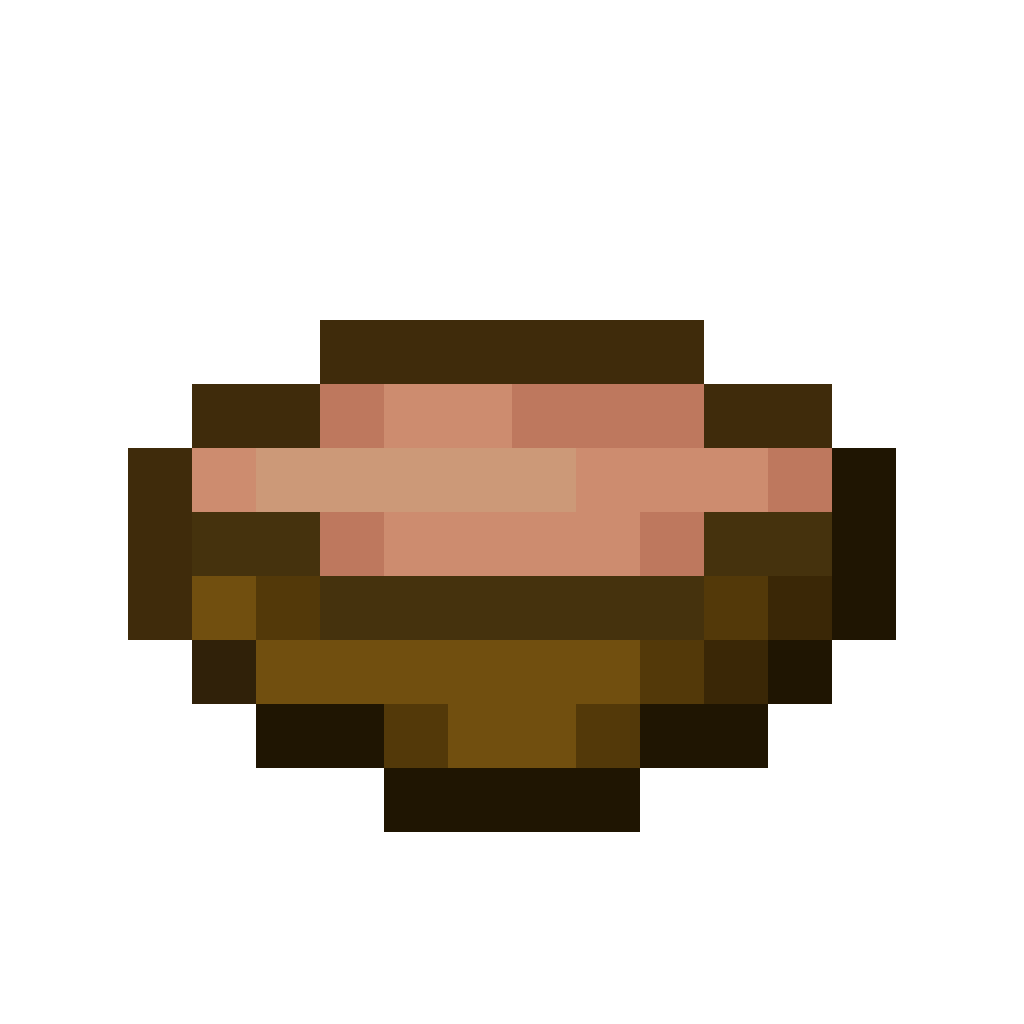
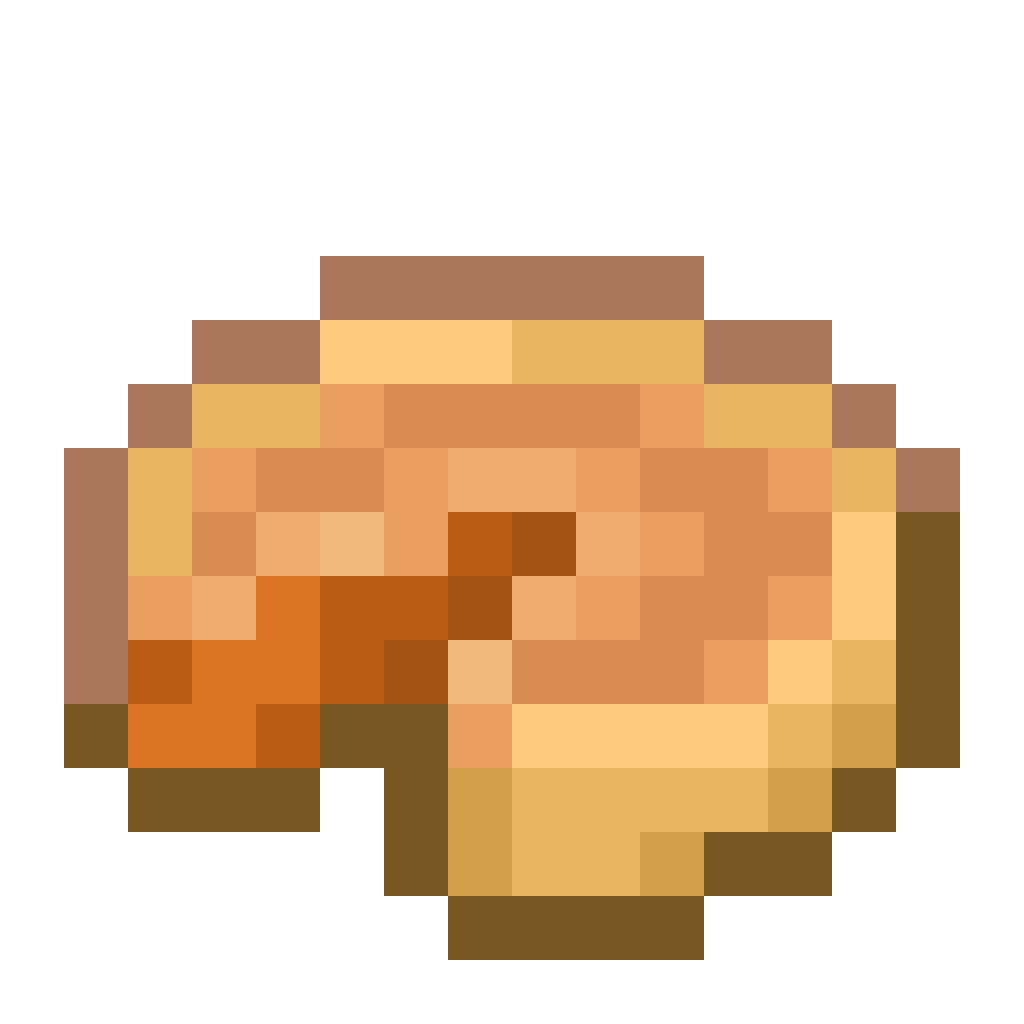
.png 62 PumpkinPie Emoji
.png 0 Rabbit Emoji
.png 0 RabbitStew Emoji

Art Style Discord emojis

Browse Art Style emojis shared by the emoji.gg community. Open a favourite to preview it, check its details and download the image.

Building a set for your server? Save your favourites to a collection as you browse so you can find them again.

Explore Art Style stickers

Add emojis to your Discord server

  1. Choose your favourites. Open a emoji and download its image.
  2. Open Server Settings. In Discord, select your server and go to the Emoji section.
  3. Upload and name it. Select the downloaded image, give it a name and save it for your community to use.

Get the Android app

Emoji.gg is better on the app. Download it from the Google Play store.

Get Emoji.gg on Google Play