Your Collection
Your collection items will appear here.

Vr Emojis

Find Vr custom emojis to use
on Discord, Twitch & Slack

.gif 9 ffxivrubycarbuncle Emoji
.gif 1.3K PeachGomaScooter Emoji
.gif 6.0K Spongescream Emoji
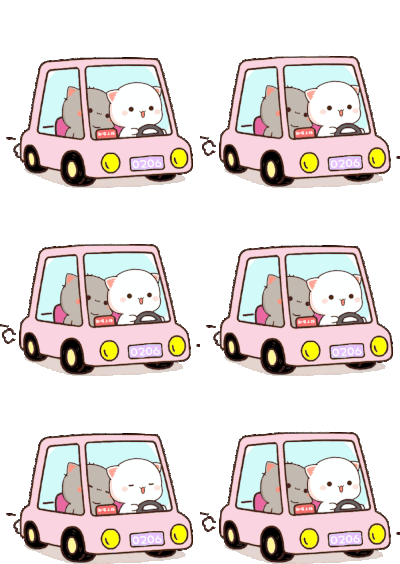
.gif 1.9K PeachGomaPinkCar Emoji
.gif 3.6K vr Emoji
.gif 104 Vram Emoji
.gif 4 RVR Emoji
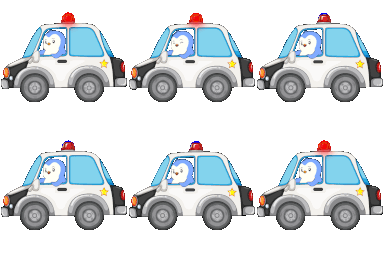
.gif 4.5K pengupolicecar Emoji
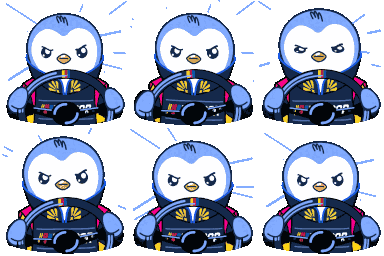
.gif 1.8K driving Emoji
.gif 4.8K UziShrug Emoji
.gif 1 GVRPhearts Emoji
.gif 3.4K VRFS Emoji
.gif 744 advholidayrizz Emoji
.gif 1.6K advrizz Emoji
.gif 6.0K vroy Emoji
.gif 3.5K skeleton_vrtv Emoji
.gif 2.5K skeleton_vrselfie Emoji
.gif 2.7K skeleton_vreating Emoji
.gif 1.8K skeleton_vrgame Emoji
.gif 2.7K skeleton_vreyedrops Emoji
.gif 12.2K drive_off Emoji
.gif 30.3K minecraft1epeneter Emoji
.gif 8.8K HEART__807 Emoji
.gif 7.0K AmeliaVRDance Emoji
.gif 20.6K pepegapoliccar Emoji

Vr Discord emojis

Browse Vr emojis shared by the emoji.gg community. Open a favourite to preview it, check its details and download the image.

Building a set for your server? Save your favourites to a collection as you browse so you can find them again.

Explore Vr stickers

Add emojis to your Discord server

  1. Choose your favourites. Open a emoji and download its image.
  2. Open Server Settings. In Discord, select your server and go to the Emoji section.
  3. Upload and name it. Select the downloaded image, give it a name and save it for your community to use.

Get the Android app

Emoji.gg is better on the app. Download it from the Google Play store.

Get Emoji.gg on Google Play